
Branching Video Maker & Branching Scenario Builder
Turn a linear video into a choose your own adventure video. Add decision points, connect segments with logic, and let viewers decide where the story goes.
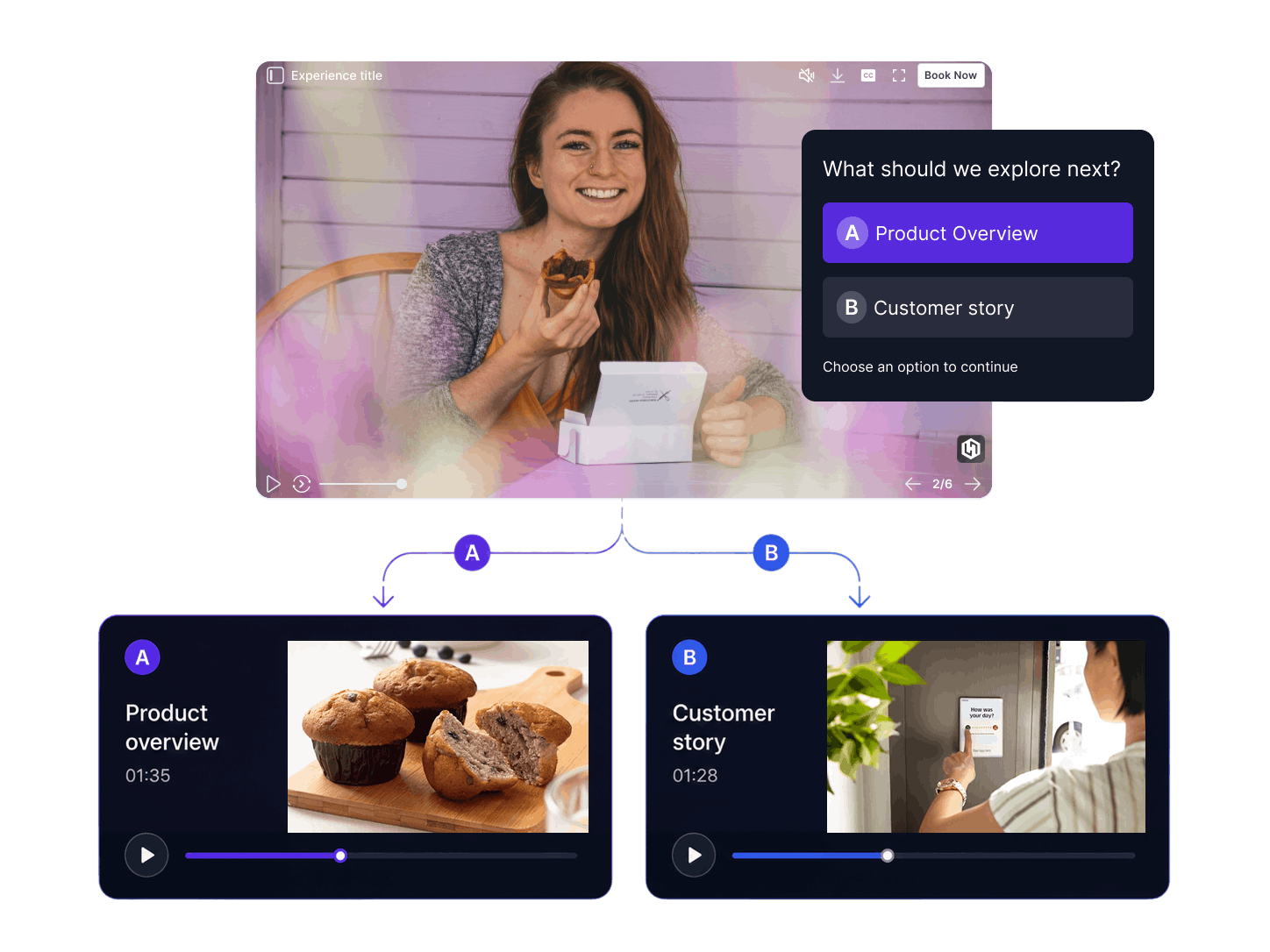



What is a Branching Video (and a Branching Scenario)?
Viewers pick what happens next. At each decision point they choose a path, and every choice leads to different content. A sales team can build one demo that adapts to each prospect's role, and a trainer can let employees play out a safety scenario and see where each decision leads. This kind of video branching turns one asset into a different journey for every viewer.
Why Use a Branching Video Maker?
Drive Viewer Engagement
Viewers make choices instead of watching passively. Watch time tends to go up when users control the path.
Improve Learning & Retention
Embed quizzes and knowledge checks between video segments. Learners only advance when they answer correctly.
Personalize at Scale
Each viewer sees content matched to their choices. One video asset serves multiple audience segments.
Increase Conversions
Place CTAs, product cards, or offers at decision points where viewer intent is highest.
No-Code Workflow
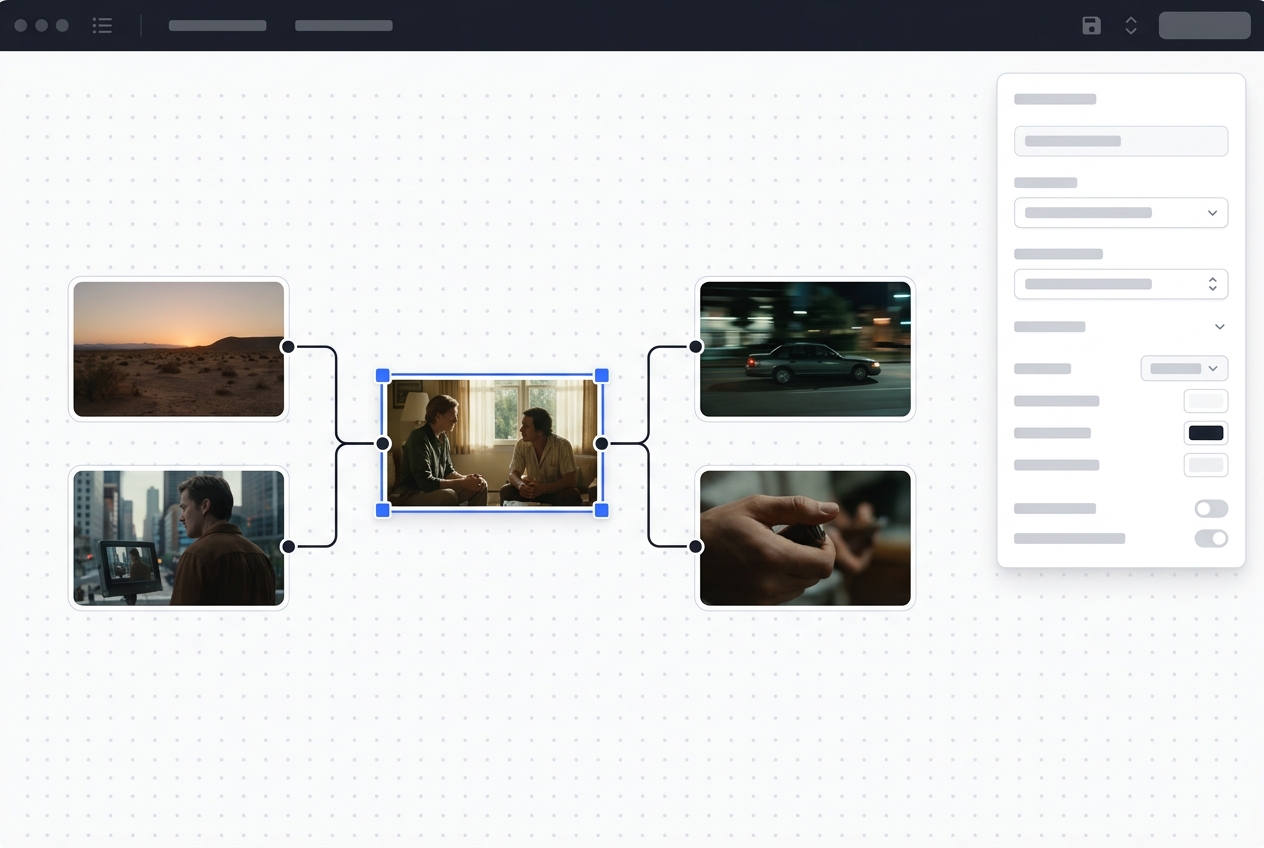
Map out branches visually with the drag-and-drop editor instead of writing code.
Top Features of KappaX Branching Video Maker
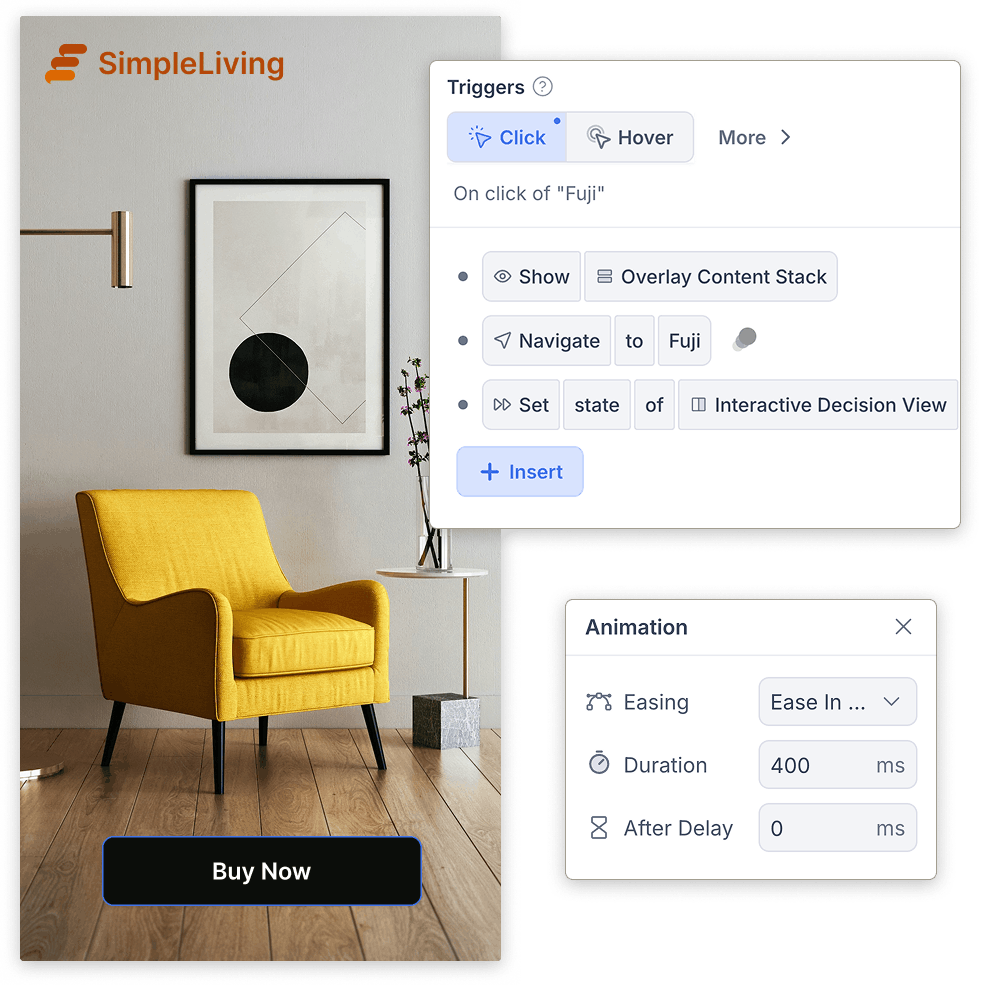
Logic-Driven Flows That Pick the Right Segment
- Combine click, answer, and variable-based conditions
- Build branching scenarios for training and compliance
- Test every condition path in preview before publishing
Decision Points That Route Every Viewer
- Mix hotspot, button, and text-prompt styles in the same video
- Set a timer so the default path plays if nobody chooses
- Build choose your own adventure videos with unlimited depth
A Visual Editor for Your Whole Flow
- Rearrange segments and decision points by dragging
- Add CTAs and transition screens between segments
- Zoom out to audit the entire flow at a glance
Real-Time Analytics on Paths and Drop-Offs
- Compare completion and conversion rates per branch
- Spot the decision point with the highest drop-off
- Filter by date range, traffic source, or device
AI Agents for Layout and Prompt Copy
- Layout agent positions decision points and connects segments
- Text agent rewrites or translates viewer-facing prompts
- Edit any suggestion by hand before accepting it
Publish to Landing Pages, LMS, and Links
- Embed on landing pages or product pages
- Upload to your LMS for scenario based learning modules
- Share branching scenarios as a direct link via email or chat
Branching Video Examples & Use Cases
Sales demos
Build one demo that asks the prospect their role up front and adapts from there. A developer sees the API walkthrough while a manager sees reporting, and your sales team maintains a single asset instead of five.
Training simulations
Build a branching scenario: present a situation, let the employee decide what to do, and play out the consequence on screen. Safety training and customer service practice both work well this way, because people remember decisions they made themselves.
Brand storytelling
Give the audience control over where the story goes. Campaigns built this way get watched more than once, since a second viewing takes a different path.
Guided troubleshooting
Ask the viewer what problem they have and walk them through the fix for their specific case. Support teams use this for issues that a linear help video never quite answers.

How KappaX Compares
Stornaway and Adventr both handle decision navigation well. Among branching video platforms, KappaX adds lead capture, eCommerce integration, and deeper analytics.
Upload Your Video Segments
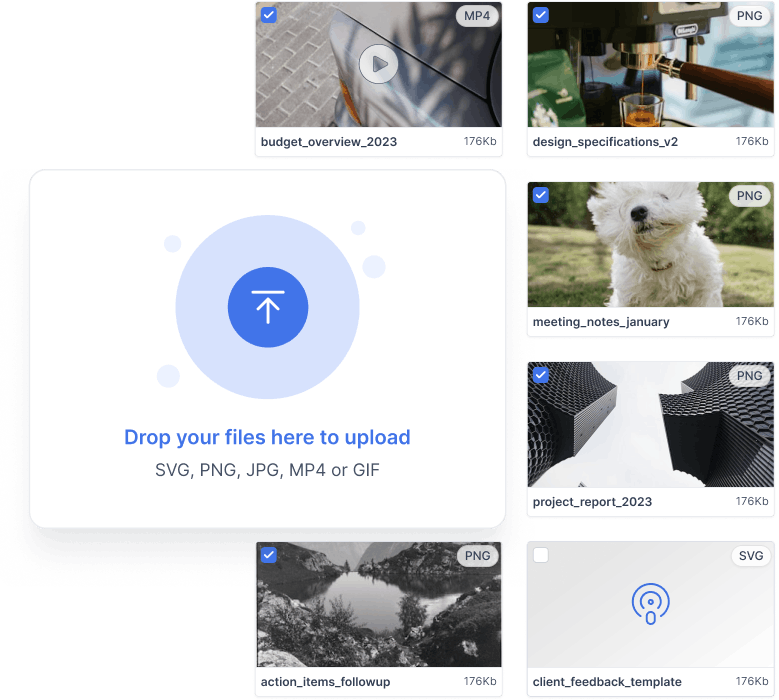
Bring in your base video and every alternate clip. Reuse segments across branches to save time.
Map the Flow on the Canvas
Arrange segments on the visual canvas and connect them into a complete storyline.
Add Decision Points and Logic
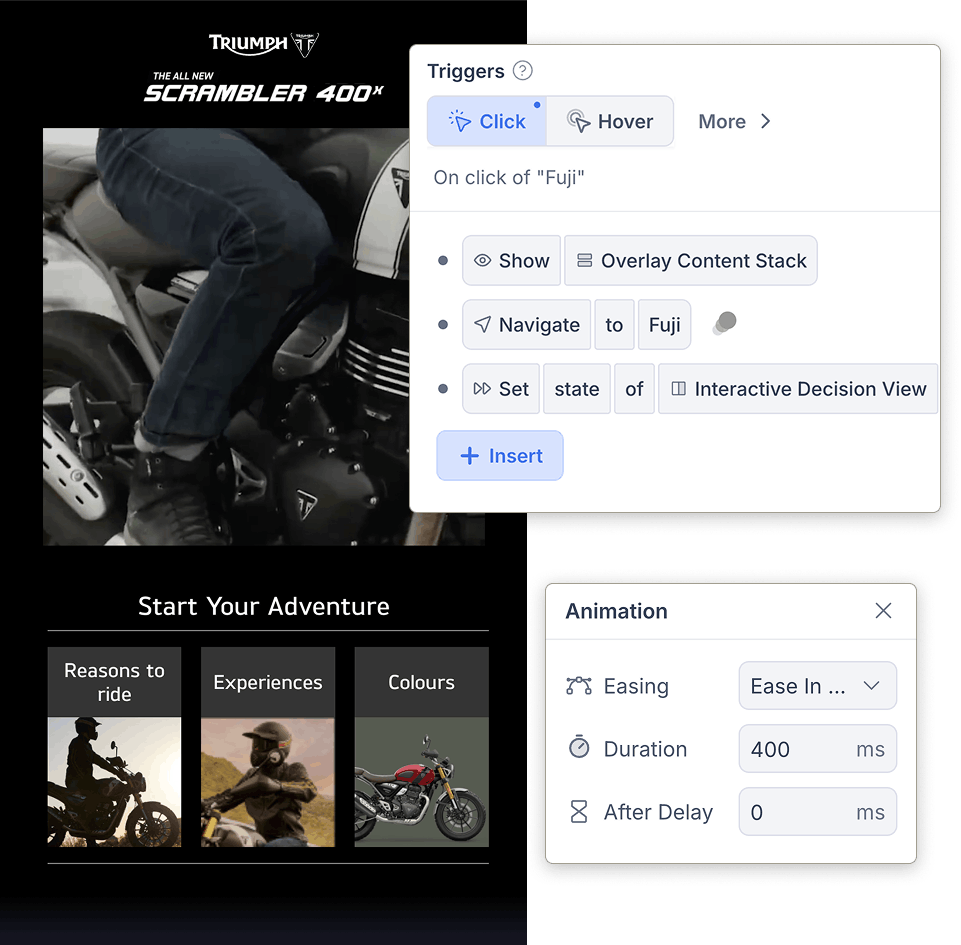
Place choices on the timeline and wire the rules that route each viewer to the right segment.
Publish and Compare Paths
Go live, then see which branches viewers pick and where each path converts or drops off.

Frequently asked questions
What types of branching videos can I create?
Product demos, onboarding walkthroughs, training simulations, and interactive brand stories. Anything works where the viewer benefits from choosing a path, like a demo that adapts to a prospect's role or a scenario where each decision plays out on screen.
Can I build branching scenarios for training?
Yes. A branching scenario presents a situation, asks the learner what they would do, and plays out the consequence of each choice. This interactive scenario format works for safety, compliance, and customer service training, and it embeds in an LMS like any other KappaX video.
Can I capture leads in a branching video?
Yes. Add a lead form at any decision point. Responses show up in analytics alongside the path each viewer took.
Can I use branching videos in an LMS?
Yes. They embed on LMS platforms the same way they embed on landing pages and product pages. A direct link works too if your LMS only accepts URLs.
Do I need to shoot separate videos for every path?
Yes, each branch is a separate video segment. You can reuse base content across paths to optimize effort.
Can I add buttons or hotspots inside the video?
Yes. You can add timed buttons, clickable elements, or decision prompts at any timestamp.
Is coding required?
No. KappaX is a no-code tool. The drag-and-drop editor handles all branching logic visually, and AI agents can generate overlay graphics, write decision-point copy, and suggest path structures.
How do I track viewer behavior?
Use the built-in analytics dashboard to view each user path, decision flow, drop-offs, and conversions.
How do I make a choose-your-own-adventure video?
Upload a base video and one clip for each choice, connect them on the canvas, and add decision points where viewers pick a path. Set a default path for viewers who don't choose, preview every route, then publish.



Learn more: Stornaway alternative