
Interactive Ad Maker for HTML5 & Rich Media Ads
Ads that respond to what users do. Add quizzes, product selectors, branching video, and shoppable carousels to any campaign. Build everything in a drag-and-drop editor and embed on any ad network or site.



What is an Interactive Ad and How is it Different from Rich Media?
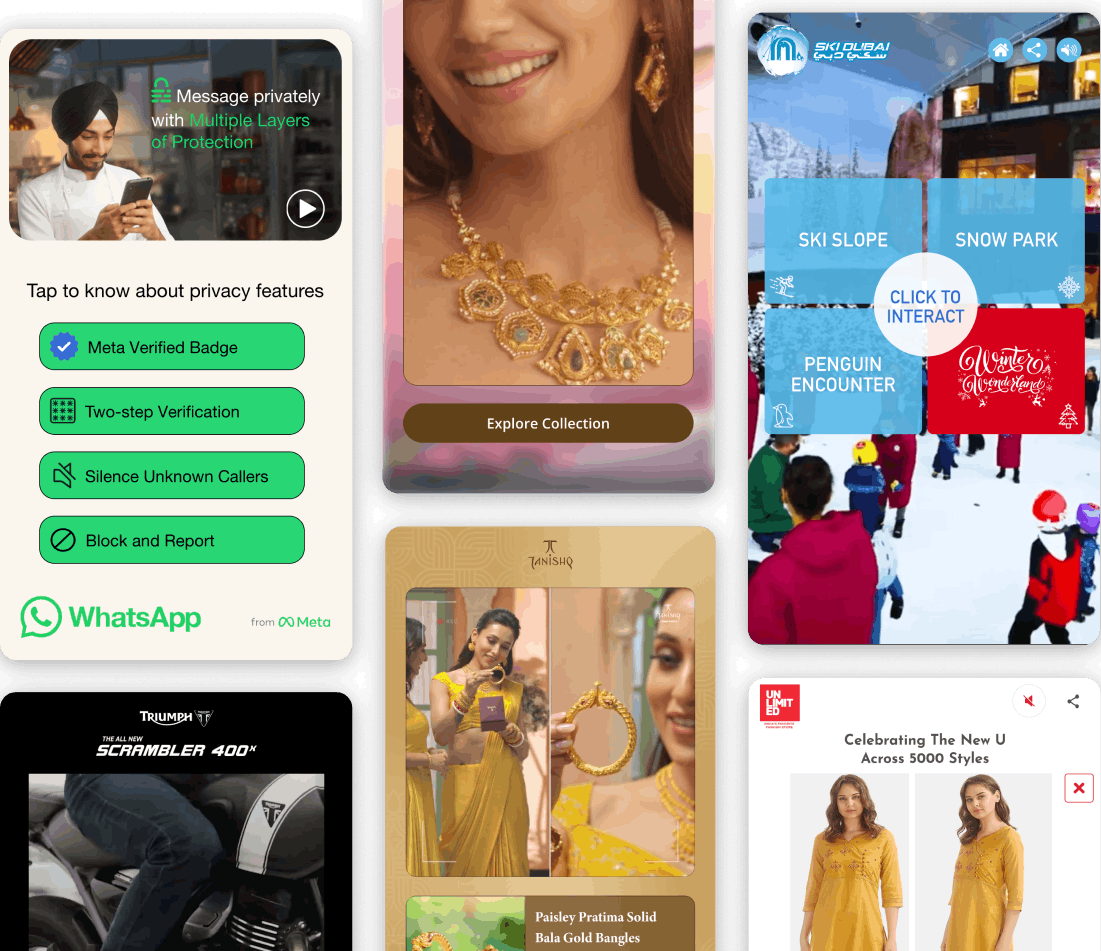
KappaX is an interactive ad maker for HTML5 and rich media ads. An interactive ad is one people can do something with: quizzes, product selectors, clickable video, and shoppable carousels all run inside the ad unit, and each choice moves the viewer toward a purchase. You build it in a drag-and-drop editor and export standard HTML5 that runs on Google Display, Meta, LinkedIn, and programmatic networks. Agencies run quiz lead magnets, ecommerce brands use product selectors, and media teams ship playable and gamified ads from the same editor.
Why Use an Interactive Ad Maker?
Higher Engagement Rates
People spend more time with an ad they can click through and explore than with a static banner.
Better Conversion Paths
Users browse products, answer questions, and hit a CTA inside the same ad unit. Fewer steps between interest and action.
Reduced Ad Fatigue
Each viewer sees a different path based on their choices. That variety keeps the ad feeling fresh across repeat impressions.
Deeper User Insights
Analytics capture every click, skip, and scroll. You see exactly which paths lead to conversions and which ones lose attention.
No Developer Required
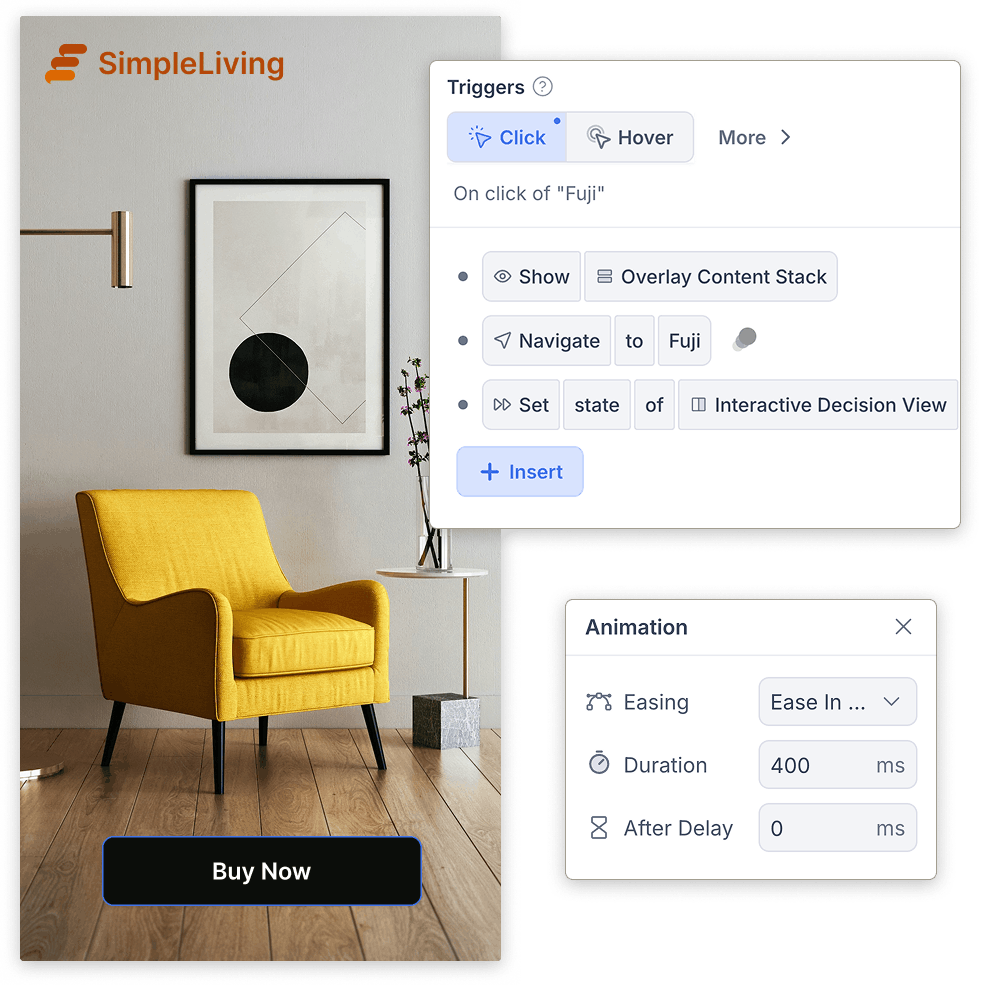
Marketing teams build and publish ads that work like microsites. The editor handles layout, logic, and embedding.
What You Can Build: HTML5, Rich Media and Playable Ads

Personalization Driven by Choices Inside the Ad
- Swap the CTA, offer, or product set per path
- Route users based on quiz answers or selector choices
- A single interactive ad unit replaces several static variants
Interactive Formats Ready Out of the Box
- Quizzes, sliders, selectors, hotspots, and branching video
- Playable ads that let users try a product before clicking through
- Gamified ads with rewards, countdowns, or score mechanics
A Drag-and-Drop Editor for Ad Flows
- Preview on desktop, tablet, and mobile before launch
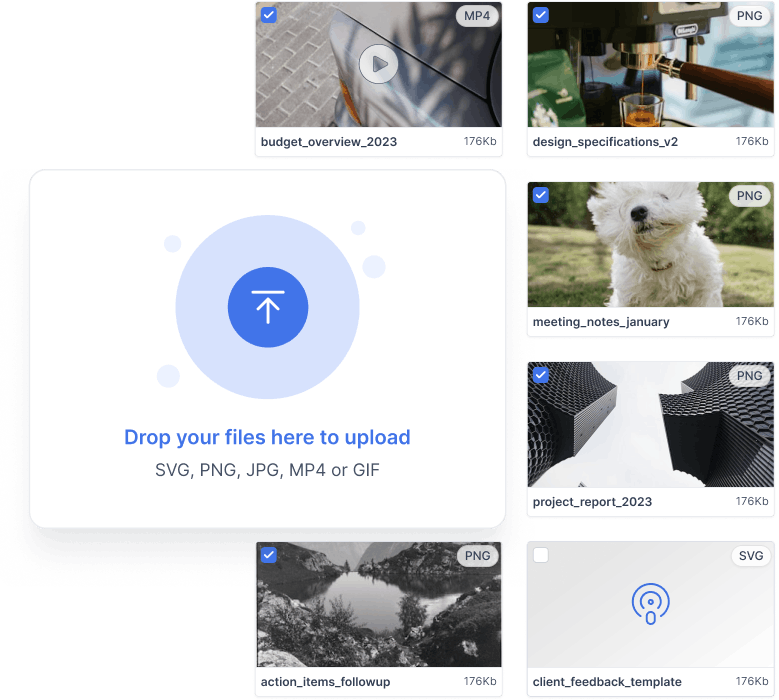
- Swap creative assets or reorder screens without restarting
- Duplicate a working flow and tweak it for a new campaign
Build Once, Run on Every Ad Network
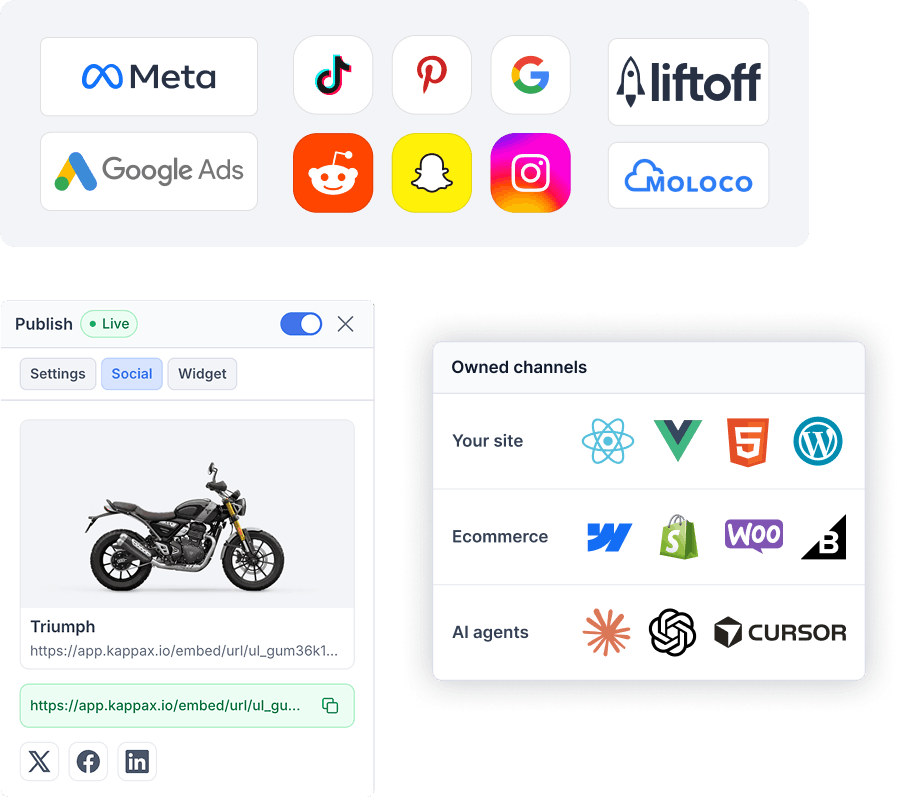
- Google Display, Meta Ads, LinkedIn, DV360, CM360, and programmatic networks
- Embed directly on a landing page or in an email template
- Reuse the same interactive banner ad across every placement
AI Agents for Imagery, Copy, and Resizing
- Image agent generates visuals and strips product backgrounds
- Text agent rewrites copy for different audiences or languages
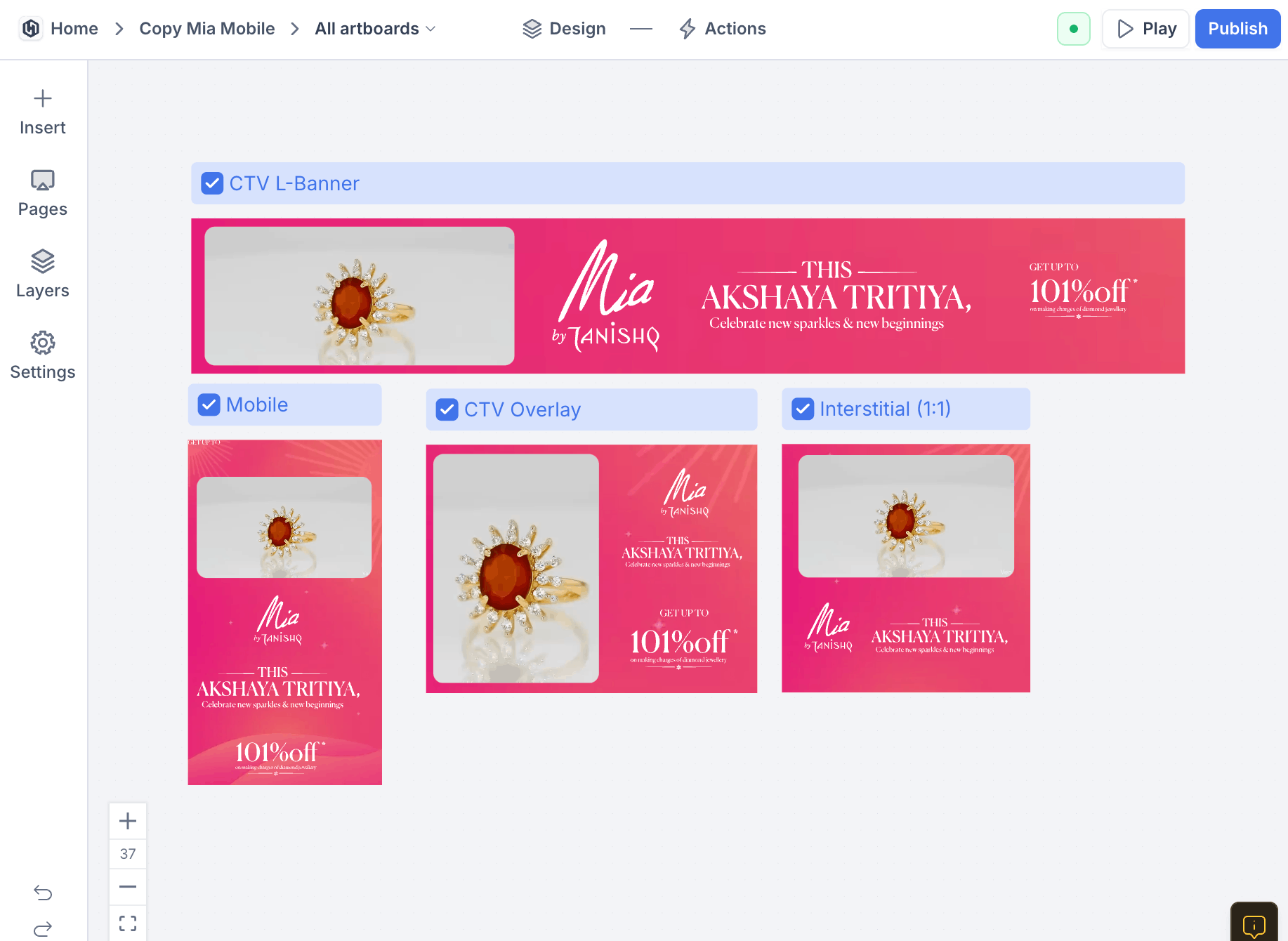
- Resize agent adapts a finished ad to every placement dimension
Heatmaps and Path Reports for Every Ad
- Heatmaps show which CTA gets the most engagement
- Path reports reveal where users drop off or complete
- Compare performance across placements and networks
Interactive and Rich Media Ad Examples
Quiz lead magnets
Run a short quiz inside the placement and ask for an email before showing results. The people who finish are qualified by their own answers, and you learn what each lead cares about before the first call.
Product selectors
Ask two or three questions and route the shopper to the right product. Selectors work well for catalogs where buyers do not know which variant fits them, like skincare, supplements, or hardware.
Shoppable carousels
Let users browse several products inside the ad and click through to the one they want. That removes steps between seeing a product and buying it, and carousel data shows which products pull attention.
Branching video ads
Start with a question and play a different clip per answer. Repeat impressions feel less stale because the ad does not play out the same way twice.
How Triumph Motorcycles Got 5x More CTA Clicks with an Interactive Ad
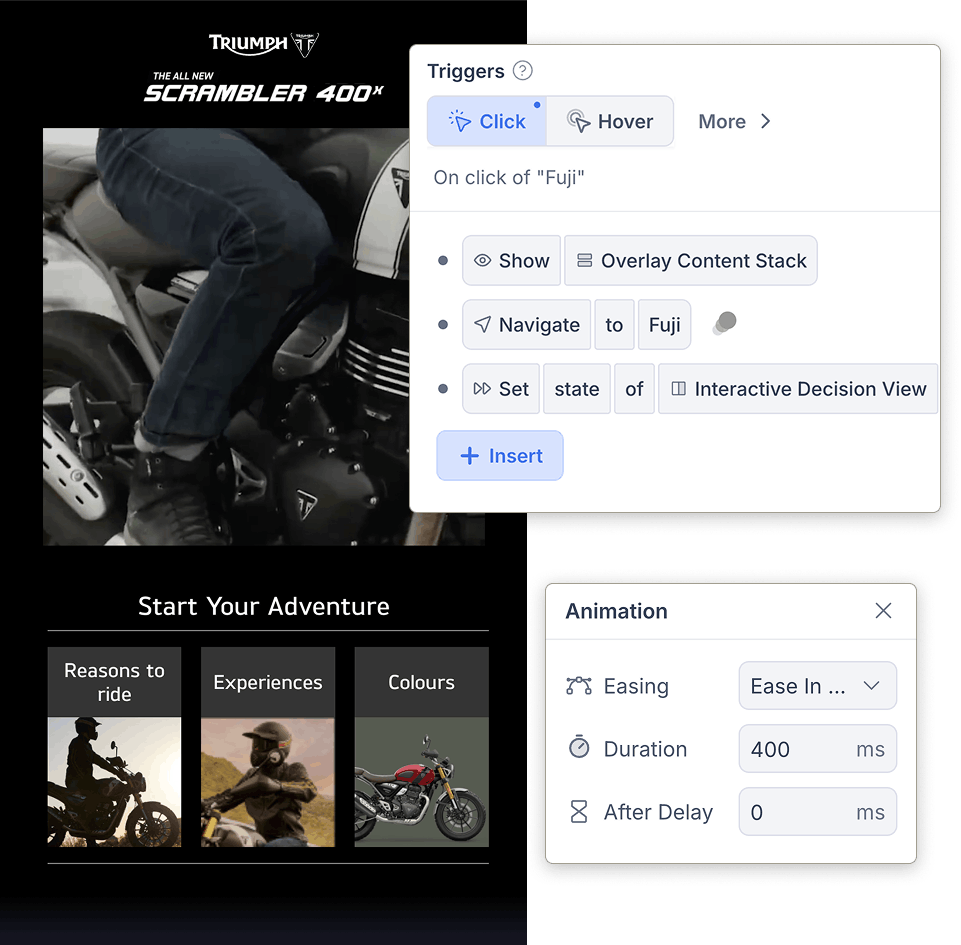
Triumph consolidated separate feature videos, testimonials, and color customization into a single interactive ad. Viewers explored at their own pace and enquired directly from the unit.

How KappaX Compares
Outgrow is built around quiz ads and AdCreative.ai around static creative. KappaX covers video, quiz, and shoppable formats in one builder.
Pick an Ad Format
Choose a quiz, selector, playable, or branching-video format. Every one exports as an HTML5 unit.
Build the Flow on One Canvas
Connect screens, set transitions, and preview on desktop, tablet, and mobile before launch.
Personalize Paths and CTAs
Set the rules that swap offers, products, and CTAs based on what users do inside the ad.
Export HTML5 and Track per Placement
Ship the same file to every network and compare engagement placement by placement.
Frequently asked questions
What types of interactive ads can I create?
Quizzes, video flows, image hotspots, sliders, shoppable ads, interactive commercials, and product selectors.
Do interactive ads work with paid media platforms?
Yes. Ads export as HTML5 units compatible with Google Display, DV360, CM360, Meta Ads, LinkedIn, and any network that accepts rich media.
Can I track conversions and behavior?
Yes. The analytics dashboard shows clicks, drop-off points, completion rates, and conversion events per ad.
Do I need coding or design skills?
No. The editor is drag-and-drop, and built-in AI agents can generate copy, resize creatives, and suggest layouts, so marketing teams launch ads without developer or designer support.
How is an interactive ad different from a banner?
A banner shows one message and one link. An interactive ad runs a small experience inside the same placement, so a user can answer a quiz, compare products, or watch a clip that responds to their choices.
Are interactive ads the same as rich media, playable, or gamified ads?
They overlap. Rich media ads is the umbrella term ad networks use for units with motion or interaction, playable ads let users try something inside the placement, and gamified ads add quizzes, points, or challenges. KappaX builds all of these as standard HTML5 units.
Can I match the ad to my brand?
Yes. Fonts, colors, layout, and imagery are all editable, so the ad follows your brand guidelines rather than a fixed template.
How fast can I go live with a campaign?
You can publish as soon as the ad is built. There is no approval queue on the KappaX side.
What is an HTML5 ad?
A display ad built with HTML, CSS, and JavaScript instead of a flat image. It can animate, play video, and respond to taps and clicks, and it runs in any modern browser without plugins. KappaX exports every interactive ad as HTML5.
Can I export HTML5 ads for Google Ads, DV360, or CM360?
Yes. KappaX exports standard HTML5 units that work with Google Display, DV360, CM360, Meta, LinkedIn, and other programmatic networks.



Learn more: types of interactive advertising · interactive ad examples