AI Test Maker & Interactive Exam Generator
Turn course content into interactive learning experiences. Generate exams with AI, set scoring rules, add conditional logic, and track how each question performs.



What is an AI Test Maker and Exam Generator?
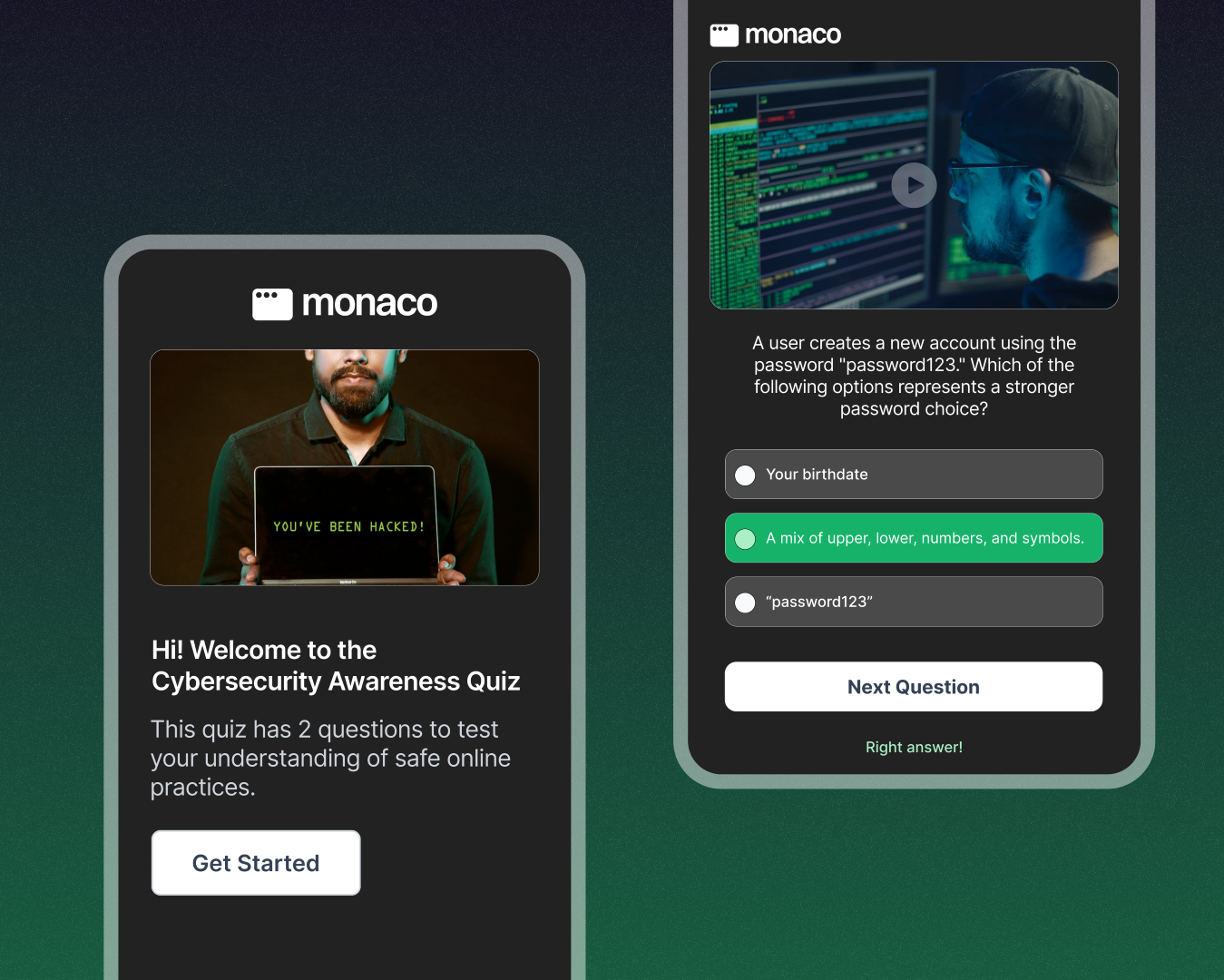
KappaX is an AI test maker that turns pasted text, a PDF, or a web page into an interactive exam. The exam generator drafts multiple choice questions, true/false, open-ended, and match-the-following items from your material, and you can edit or reorder them before publishing. Then you assign scores and add branching logic so each learner gets a path based on their answers. A teacher can turn a chapter into a graded test, and an HR team can build compliance certifications that adapt to each employee.
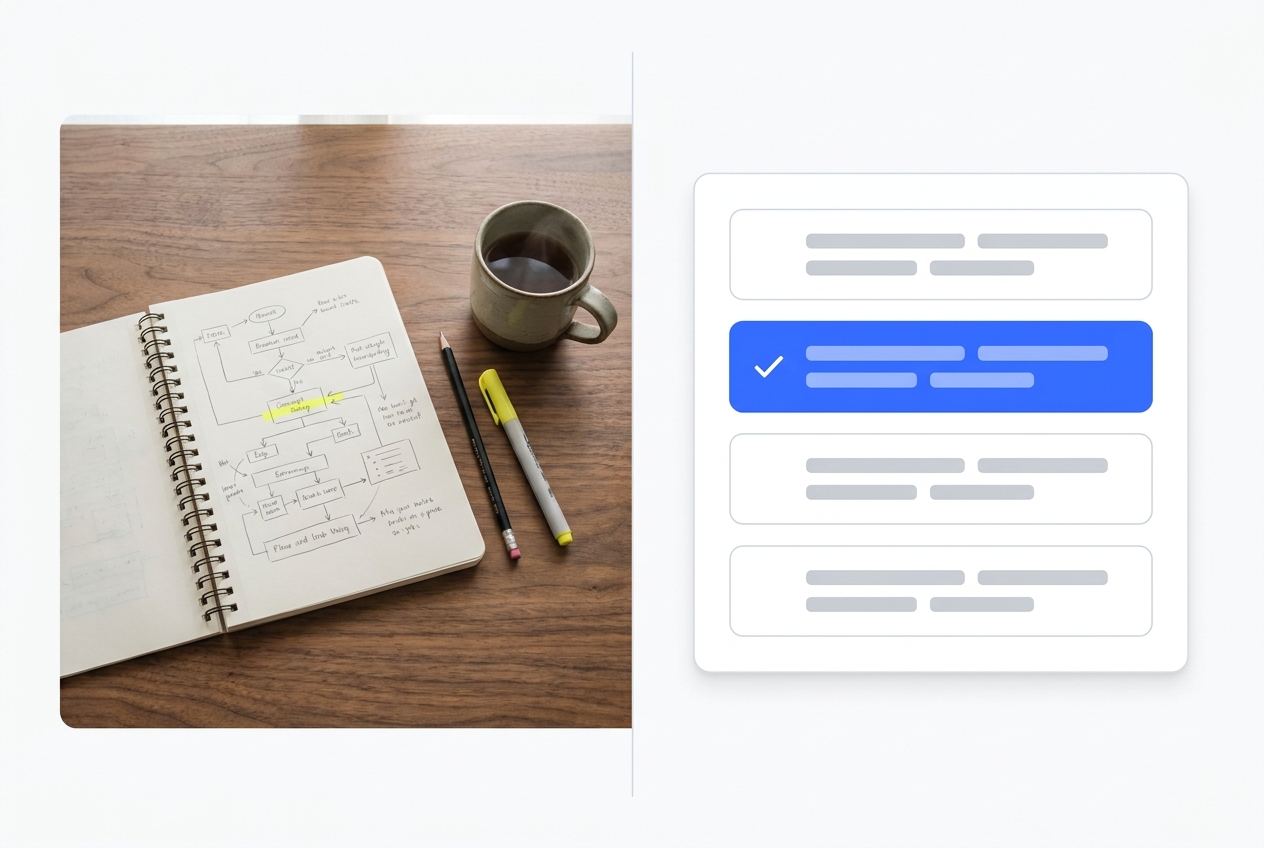
Why Use an AI Test Generator Instead of Writing Tests by Hand?
Efficient Exam Creation
Paste your content and generate a structured exam. Skip the manual formatting.
Assessment Versatility
Multiple-choice, short answer, fill-in-the-blank, and mixed-mode formats in a single exam.
Adaptive Testing
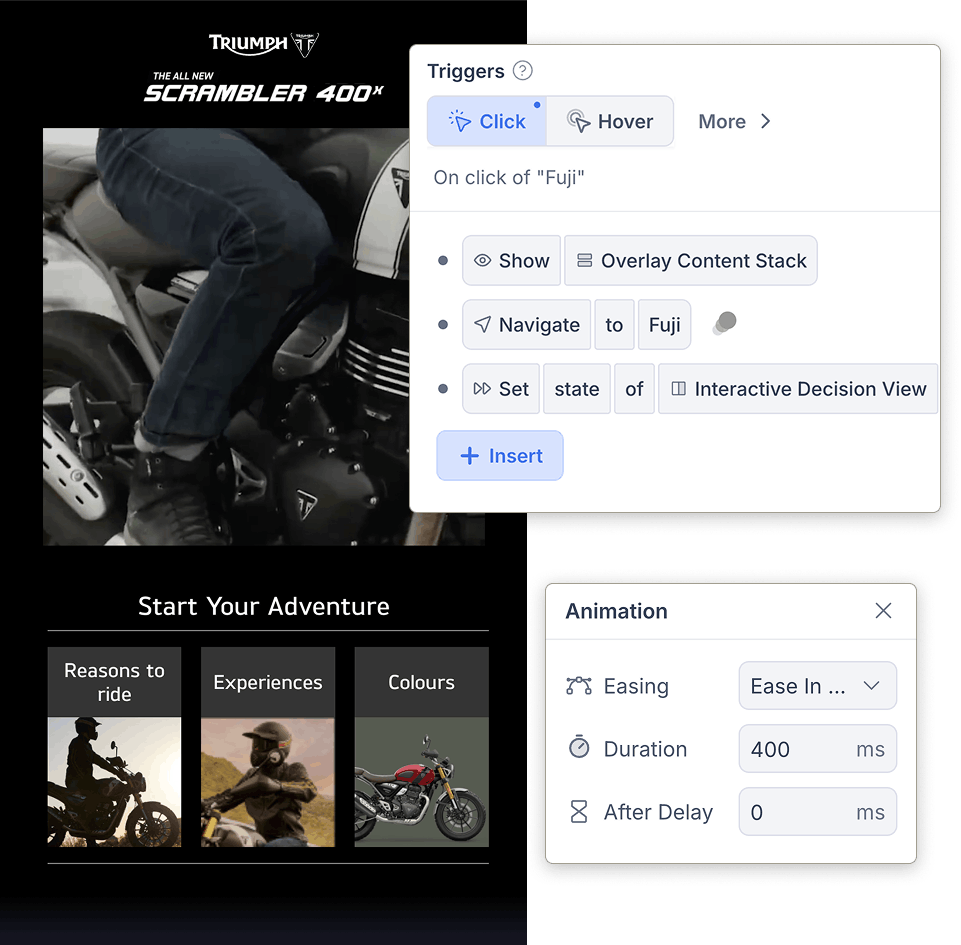
Branch to harder or easier questions based on prior answers, the way an adaptive learning platform should. Each learner gets a path matched to their level.
Instant Insights
Question-level scores, completion rates, and time-spent data update as learners submit. Export or view in the dashboard.
Full Control Without Code
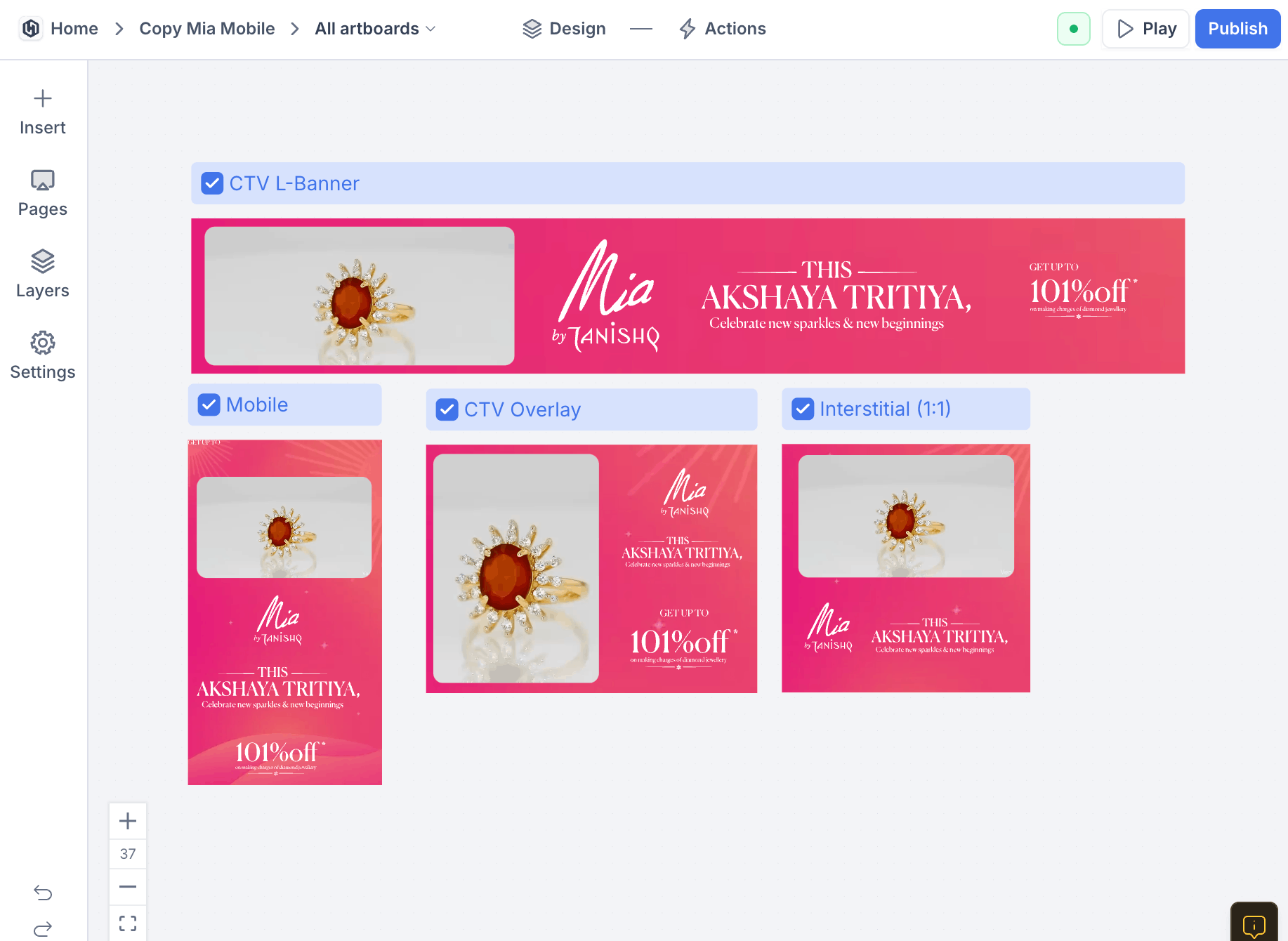
The drag-and-drop builder gives you full control over structure and styling without pulling in a developer.
Features of the KappaX AI Test Maker
Flexible Question Types Mixed in One Exam
- Open-ended responses queue for manual review alongside auto-scored items
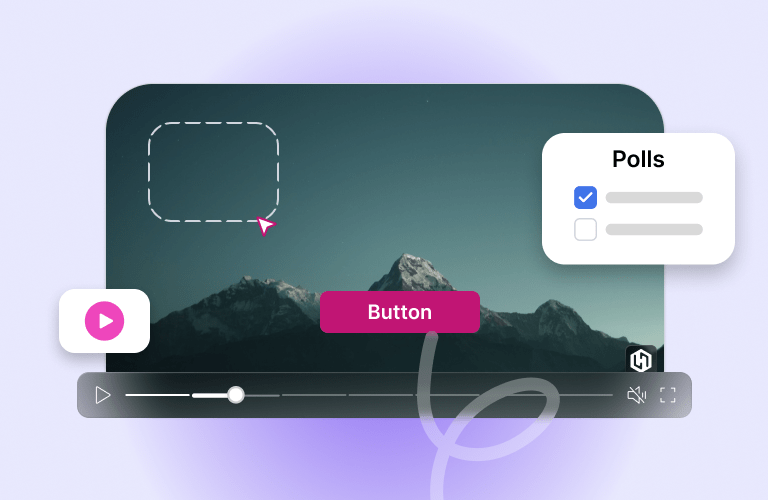
- Embed knowledge checks inside interactive training videos that pause until answered
- Add images or media to any question stem
Conditional Logic That Adapts to Each Learner
- Learners who pass the basics skip ahead automatically
- Struggling learners see remedial content before moving on
- Build scenario based learning flows with branching outcomes
Customizable Scoring, Thresholds, and Feedback Rules
- Weight harder questions with more points
- Show a different message for each pass/fail bracket
- Learners see their results immediately after submission
Smart Templates for Quizzes, Exams, and Certifications
- Templates for quizzes, certifications, and subject assessments
- Swap questions and adjust the passing threshold
- Restyle colors, fonts, and layout to match your course branding
AI That Rewrites and Translates Your Exams
- Rewrite questions for clarity or a different reading level
- Translate the entire exam into another language in one pass
- Adjust tone from formal to conversational without rebuilding
A Performance Dashboard That Updates Live
- Question-level pass rates show which topics need reteaching
- Time-per-question data flags items that confuse learners
- Completion heat maps reveal where cohorts stall or drop off
Who Uses the Exam Generator
Classroom tests
Paste a chapter or upload a PDF and get a graded test out of it. Teachers reorder the generated questions, adjust point values, and share a link with the class.
Compliance certification
HR teams set a pass threshold and let the exam branch to harder or easier questions based on answers. The dashboard records who passed, who did not, and where people struggled.
Placement assessments
Route learners to the right course level by testing them first. Adaptive paths mean a strong learner is not stuck answering thirty easy questions to prove it.
Employee skill checks
Run short recurring assessments after training sessions. Question-level analytics show which topics stuck and which ones need another pass.
How KappaX Compares
Doctrina AI also turns course content into exams. KappaX adds adaptive testing, custom scoring, and an analytics dashboard.
Choose a Template or Import Content
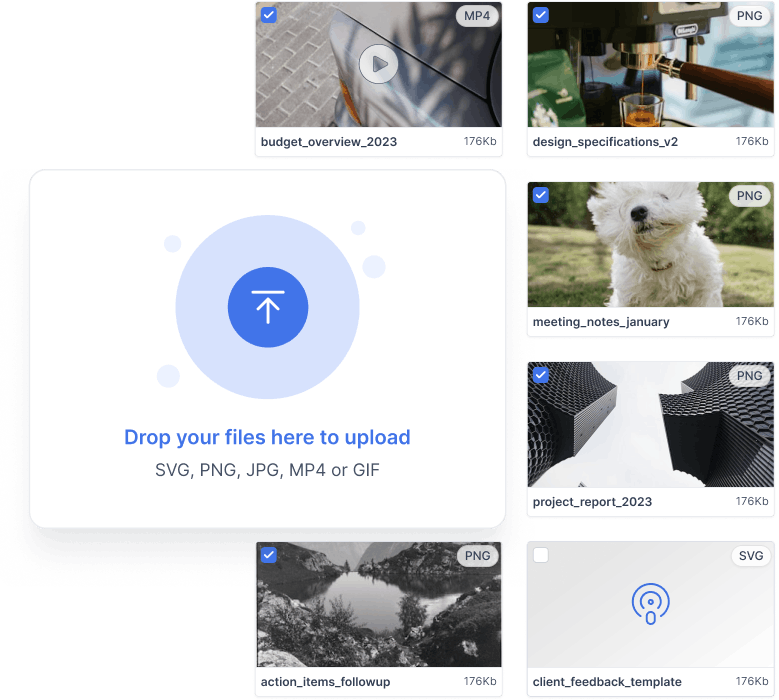
Start from a certification template, or paste text, PDFs, or a URL to generate questions from your material.
Mix Your Question Types
Combine MCQ, true/false, match-the-following, and open-ended questions in one exam.
Set Scoring, Thresholds, and Feedback
Weight questions, set the pass mark, and write feedback for each score bracket.
Publish and Review Results Live
Share via link or your LMS, then watch question-level results stream into the dashboard.

Frequently asked questions
Does the tool support adaptive learning?
Yes. Set conditional paths that direct learners to different questions based on their performance and prior answers.
Can I use it for scenario based learning?
Yes. Combine exams with branching video to build scenario based learning: present a situation, let the learner decide, and play out the consequence. Interactive training videos with embedded knowledge checks work the same way.
Is real-time feedback available?
Yes. Learners see score breakdowns and targeted feedback as soon as they submit.
Can I track and analyze results?
The analytics dashboard shows question-level performance, average duration, and where learners drop off.
Do I need any coding or design skills?
No. KappaX uses a drag-and-drop builder with ready-to-use templates, and AI agents can draft questions, generate visuals, and structure scoring logic, so you can build and publish an exam without writing code or hiring a designer.
What content can I generate an exam from?
Pasted text, an uploaded PDF, or a URL. Questions come from your source material, and you can edit or reorder them before publishing.
How do learners take the exam?
Embed it on a page or share a direct link. Results appear in the dashboard as each learner submits.
Is there a free AI test generator?
KappaX doesn't have a free plan, but you can try the AI test maker free for 7 days. The trial lets you generate a test from your own material and share it before you decide.
How is KappaX different from Google Forms for tests?
Google Forms collects answers to questions you write yourself. KappaX drafts the questions from your PDF, text, or URL, adds scoring and branching so learners get different paths based on their answers, and shows per-question results in a dashboard.
Can I export tests to my LMS?
Yes. Export the test to your LMS, embed it on any page, or share it as a direct link.