
Interactive Quiz Maker & AI Quiz Builder
Build quizzes that branch based on user answers, capture leads mid-flow, and show scored results. Use them for product recommendations, assessments, or lead qualification




What is an Interactive Quiz?
KappaX is an interactive quiz maker with a built-in AI quiz maker: give it a topic and it drafts the questions, or give it existing copy and it rewrites or translates them. Users answer multiple choice questions and get a result based on their answers, such as a product recommendation, a lead score, or an assessment grade. Ecommerce brands use quizzes as product finders, and B2B teams use them to qualify leads before a sales call. You control the logic and what happens at each step.

Why Use an Interactive Quiz Maker?
Drive Engagement
A quiz asks something of the user, so people stay longer and click more than they do on static content
Capture Leads
Place email capture forms between questions or before the results page. Collect exactly the fields you need
Personalize Recommendations
Map answers to product suggestions or content. Each user sees results relevant to them
No-Code Builder
Drag and drop questions, connect logic paths, and publish. The entire flow is visual
Measure What Works
Track completion rates, see where users drop off, and compare conversion across quiz variants
Features of the KappaX Quiz Creator
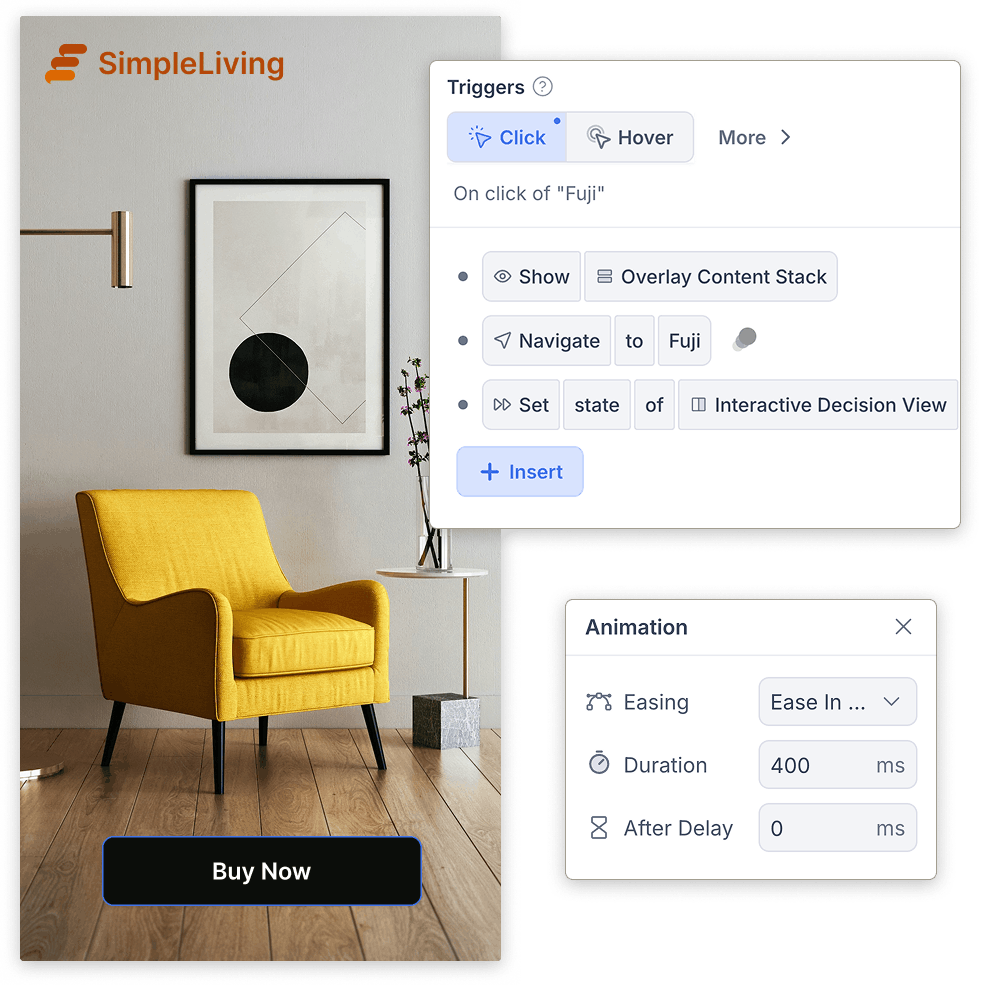
Branching Logic That Adapts to Every Answer
- Build product finders, assessments, or diagnostic flows
- Pair questions with video segments to create a video quiz
- Nest branches inside branches for multi-layer logic
Lead Capture Forms at Any Quiz Step
- Add fields for email, company, phone, or anything custom
- Gate the results page so only form submitters see it
- Leads arrive in your CRM with their quiz answers attached
Results Pages Tailored to Every Score
- Recommend a different product per score bracket
- Show a breakdown chart with per-question feedback
- Add CTA buttons that link to the recommended item or next step
Interactive Quiz Builder with Drag and Drop
- Drag questions and connect logic paths visually
- Reorder, duplicate, or delete steps in one click
- Live preview updates as you change the flow
AI Quiz Maker: Generate Questions from a Prompt
- Translate the entire quiz into another language in one pass
- Image agent generates visuals for each result page
- Approve, edit, or reprompt every suggestion
Real-Time Analytics on Every Question and Answer
- See which question causes the most abandonment
- Compare answer distributions across traffic sources
- Export completion and lead data as CSV
Interactive Quiz Examples for Marketing and Training
Product finders
Ask shoppers a few questions and map their answers to products with weighted scores. The results page shows the matched product with a buy link, which turns browsing into a guided decision
Lead qualification
Place the email form right before results, then use the answers to score each lead. Sales gets context with every contact instead of a bare address
Knowledge checks
Build scored tests with auto-grading and per-question feedback. Trainers see completion rates and the questions people miss most
Onboarding flows
Ask new users what they want to achieve and route them to the right starting point. A quiz doubles as a survey here, since every answer is data about your audience
How IIFL Securities Got Over Half Its Viewers to Use an Interactive Calculator
IIFL Securities embedded a personalized interest calculator inside video content. Users entered an amount, saw returns instantly, and applied from the same screen.

How KappaX Compares
Typeform is a general form builder and Outgrow leans toward calculators. KappaX adds full branching, custom scoring, and product recommendations.
Pick a Quiz Template or Start Blank
Choose a marketing, education, or product-finder template, or build from scratch
Add Questions and Answer Logic
Drop in questions and wire branching so every answer leads somewhere relevant
Add Lead Capture and Results Pages
Place your form at any step and map each score to its own results page
Publish and Watch Leads Arrive
Embed the quiz or share a direct link. Leads land in your CRM with their answers attached


Frequently asked questions
What types of quizzes can I create?
Product finders, lead generation quizzes, knowledge checks, onboarding flows, and training assessments. Any format where users answer questions and see a result
Can I collect emails with my quiz?
Yes. You can place a lead capture form at any step, including right before the results page
Is this tool suitable for education?
Yes. You can build scored tests and training modules with auto-grading and per-question feedback. For exams and graded tests, use our AI test maker, which generates questions from your notes or PDFs
Can I make a video quiz?
Yes. Pair quiz questions with video segments in the interactive video maker, so viewers answer while they watch and their score carries through to the results page
Can AI generate my quiz questions?
Yes. The built-in AI agents work as an AI quiz maker: they draft and rewrite question wording, translate the whole quiz, and generate result-page images from a prompt
How can I recommend products through a quiz?
Map each answer to a weighted score, then assign products to score ranges. The results page shows the matched product with a link or CTA
Do I need coding or design experience?
No. The editor is drag-and-drop, and AI agents can write questions, generate result-page graphics, and set up scoring logic. You build the quiz visually and publish it with one click.
Can I A/B test quiz versions?
Yes. Publish more than one variant and compare completion and conversion rates in analytics to see which flow performs better
Can I style the quiz to match my brand?
Yes. Colors, fonts, and layout are all editable, so the quiz reads as part of your site
Can I embed a quiz on WordPress or my website?
Yes. Paste the embed code into any page that accepts one, such as a WordPress Custom HTML block, or share the quiz as a direct link.



Learn more: interactive marketing examples