The AI creative suite for on-brand ads
 Aa Grotesk




Same product. Same face. Every ad.
 Product
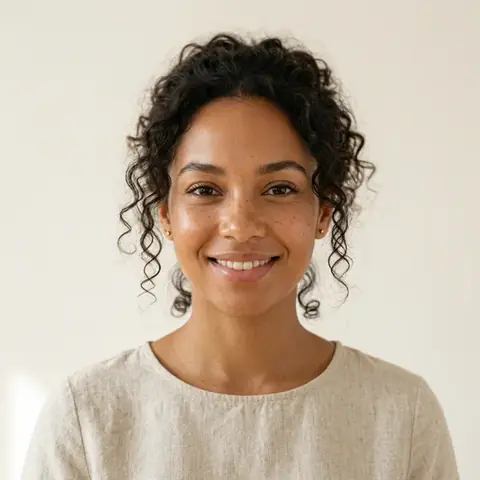 Face
Face


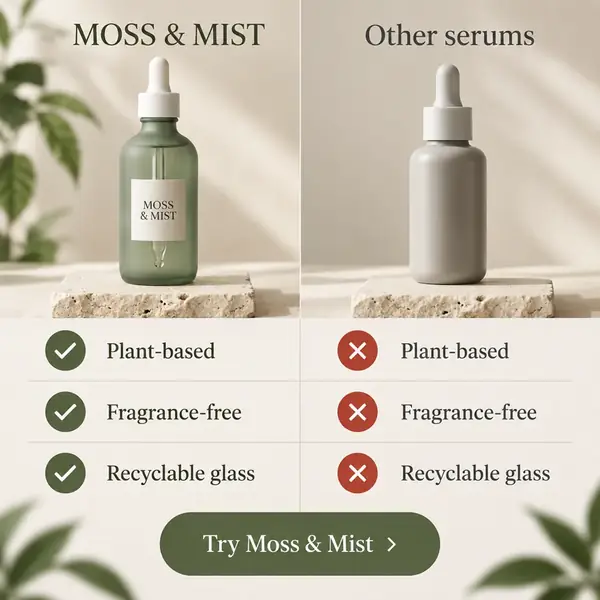




Same product
Add product photos as references, and every product ad shows the same product. The same works for AI product photography.
Same face
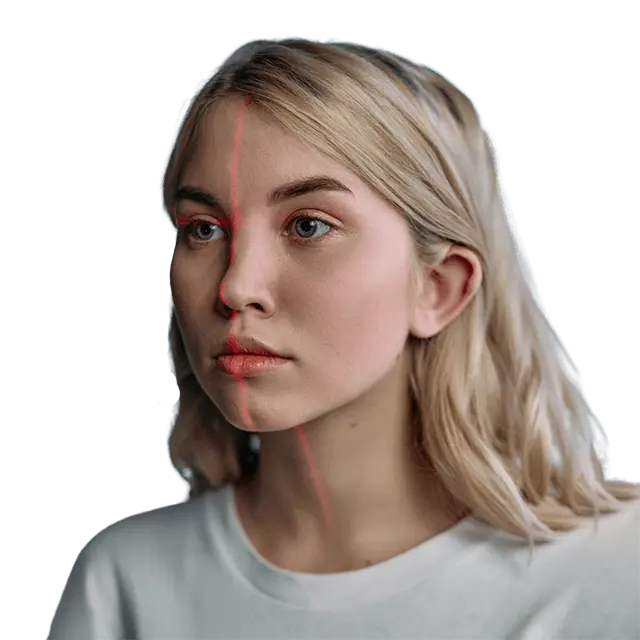
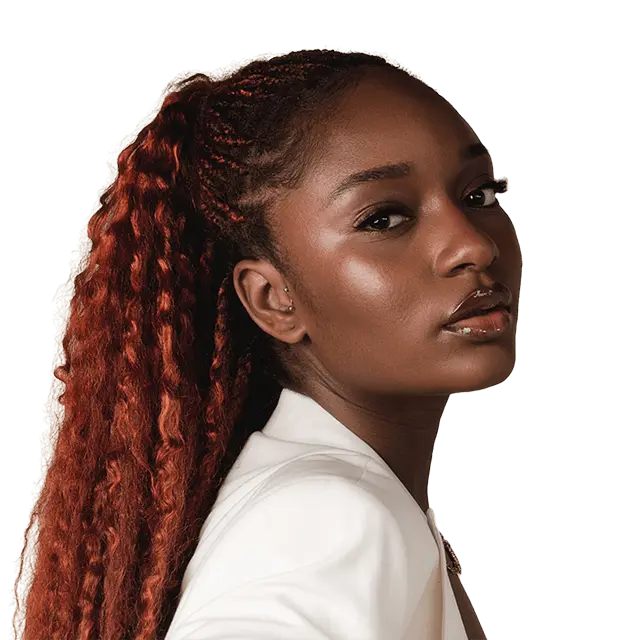
Add a person as a reference to keep one likeness across scenes and formats, as in AI fashion product photography.
Your brand kit
Colors, fonts, logos and voice are saved to your workspace and used in chat.
How to create an ad with KappaX AI
- 01
Learns your brand
From your website or files, KappaX AI picks up your colors, fonts, voice and products.
Brand Researcher
Example: Verdant HomeFinds your brand's colors, fonts, taglines and logos so every ad starts on brand.
Asset Reader
Example: TrailformReads your images, videos and documents so the brief starts from what you have.
- 02
Plans the layout
It sketches a wireframe on your canvas first, so the structure is right before anything is generated.
Wireframe Designer
Example: PocketwisePlans the layout on your canvas before anything is generated.
- 03
Creates the ad
It styles the layout, writes the copy and generates images and audio, then checks each image with you before placing it.
Ad Designer
Example: Crumb & Co.Turns the wireframe into a finished ad design with your colors, typography and real copy.
Copywriter
Example: Stride LabWrites ad copy, headlines and CTAs, then shortens, translates or changes the tone.
Image Specialist
Example: Saltline TripsWrites the image prompt, generates the image and checks it with you.
Audio Specialist
Example: Halo AudioCreates voiceovers, music and sound effects.
- 04
Adapts it for every placement
It reflows the finished ad into the sizes you need, ready to publish or fine-tune.
Layout Reflow
Example: Ember RoastAdapts a finished design to another size.


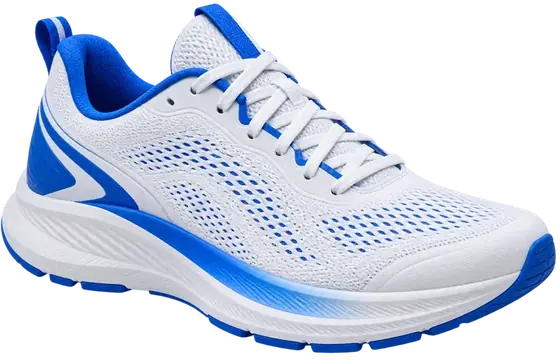



All brands shown are fictional examples.
Full control when you want it
 Generated ad

Image to layers
Turn a generated ad into editable layers, so you can change any text or image without starting over.
Edit or just ask
Move, restyle and rewrite on the canvas yourself, or describe the change in chat.
Publish it, or make it interactive
 Static ad
 Tap to choose
Who are they for?

HTML5 export
Export for Google Ads, Performance Max and other ad servers.
VAST and MRAID
Serve interactive video and in-app ads with standard ad tags.
Real-time analytics
Track impressions, engagement and clicks for every experience you publish.
From three tools to one
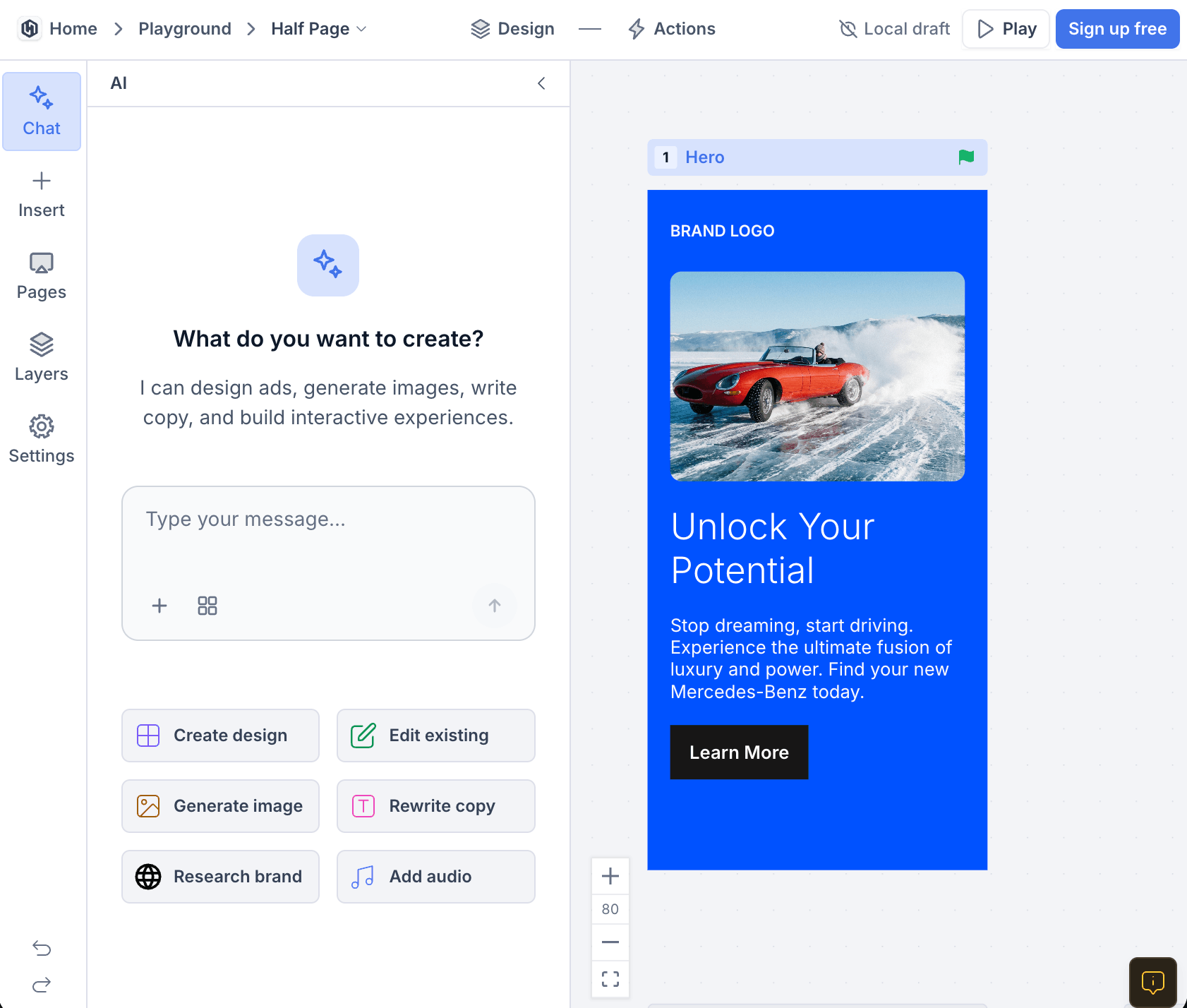
Feature by feature
| Feature | KappaX | AI image tools | Design tools |
|---|---|---|---|
| Chat brief with your brand kit | |||
| Specialist agents (layout, copy, images) | |||
| Product and person references | |||
| Turn images into editable layers | |||
| Edit in the same place | |||
| Resize to other formats | |||
| HTML5 and VAST publishing |
Built for marketing teams, agencies and enterprises
Marketing teams
Create, launch and track interactive campaigns from one tool.
- Build without developers
- Track clicks, answers and leads
- Reuse templates across campaigns
Agencies
Deliver interactive work for many clients without extra headcount.
- Manage multiple clients in one place
- Collaborate and share work for review
- Produce ads and videos at scale
Enterprises
Keep every team on brand with central control.
- Centralized management and admin controls
- Shared templates and design libraries
- Premium support
Frequently asked questions
What is KappaX AI?
KappaX AI is an AI creative suite: a creative AI platform for ads and brand assets. You brief it in chat, and specialist agents research your brand, plan the layout, write the copy and generate the images. You get editable ads on a canvas that you can publish as is or fine-tune.
Is KappaX AI an AI ad generator?
Yes. It works as an AI ad generator, ad maker and ads editor in one. It handles ad creation from brand research and layout to ad copy and images, then lets you edit every layer. You can make static image ads for feeds, stories and banners, and turn them into interactive ads.
How do I make an advertisement with AI?
Paste your brand's website. KappaX AI learns your brand, plans the layout, creates the ad and resizes it for every placement. From one brief you can make an Instagram ad, a story and a display banner.
How do I keep my product and people consistent?
Add product photos and photos of a person as references, up to 8 per image. Each reference has a role, such as Product or Avatar, and the image specialist works from them in every generation. Your brand kit keeps colors, fonts and voice in line.
What do the AI agents do?
KappaX AI hands each task to a specialist: a brand researcher, wireframe designer, ad designer, copywriter, image specialist, audio specialist, layout reflow and asset reader. You talk to one chat, and it brings their work back to your canvas.
Can I use celebrities or brand ambassadors?
Yes, if you hold the rights to use their likeness in ads. Add their approved photos as references. Only use talent you're licensed to use.
What can I export?
Images as PNG, JPEG or WebP, including transparent PNGs, and finished ads as HTML5 for Google Ads, Performance Max and other ad servers. Interactive formats can also be served with VAST and MRAID tags.
How does pricing work?
KappaX AI is included in paid plans, and every plan starts with a 7-day free trial. See pricing for details.

Your brand is next