
Interactive Video Platform to Create Clickable Videos
Add clickable hotspots, branching paths, and forms to any video, so viewers can respond right inside the player instead of just watching



What is an Interactive Video?
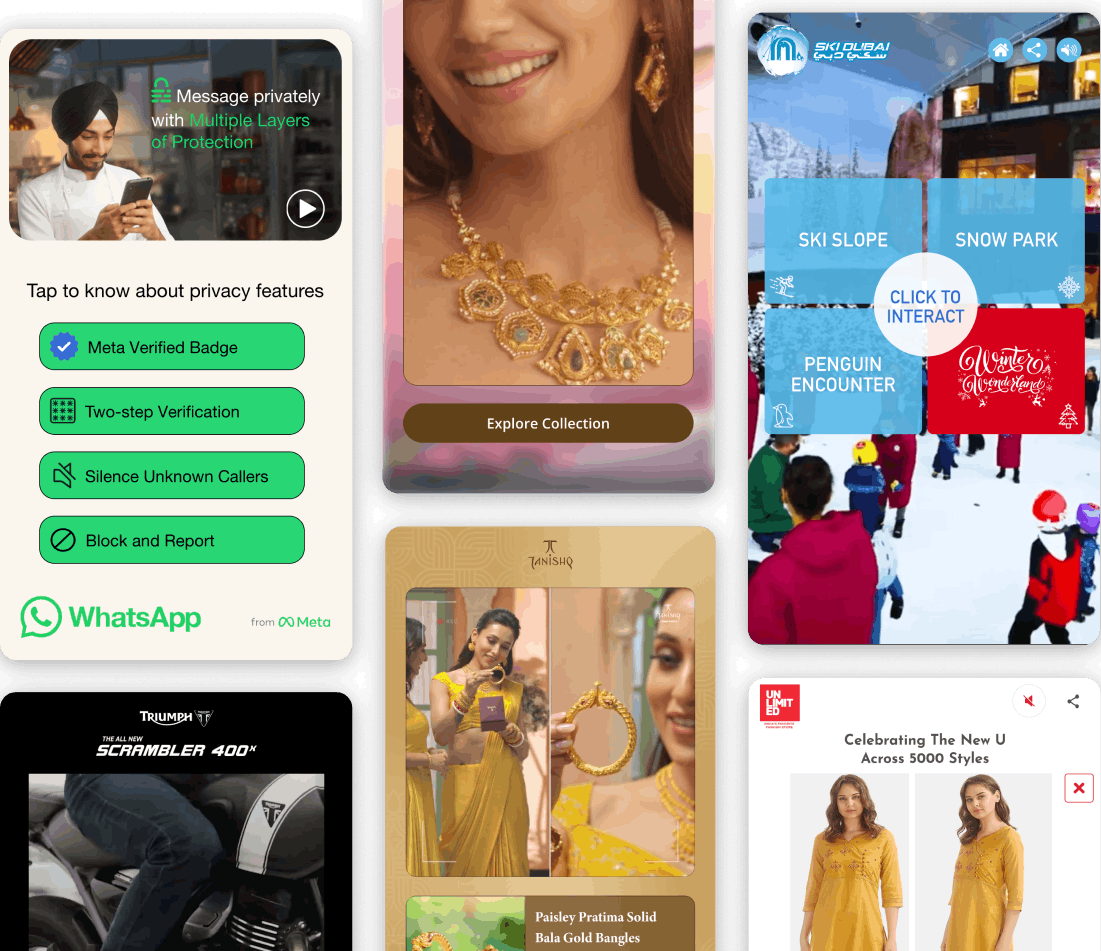
An interactive video is a clickable video where viewers make choices instead of watching straight through. They click a hotspot, answer a question, or pick a path, and the video responds. KappaX is an interactive video platform that handles hotspots, branching paths, quizzes, and forms in one no-code editor. Marketing teams use it for product demos where a prospect skips to what they care about, and educators add checks that pause the lesson until a learner answers. Common examples include branching product demos, shoppable lookbooks, and training simulations.
Why Use an Interactive Video Platform?
Boost Engagement
Viewers who click stay longer. Give them something to do besides watch
Personalize Journeys
Branching paths let each viewer see content relevant to them, so a single video can serve several audiences
Improve Retention
People remember what they participate in. Quizzes and choices reinforce key information
See What Viewers Do
See exactly which choices viewers make and where they leave. Use that data to improve your next video
More Conversions
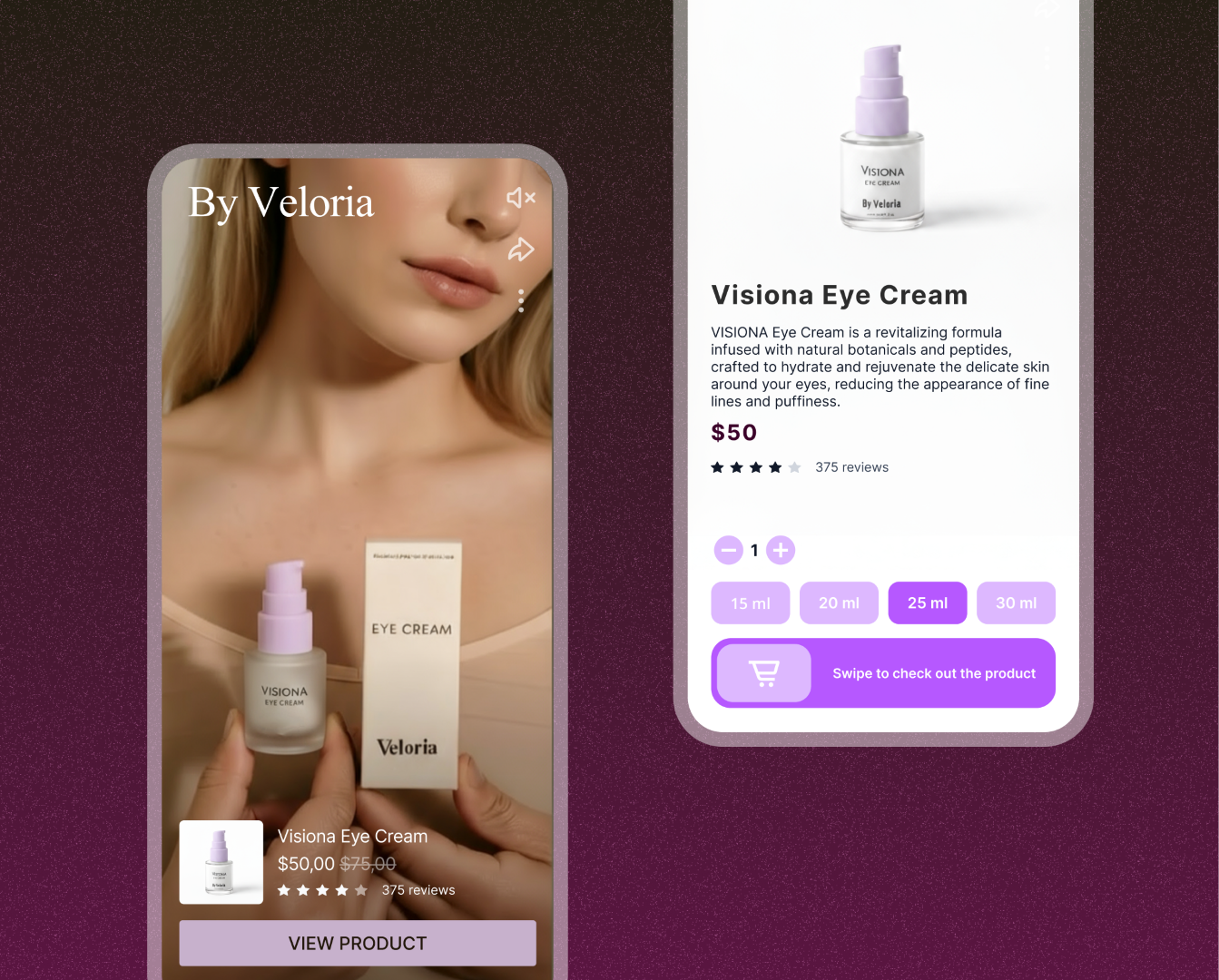
Embed CTAs, forms, and product links directly in the video. Viewers convert without leaving the player
Interactive Video Editor Features
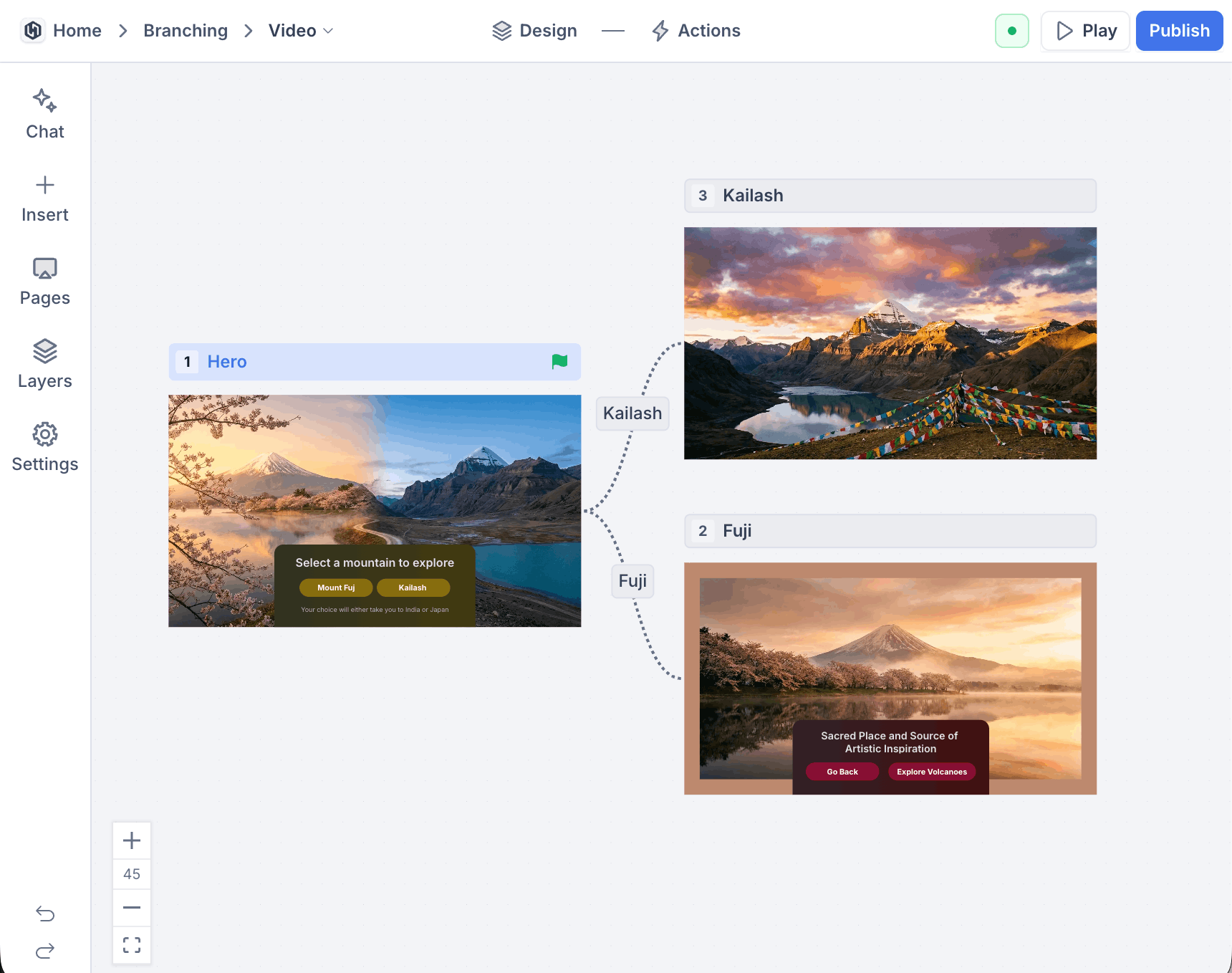
Branching Video Paths That Follow Viewer Choices
- Nest decisions inside decisions for multi-layer flows
- Set a default path for viewers who skip the choice
- Preview each route end-to-end before publishing
- Build full branching scenarios for training and sales demos
Video Hotspots and Clickable Overlays on Any Frame
- Open a detail panel, external link, or inline form on tap
- Resize and reposition hotspots without re-uploading
- Layer multiple hotspots on the same frame
Logic Flows That React to Every Click
- Combine click, answer, and score-based conditions
- Skip segments when a condition is already met
- Test every logic path in preview mode
Real-Time Analytics for Every Branch and Hotspot
- Filter by date range, traffic source, or device
- Compare conversion rates across branches side by side
- Export reports as CSV for stakeholder reviews
AI Agents Built Into the Video Editor
- Image agent generates overlay and popup graphics from a prompt
- Text agent rewrites CTA copy or translates it in place
- Layout agent suggests hotspot placement based on the frame
Embed the Same Video Anywhere You Publish
- Paste into landing pages, blog posts, or email templates
- Share a direct link where embeds are blocked
- No per-device or per-browser configuration
Interactive Video Use Cases
Product demos
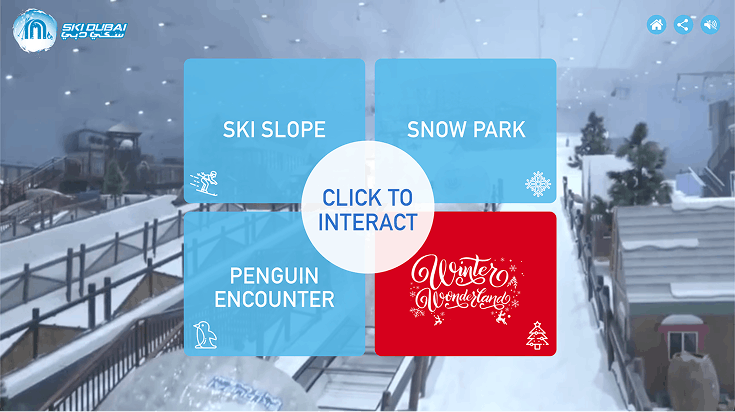
A hotspot menu at the start routes each prospect to the feature they care about, so nobody sits through a full walkthrough to see one thing. Analytics show which features draw the most clicks, which is useful feedback for the product team too
Employee onboarding
Turn welcome decks and policy documents into a video new hires can navigate at their own pace. Knowledge checks between sections confirm people understood a topic before moving on, and the dashboard shows who completed what
Course lessons
Educators embed questions that pause the lesson until the learner answers. A wrong answer can route to a recap segment while a right one skips ahead, so each student spends time where they need it
Lead generation
Gate the second half of a webinar or tutorial behind a short form. Viewers interested enough to keep watching are the leads worth talking to, and their submissions arrive with context about what they watched
How KappaX Compares
Stornaway and Adventr both do branching well. Among interactive video platforms, KappaX adds form capture, conditional logic, and CRM integration on top
Upload a Video or Pick a Template
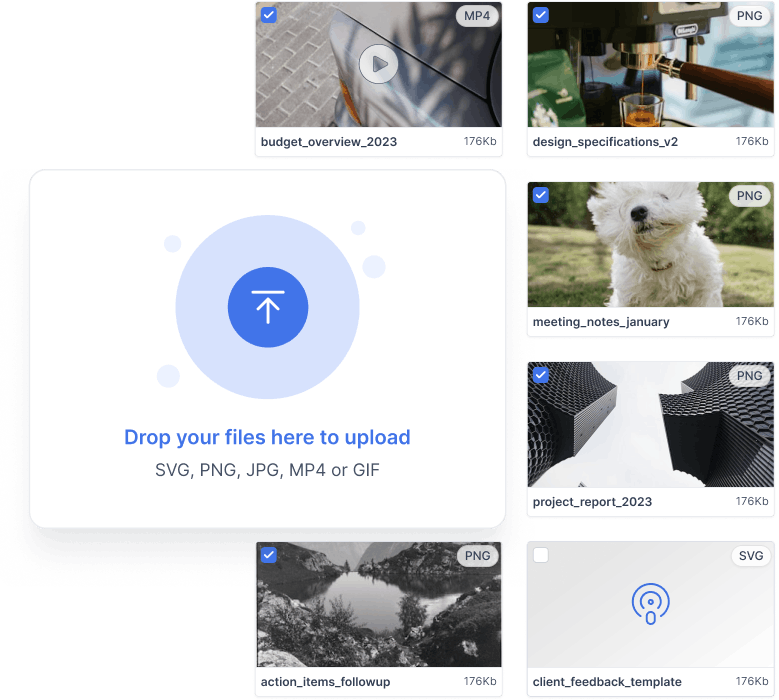
Start with your own footage or a pre-built template. The builder opens right in your browser
Drop Hotspots and Buttons onto the Timeline
Drag interactive elements onto any frame and set exactly when they appear
Wire Choices to Actions and Paths
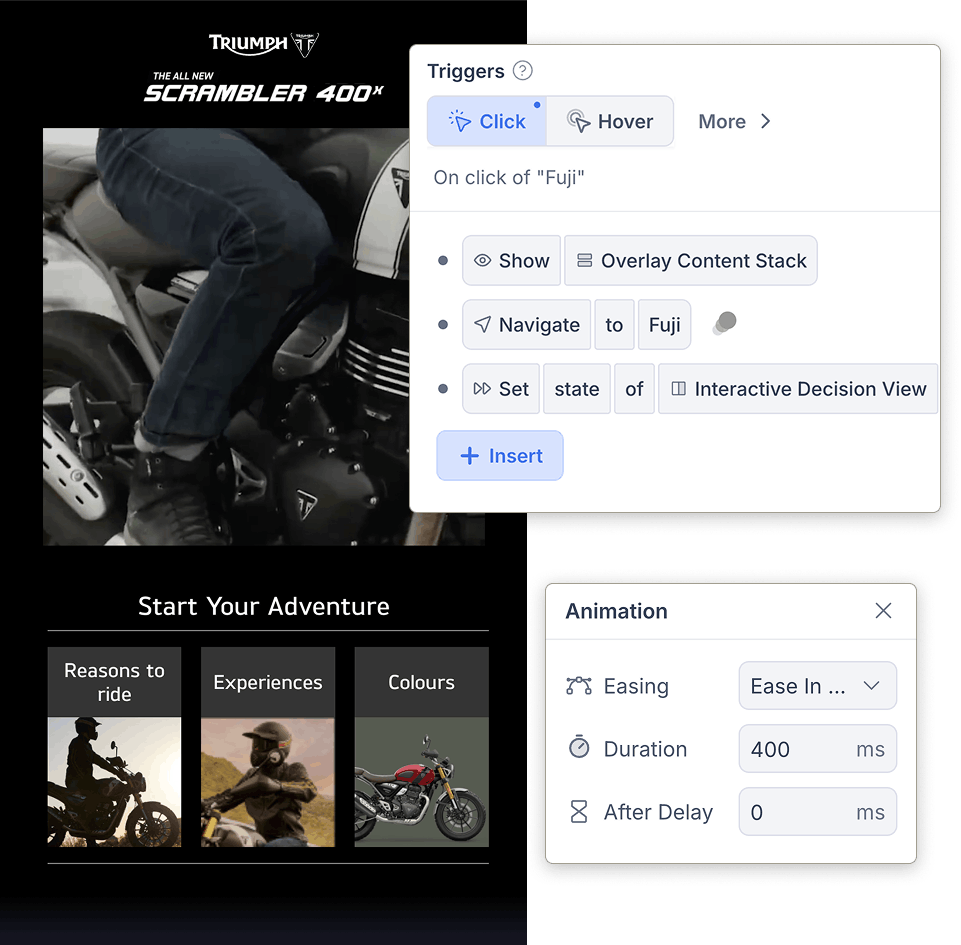
Connect each click to a jump, a form, a quiz, or the next video segment
Publish and Watch Engagement Live
Embed once, share anywhere, and watch clicks and completions stream into the dashboard

Frequently asked questions
What can I do with an interactive video?
Quizzes, branching journeys, clickable product showcases, and embedded forms. You can also combine these in a single video, or build a standalone quiz with the interactive quiz maker
Can I use it for training or education?
Yes. Teams use it for onboarding, compliance training, and e-learning. Branching paths and quizzes help with knowledge retention. Follow each lesson with a quiz from the AI exam generator
Does it require coding knowledge?
No. KappaX uses a drag-and-drop editor with AI agents that can generate overlay graphics, write CTA copy, and suggest branching logic. You place hotspots and branches on the timeline and connect them visually, without writing code.
Can I use my existing videos?
Yes. Upload a video you already have and layer hotspots, forms, and branch points on top. Reshooting is only needed if you want separate footage for different branches
Can I make a YouTube or Vimeo video interactive?
Neither player supports interactive elements natively anymore: YouTube retired annotations and Vimeo discontinued its interactive video features. Upload the same footage to KappaX, add hotspots, branches, and forms, and embed the result on your site or share it as a link
Can I use interactive videos as ads?
Yes. Interactive video ads export as HTML5 units that run on networks like Google Display and Meta. The interactive ad maker covers formats built specifically for paid placements
Can I capture leads inside a video?
Yes. Place a form at any point in the video. Viewers submit their details in the player, and responses show up in your dashboard alongside viewing data
Can I see how viewers interact with my videos?
Yes. The analytics dashboard shows click rates, drop-off points, branch choices, and conversion data for each video
Is it mobile-friendly?
Yes. Videos are responsive and adjust to any screen size automatically. Hotspots stay tappable on small screens instead of shrinking out of reach
What is an interactive video platform?
Software for making videos that viewers can act on. You add hotspots, branching choices, quizzes, and forms on a timeline, publish, and track what people click. KappaX does this in a no-code editor.
How do I add clickable hotspots to a video?
Upload the video, drop a hotspot on the frame, and set the second it appears and disappears. Then choose what a tap does: open a detail panel, a link, or a form. You can move or resize hotspots later without re-uploading.
Can I export interactive videos to an LMS?
Yes. Export the video to your LMS for training, embed it on any page, or share it as a direct link.



Learn more: best interactive video software compared · interactive ad examples