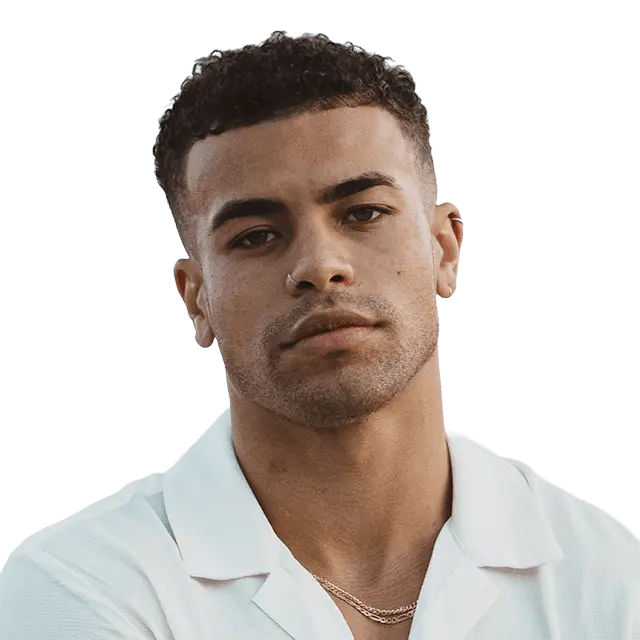
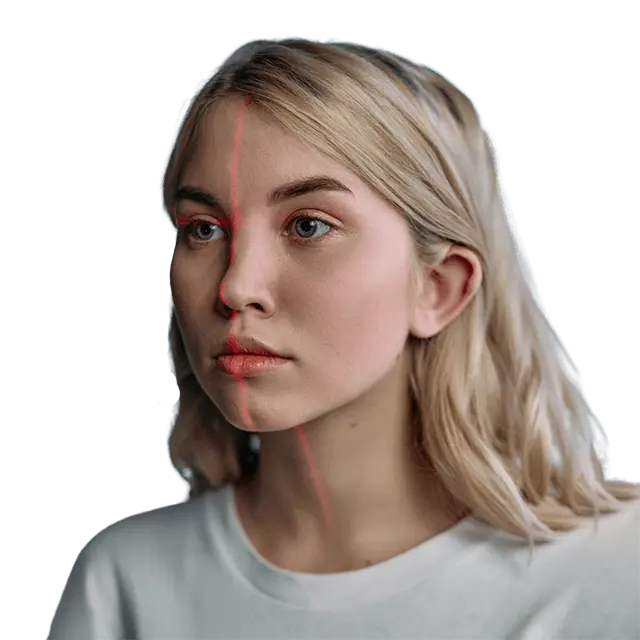
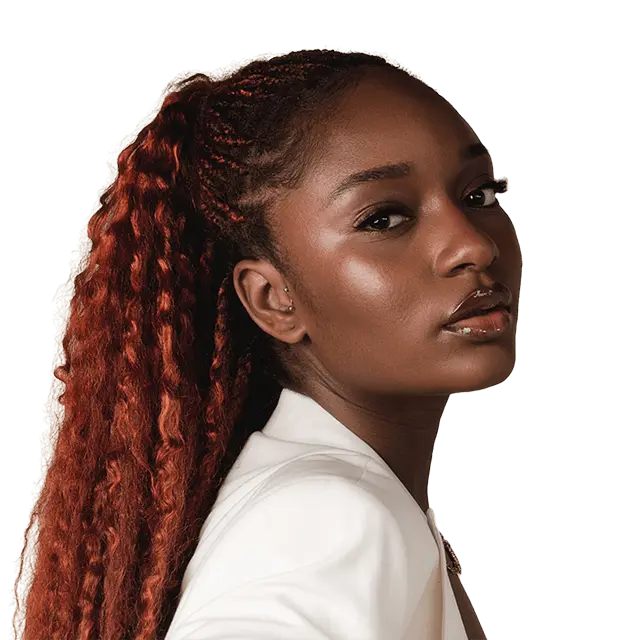
Brand-safe AI fashion product photography
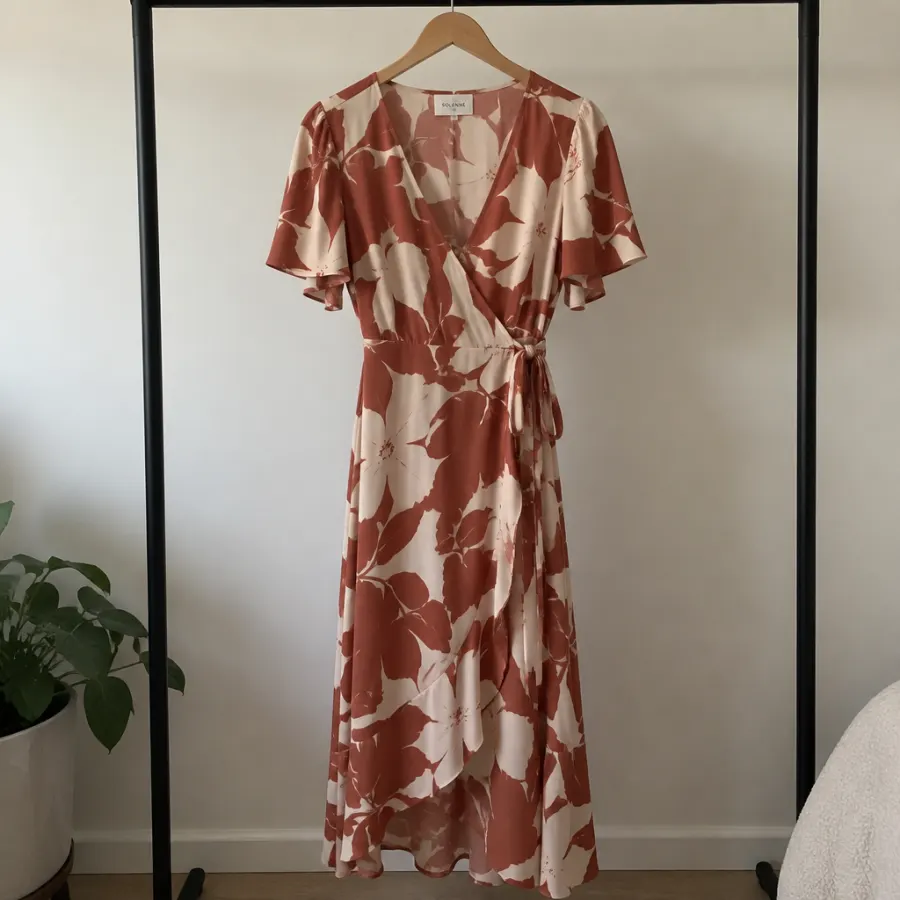
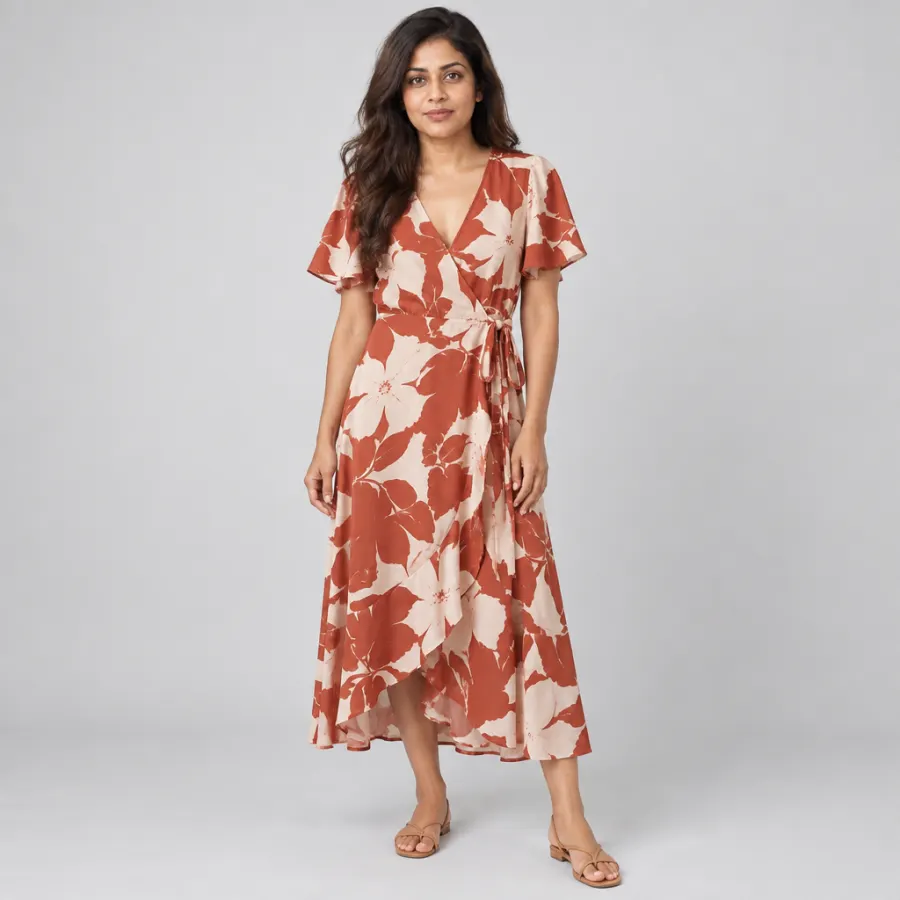
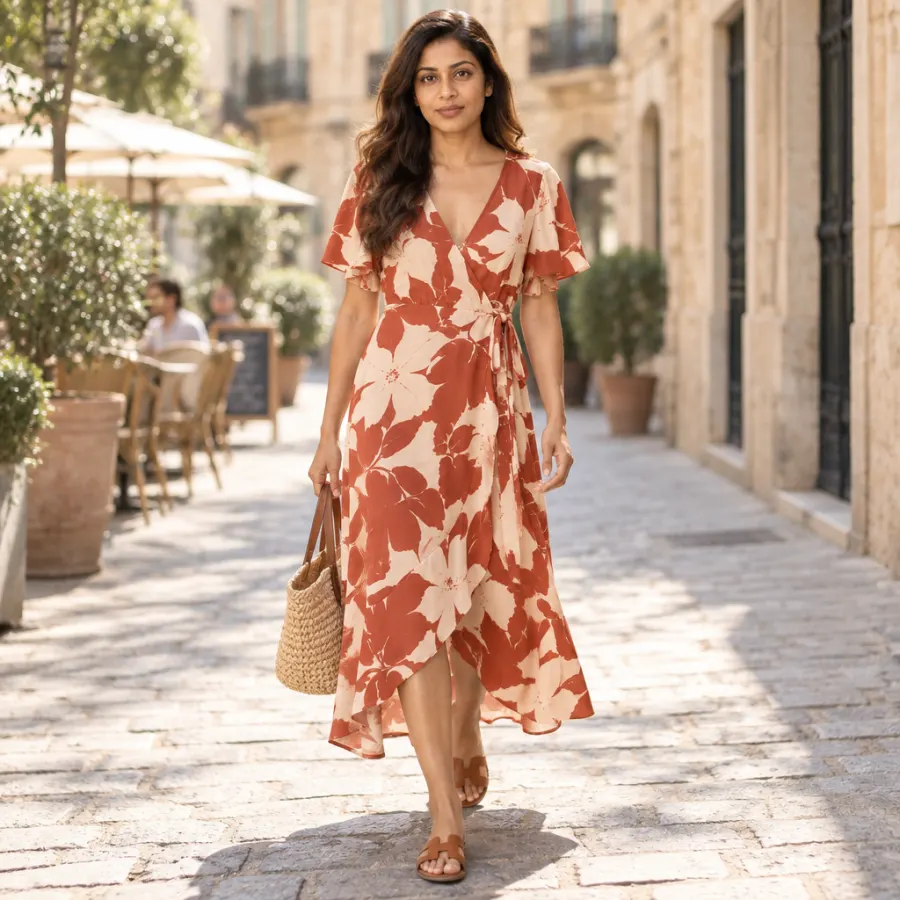
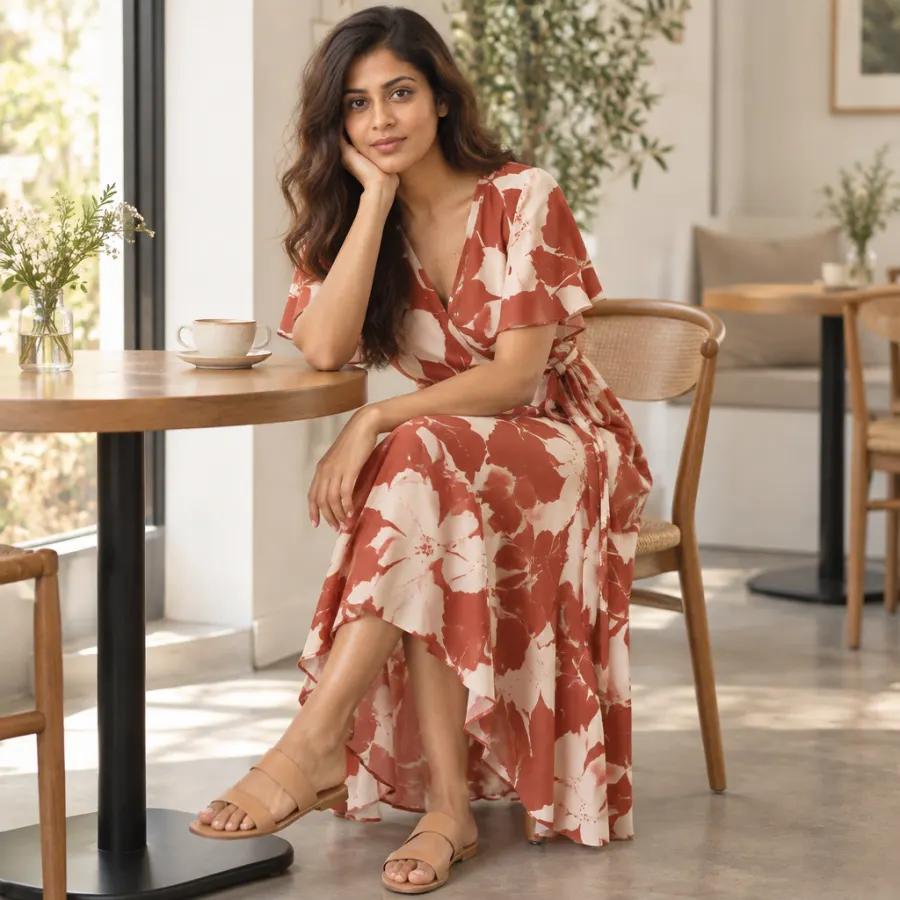
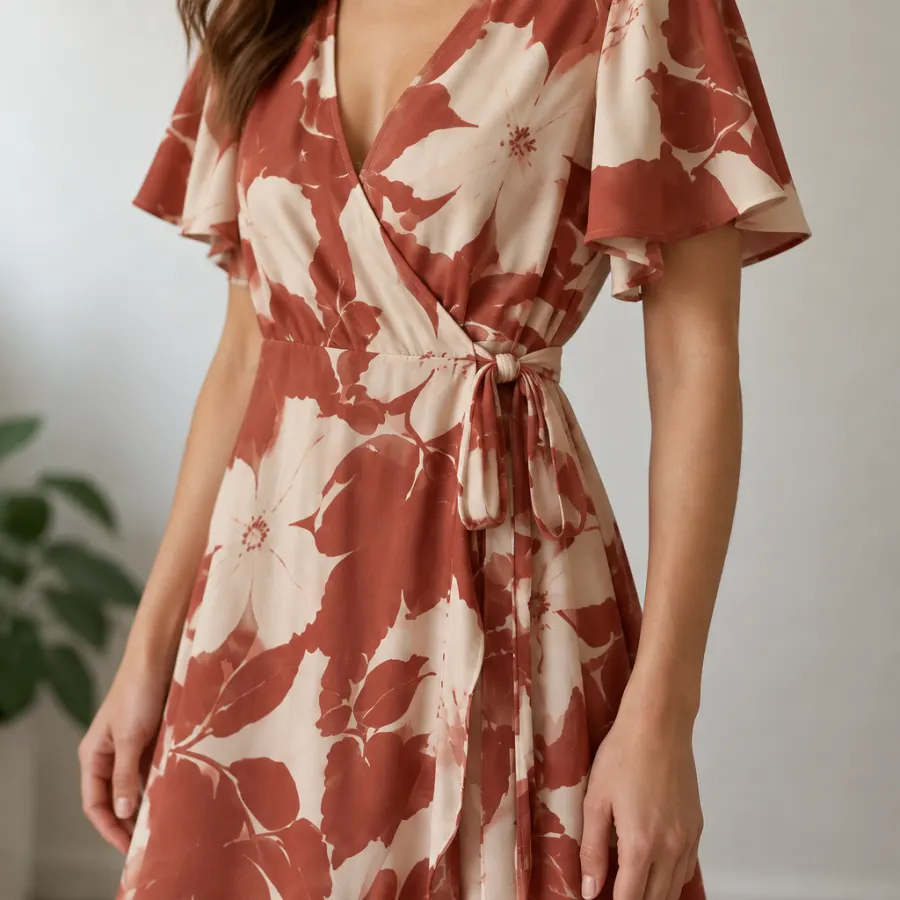



Pick a model. The garment stays exactly as made.
Same dress on Priya, full length, light grey studio, tan sandals
✓ Print as made · On brand · Priya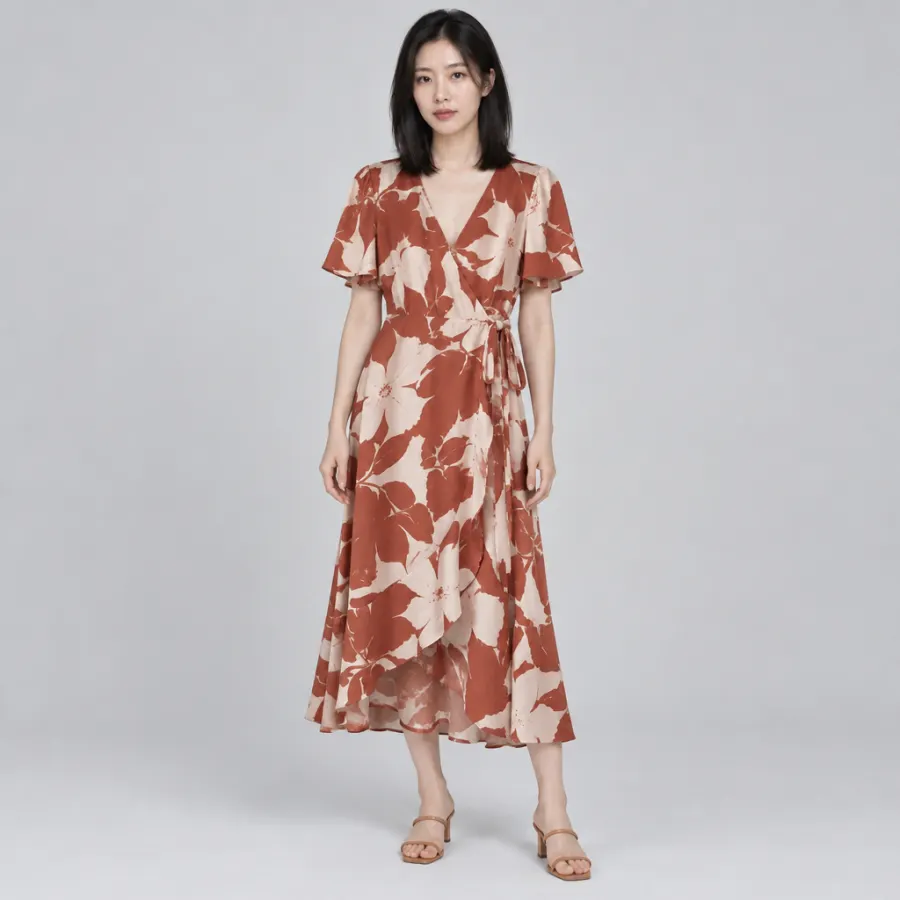
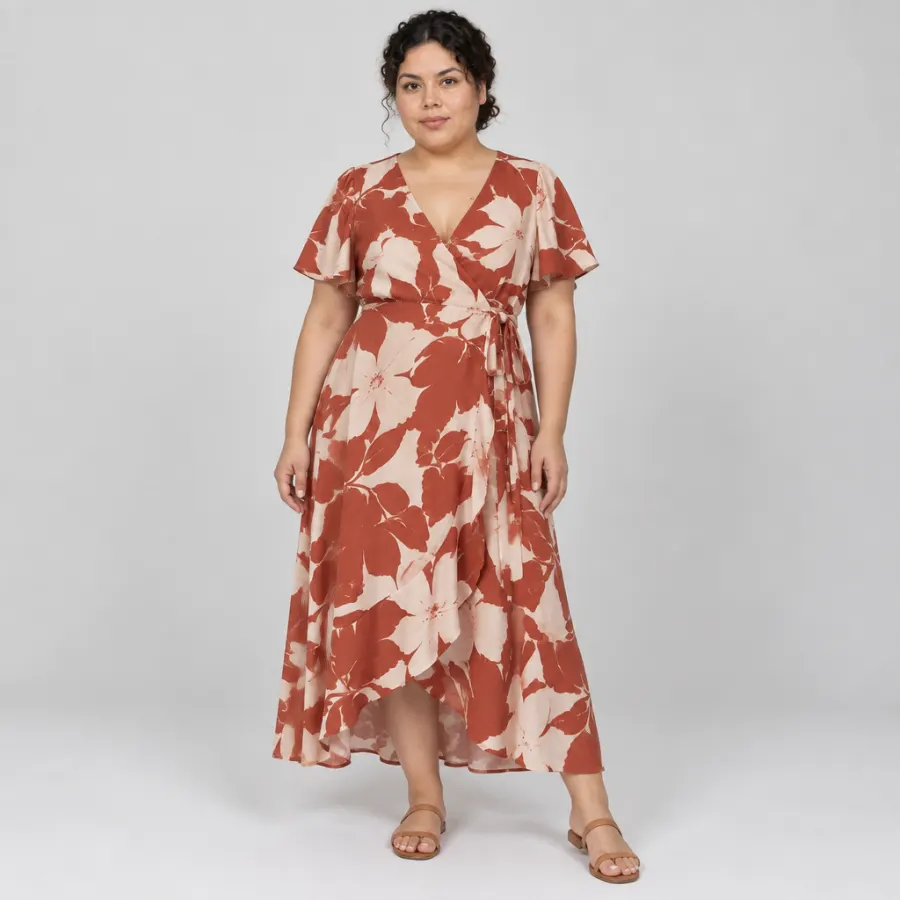
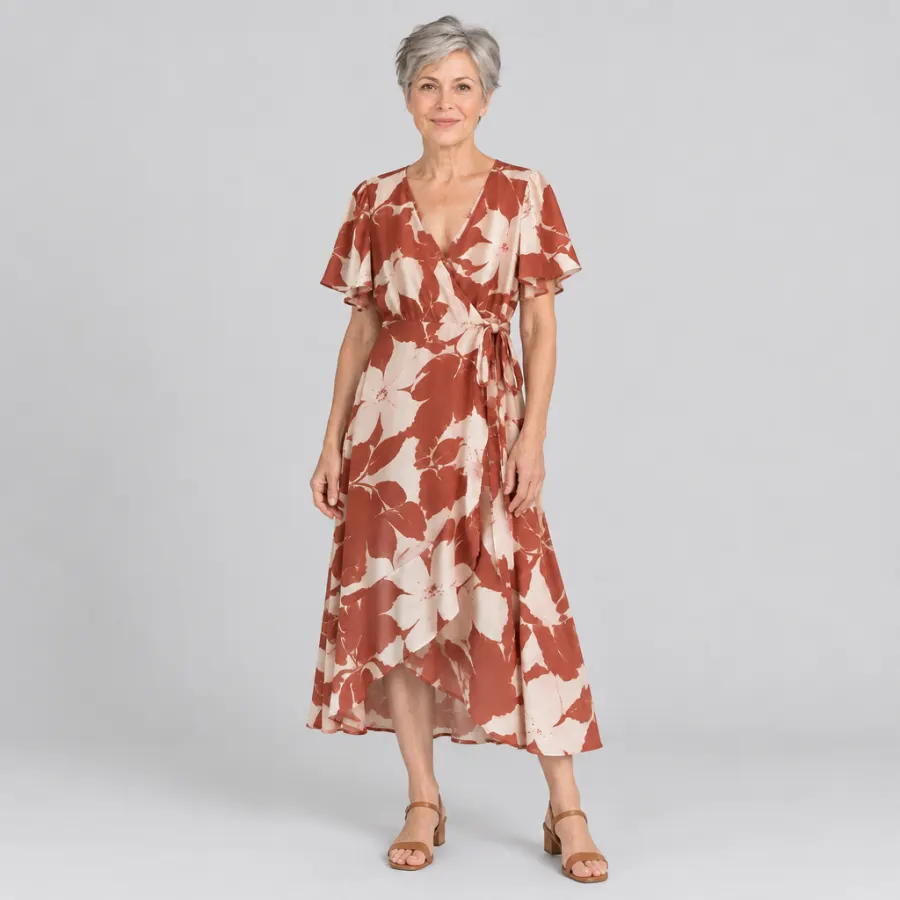
Fashion photos you can publish without a second guess
The garment, as made
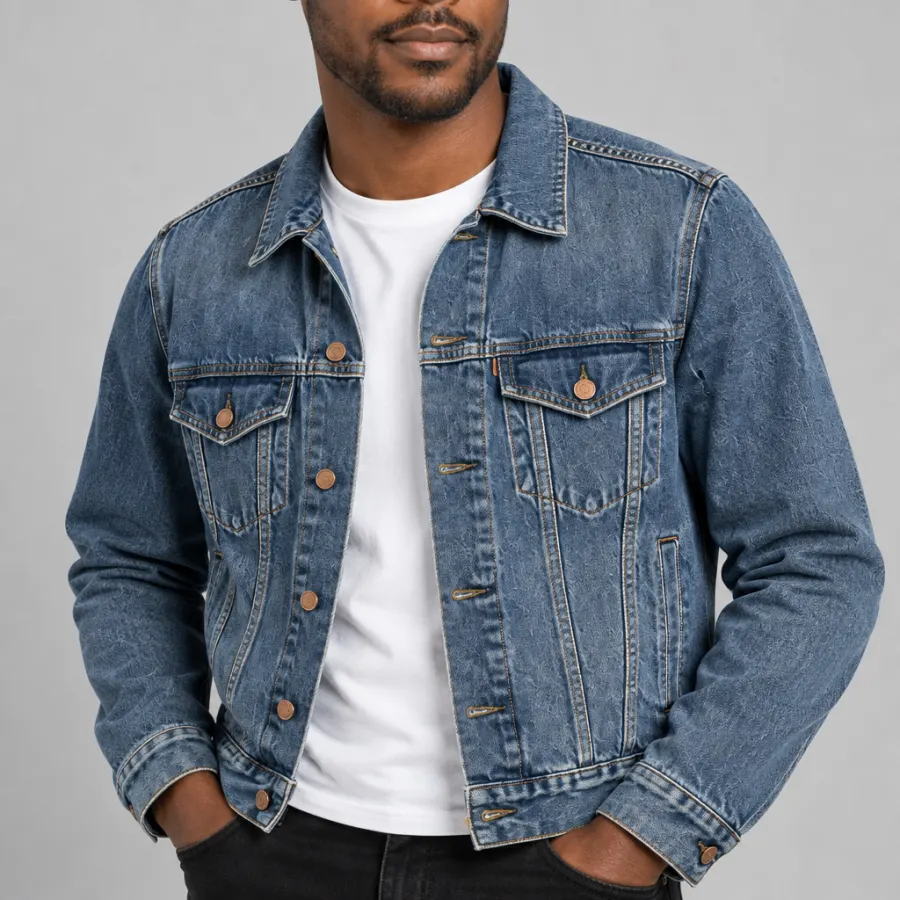
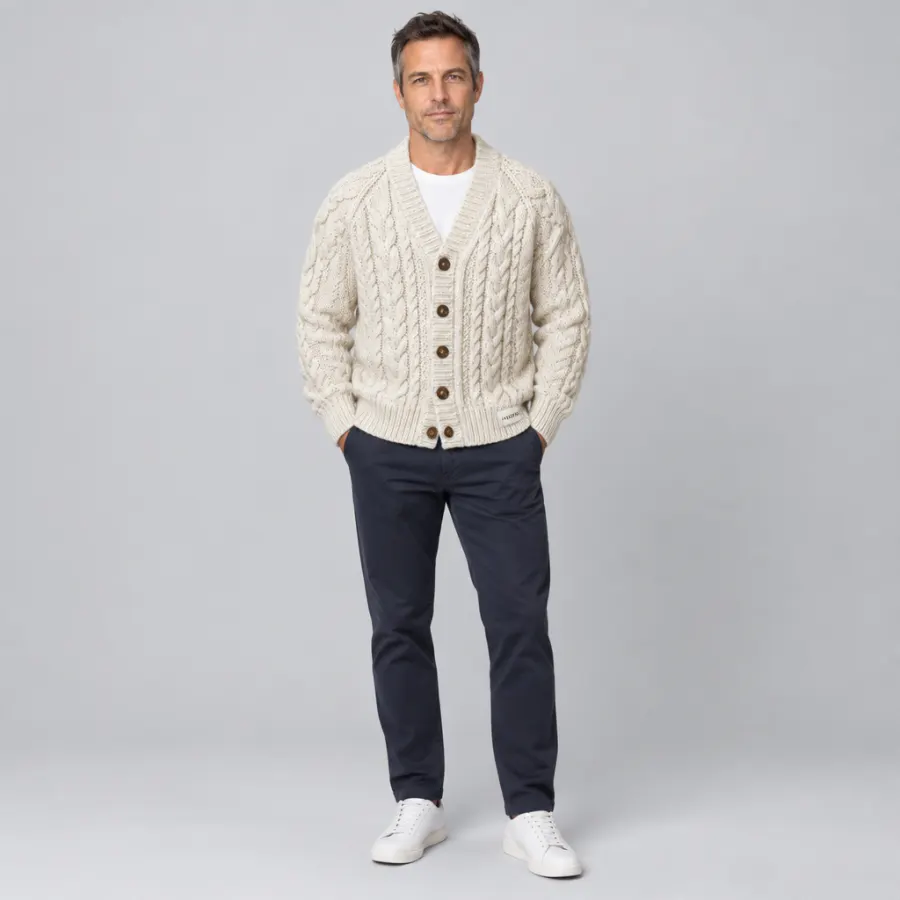
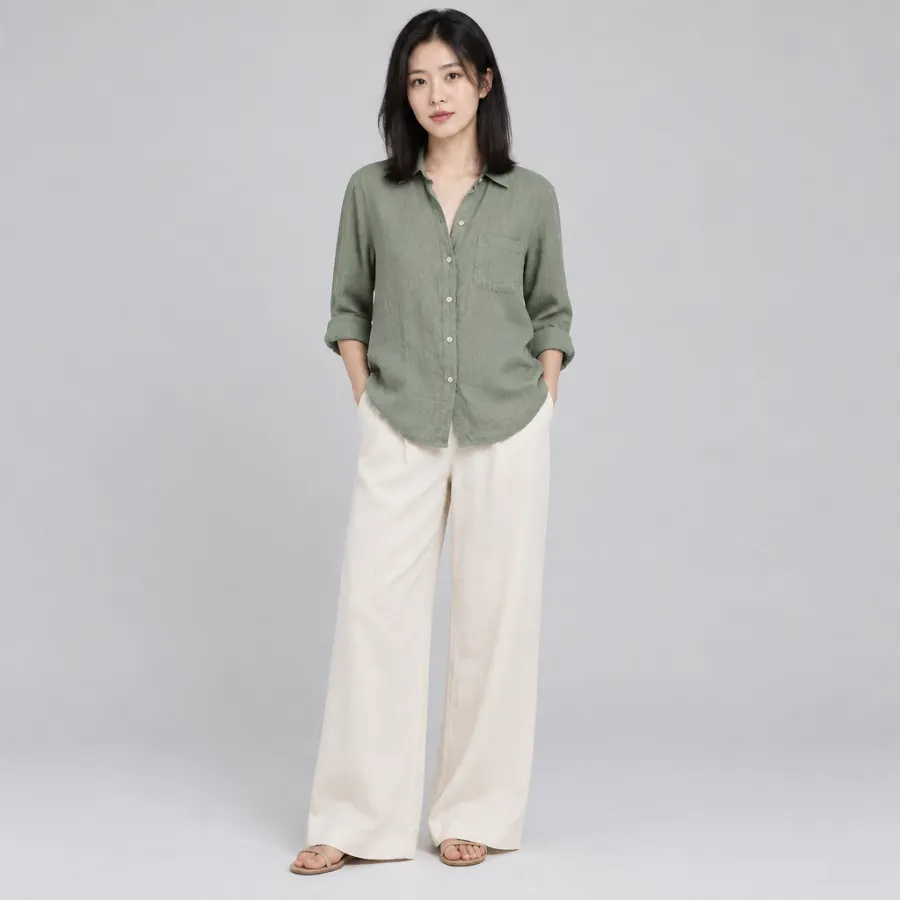
Every shot is built from photos of your actual garment. The print, color, buttons, stitching and labels stay as they are on the real piece.
One model, the whole set
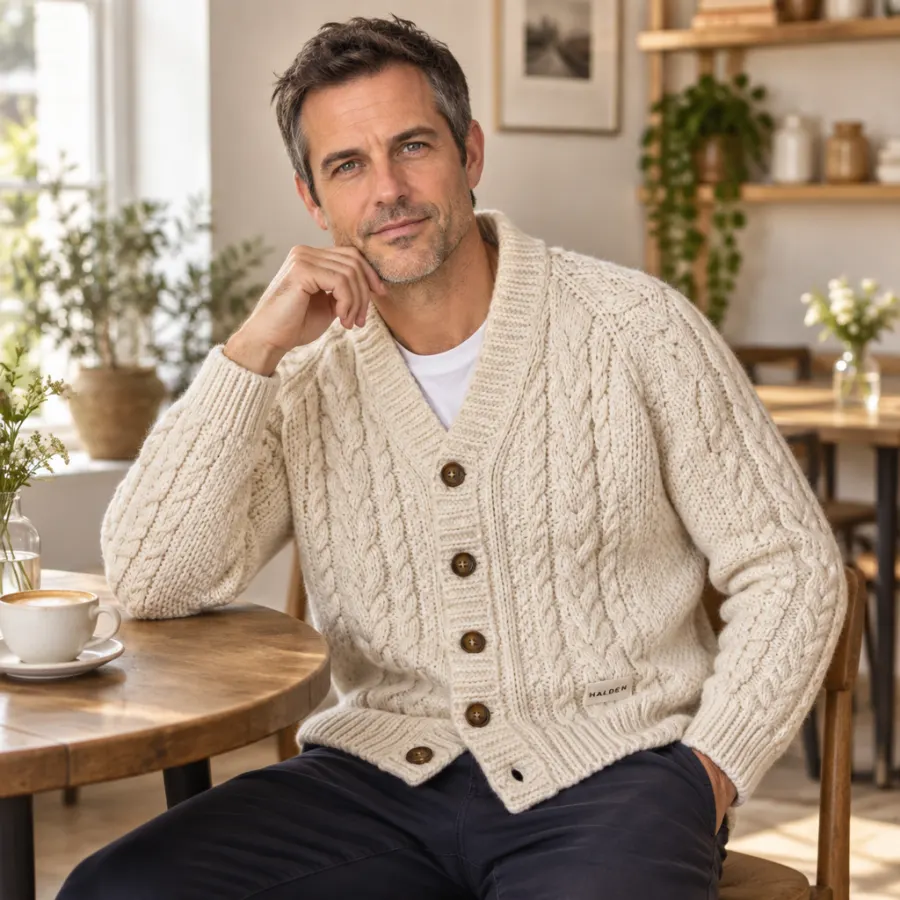
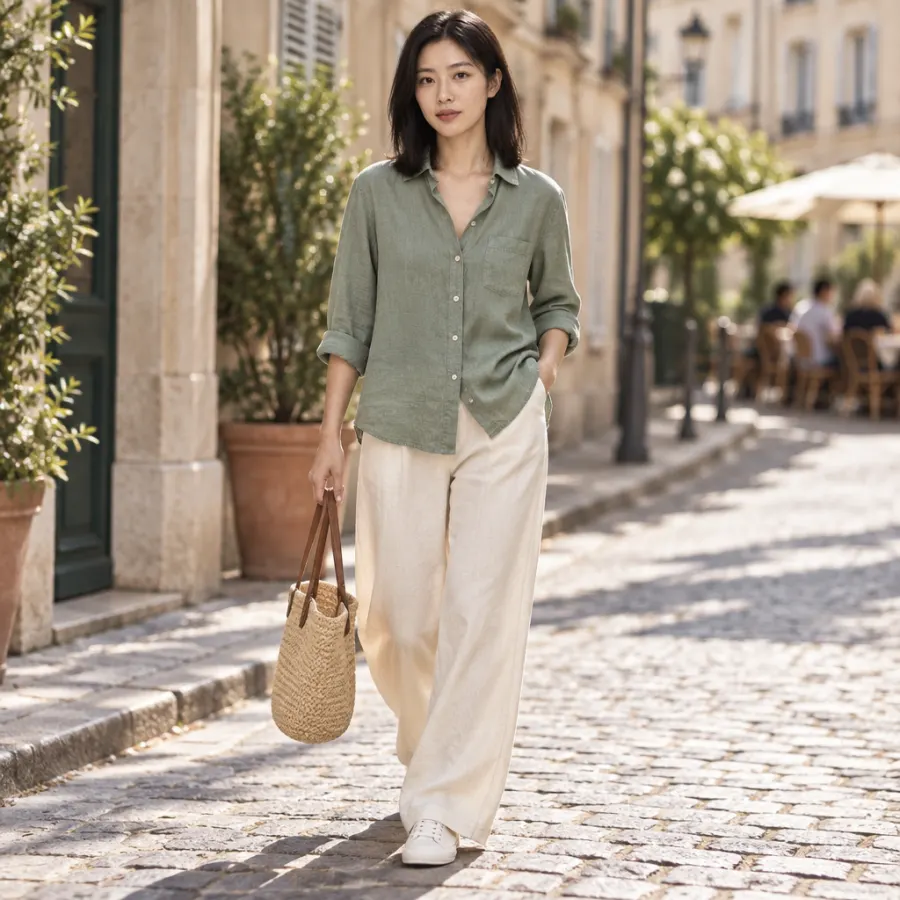
Add a portrait as an Avatar reference and the same face carries your studio, street and lifestyle shots, so a collection looks like one shoot.
On brand and checked
Your brand kit sets the colors and mood of every scene, and the compliance checker reviews each image against your brand, platform specs and ad policies.
Ecommerce fashion photography for every channel
- Mmaren.studio
maren.studio Linen season, sorted.
- @northvale
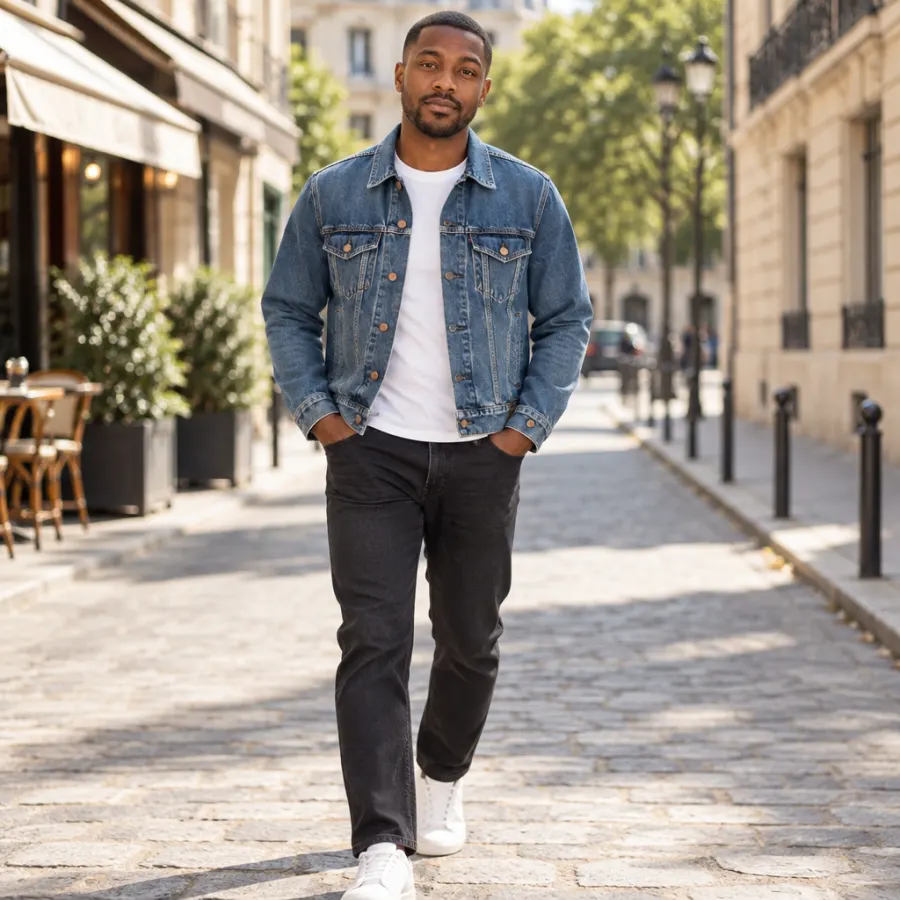
One jacket, five outfits.
Northvale Trucker · $148
- Weekend knit outfit ideas for autumnH halden.knit
Visit site
- Outerwear · DenimNorthvale Trucker Jacket★★★★★ 4.7$148XSSMLXL
- Halden Cable-Knit Cardigan, Cream, Wool Blend★★★★★ 4.6$129.00Free delivery tomorrow
- SponsoredMaren Relaxed Linen Shirt, Sage$89.00maren.co★★★★★ 4.8Free delivery · Free returns
- HHaldenSponsored
Knit for slow Sundays. Wool-blend cables made to last.
- Dresses for long lunches
Prints made to be seen, in sizes XS to XL.
- MarenLinen for every dayAd
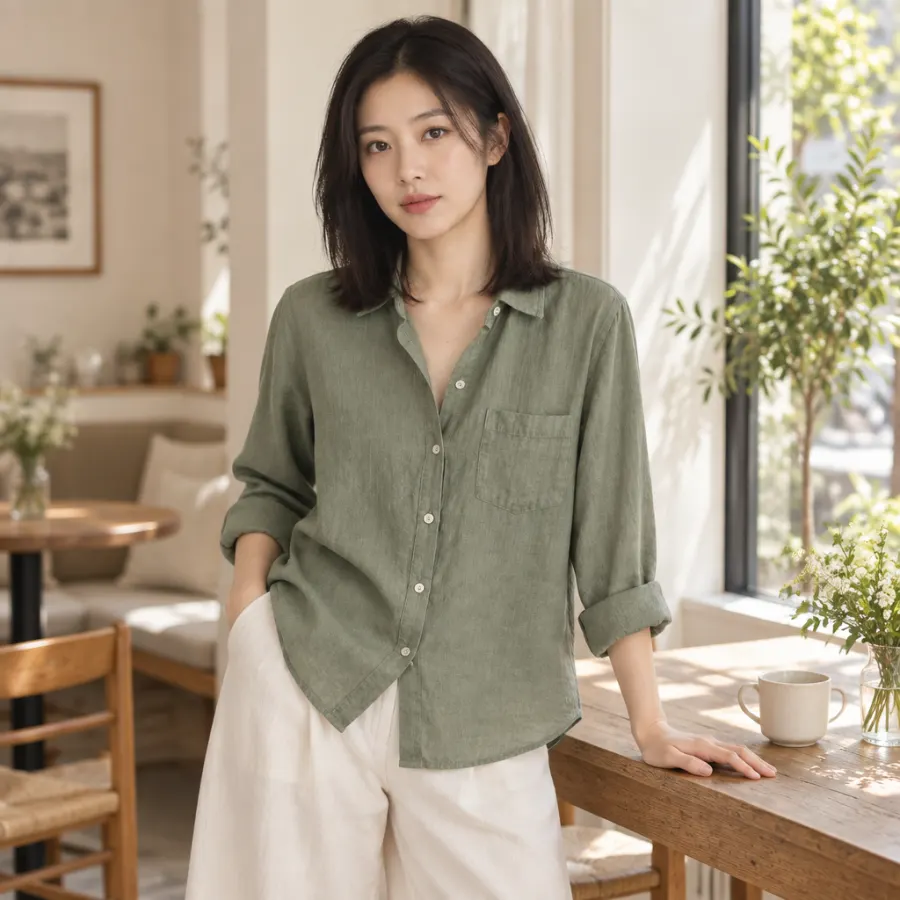
How to create a fashion photoshoot with AI
1. Add the garment
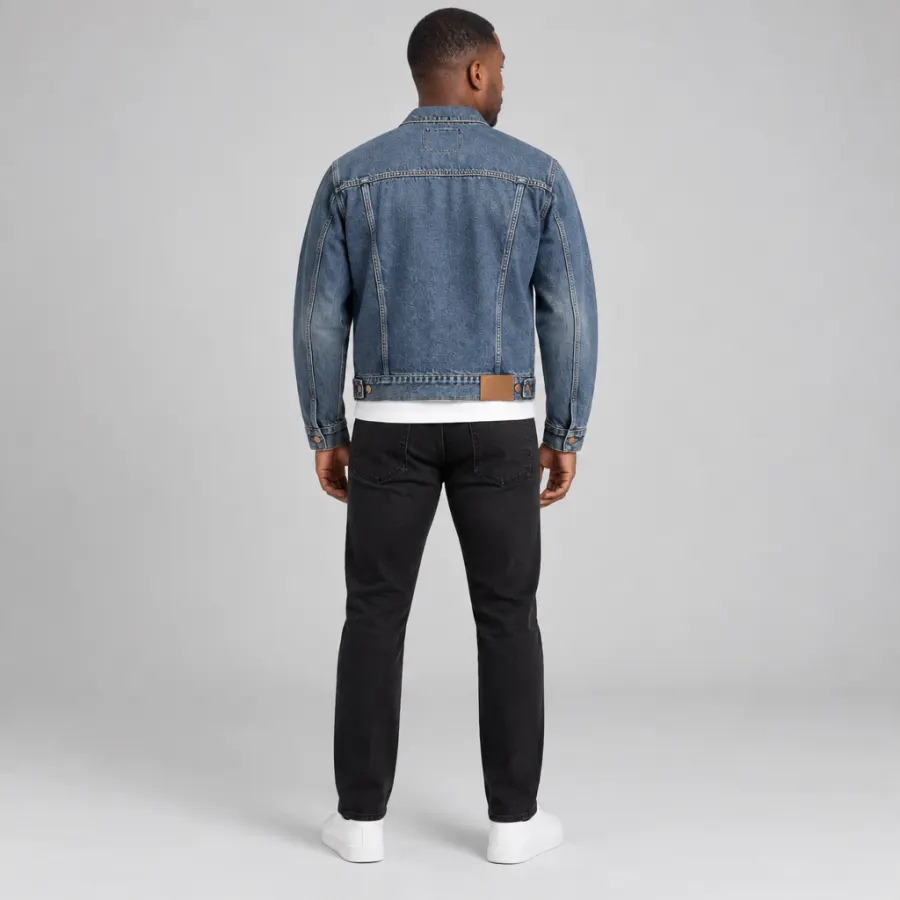
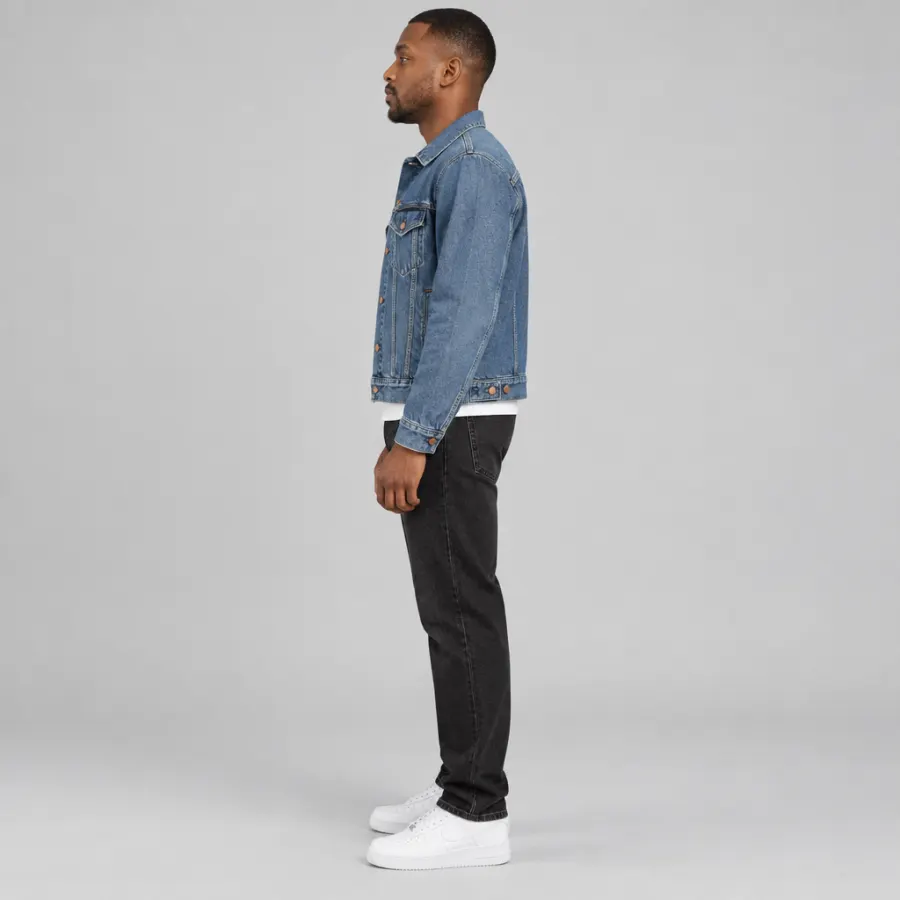
Upload a photo of the piece on a hanger, a rail or laid flat, and tag it as a Product reference. Add the back and details too, up to 8 references per image.
2. Choose a model and scene
Add a portrait as an Avatar reference, then describe the shot in plain words: a studio sweep, a city street, a cafe, a close-up of the fabric.
3. Check, fix and export
Run the compliance check, fix any area that's off, then download PNG, JPEG or WebP for your product pages, marketplaces and ads.
AI fashion product photography vs a fashion photoshoot
| Feature | KappaX | Fashion photoshoot | AI image generators |
|---|---|---|---|
| Print, color and details stay as made | |||
| Same model across a whole collection | |||
| Different models without casting | |||
| New locations without travel | |||
| Front, back, side and detail views | |||
| Brand kit and compliance check | |||
| Turn shots into ads in the same tool |
Frequently asked questions
What is AI fashion product photography?
It's on-model fashion photography made with AI instead of a studio shoot. You upload a photo of the garment and a model portrait, and KappaX dresses the model in your piece and places them in the scene you describe: a studio sweep, a street, a cafe or a close-up of the fabric.
What photos of the garment do I need?
One clear photo is enough to start, on a hanger, a rail or laid flat. Add the back, the label and close-ups of prints or hardware for the most accurate result. You can use up to 8 references per image.
Will the print and color match the real garment?
That's what the garment reference is for. KappaX works from photos of your actual piece, so prints, colors, buttons and labels stay as made. If a detail looks off, select that area and ask for a fix. Nothing outside the selection changes.
Can I use the same model across a collection?
Yes. Add a portrait as an Avatar reference and the same face appears in every shot, from studio to street. You can also use a portrait of your own model, as long as you have their permission.
Can I show different body types and models?
Yes. Swap the Avatar reference to show the same garment on different models, so shoppers can see how a piece looks on someone like them.
What can I use ecommerce fashion photography from KappaX for?
Product pages with front, back, side and detail views, marketplace listings, Instagram and TikTok posts, Pinterest pins, email headers and display ads. For finished ads with layout and copy, use the AI ad generator on the same canvas.
What kinds of apparel photography does it work for?
It works for apparel photography across shirts, dresses, outerwear and knitwear, on a model or in detail close-ups. For products that aren't worn, such as skincare or electronics, see AI product photography.
Is it cheaper than a fashion photoshoot?
It removes the per-shoot costs: studio days, model bookings, locations and reshoots for every new drop. KappaX AI is included in paid plans with a 7-day free trial. See pricing for details.