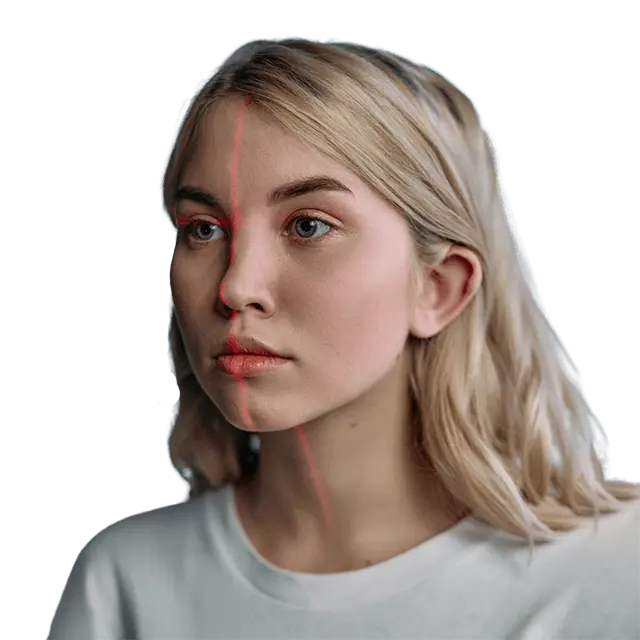
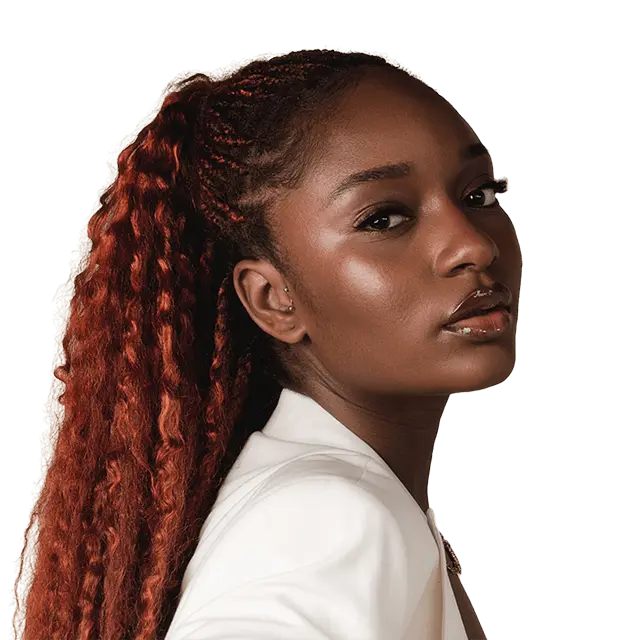
Brand-safe AI product photography
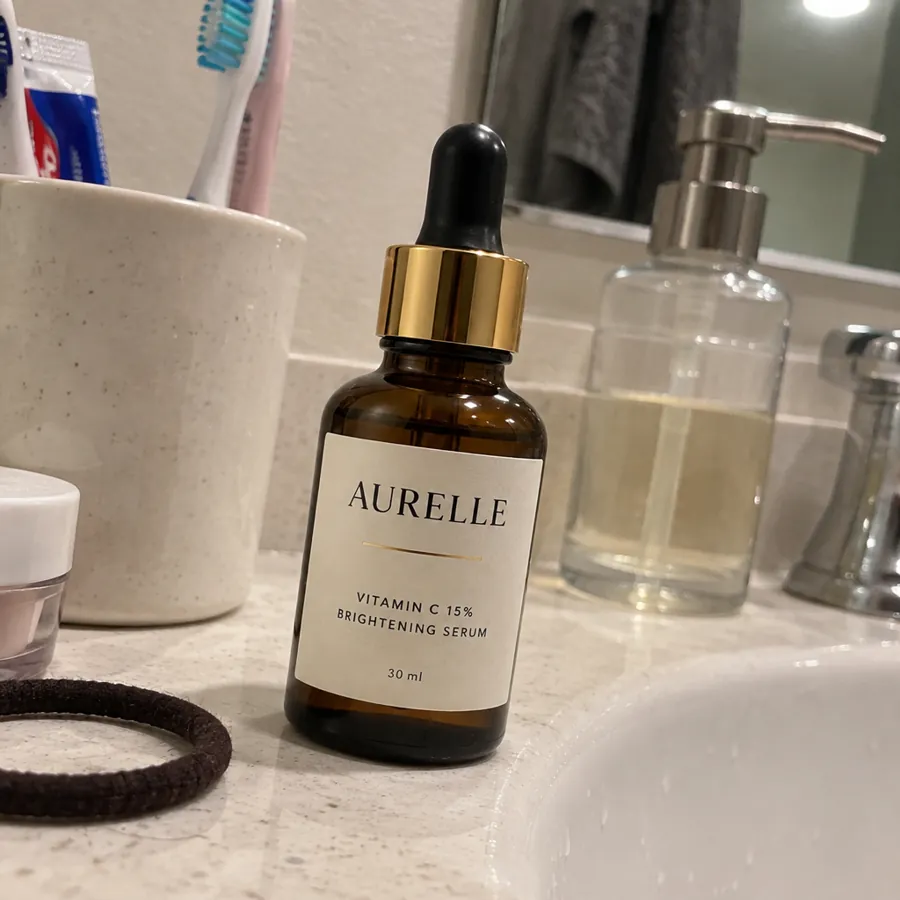
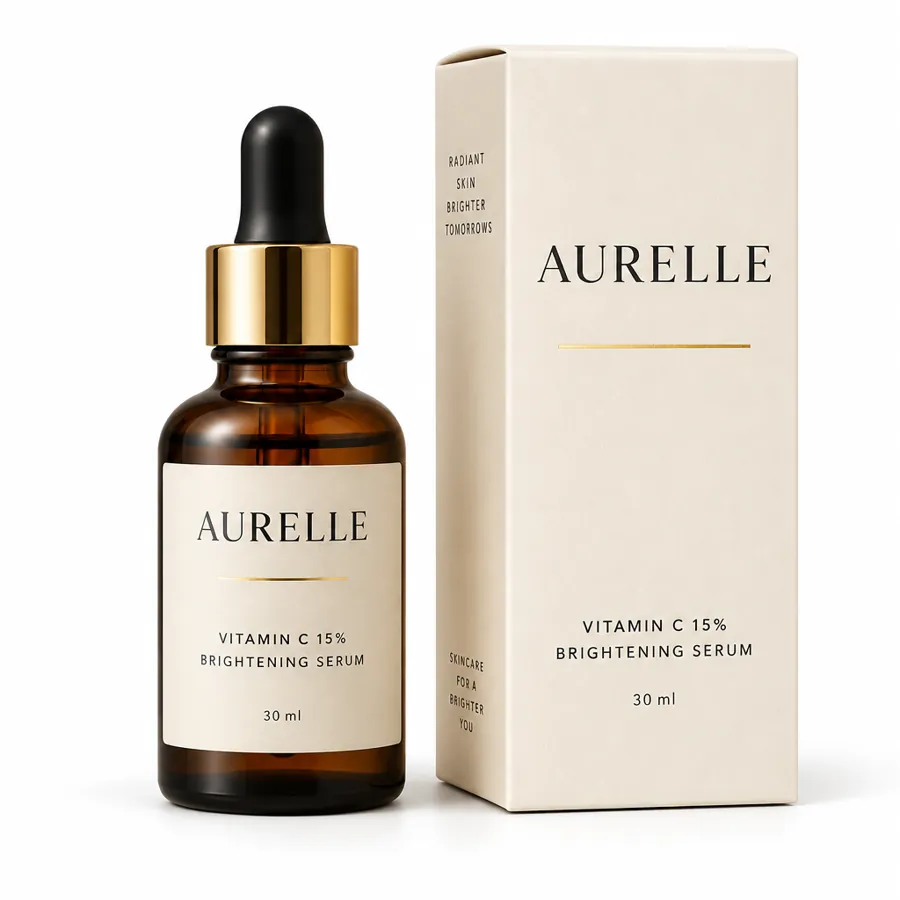
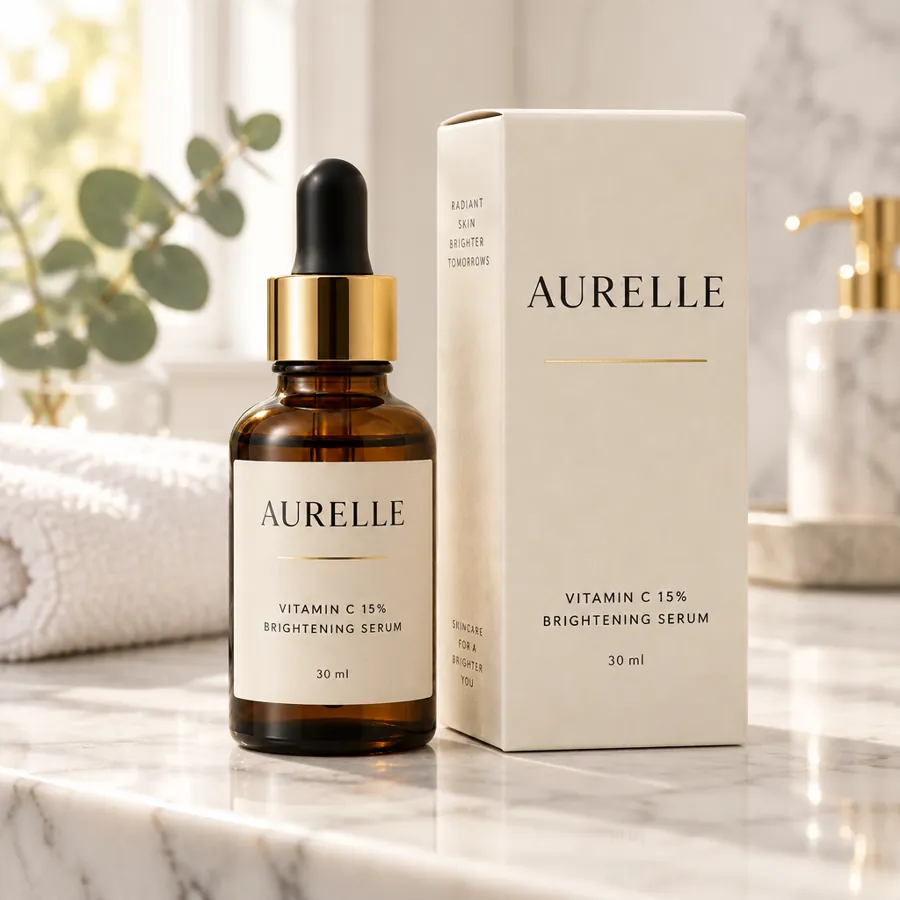
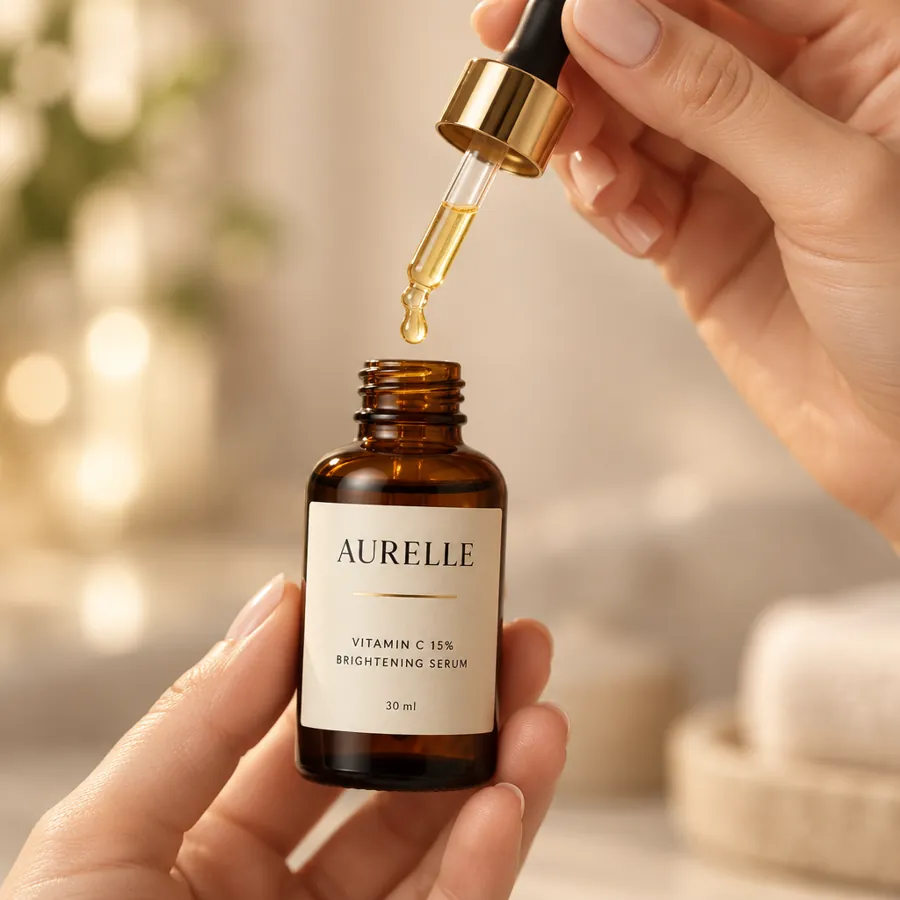
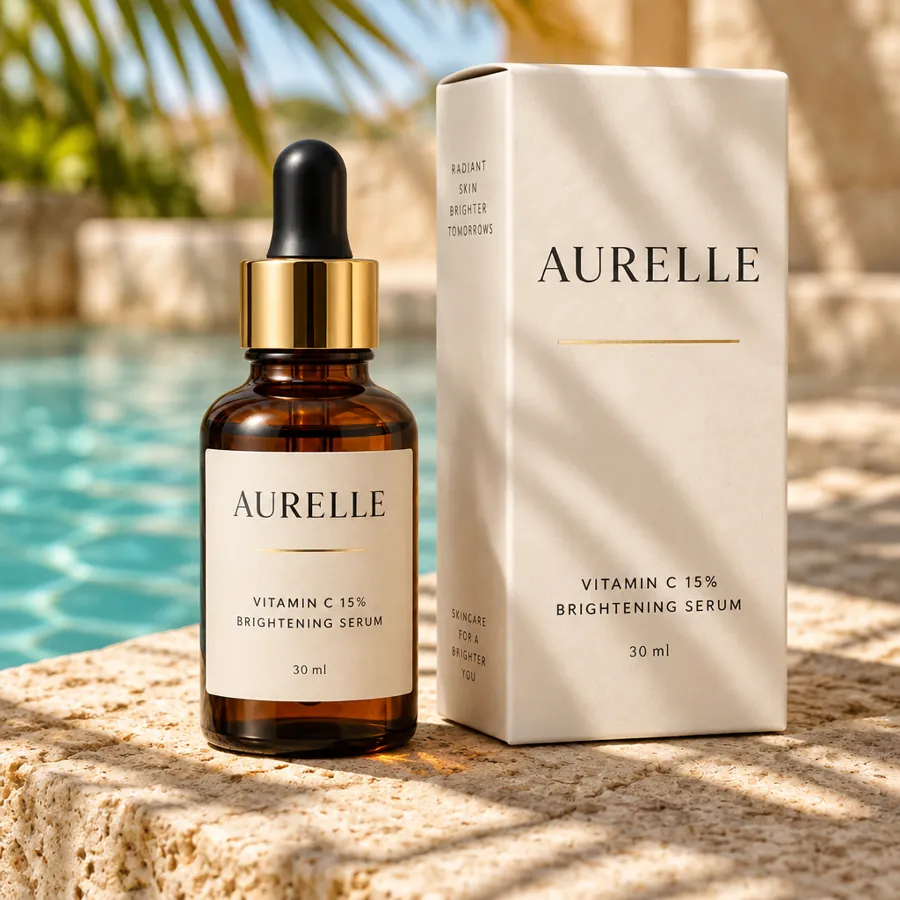



Any scene. The label and claims never change.
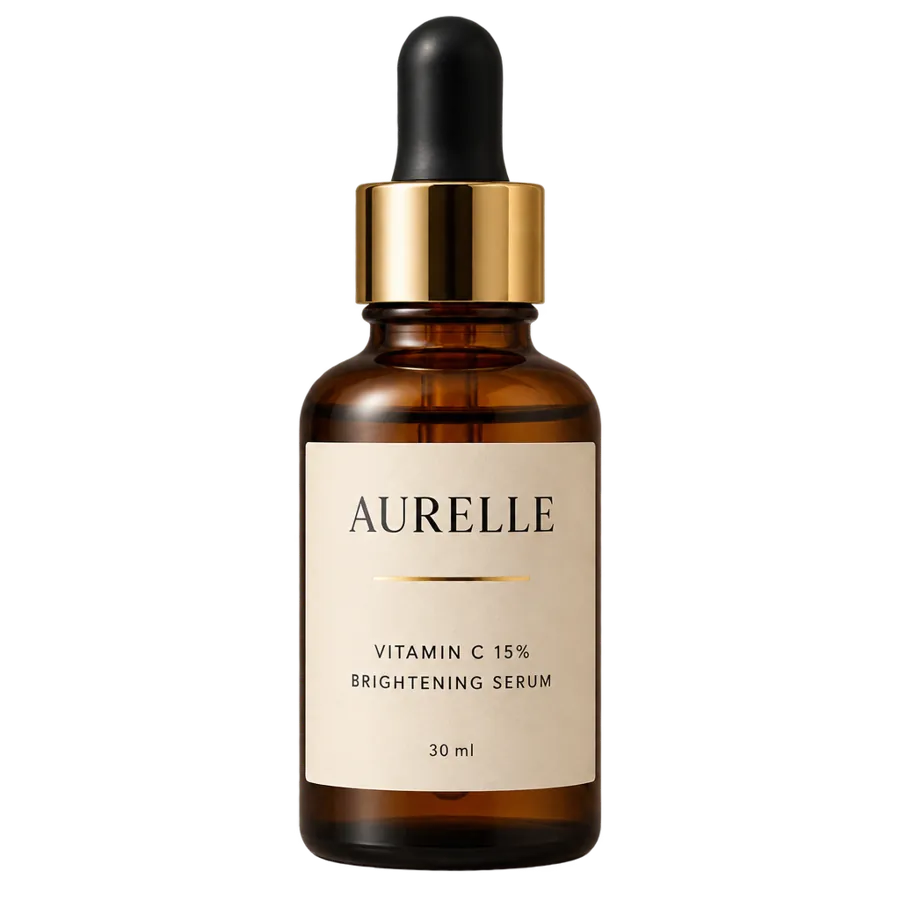
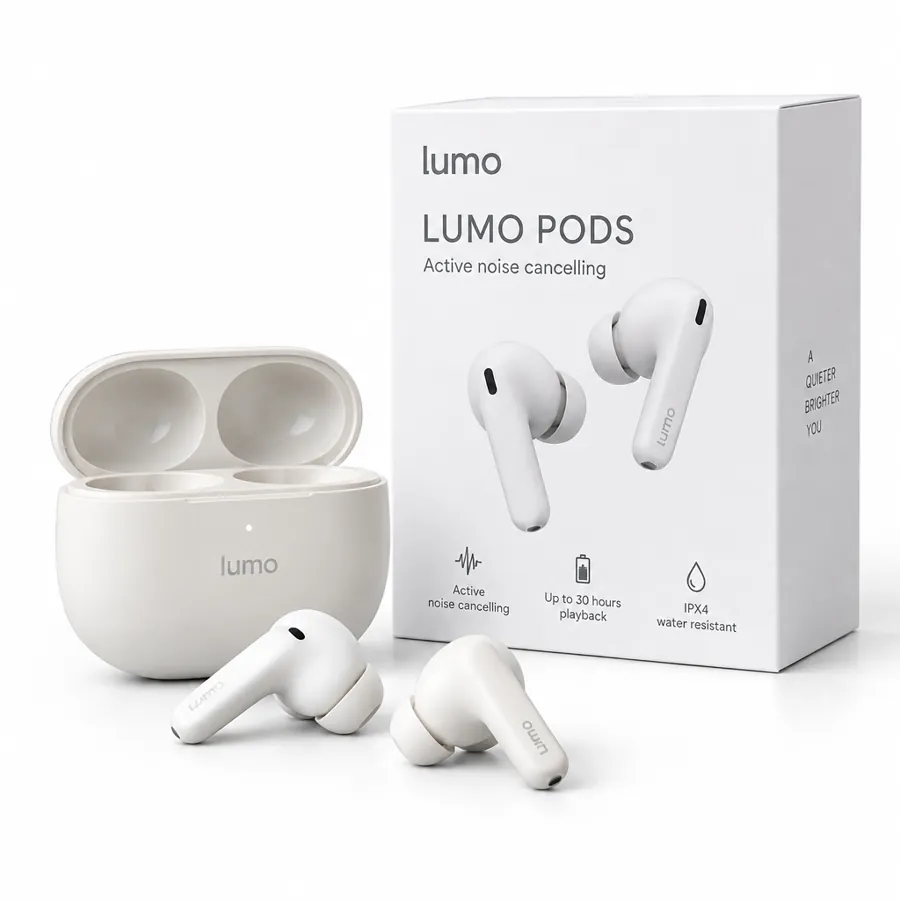
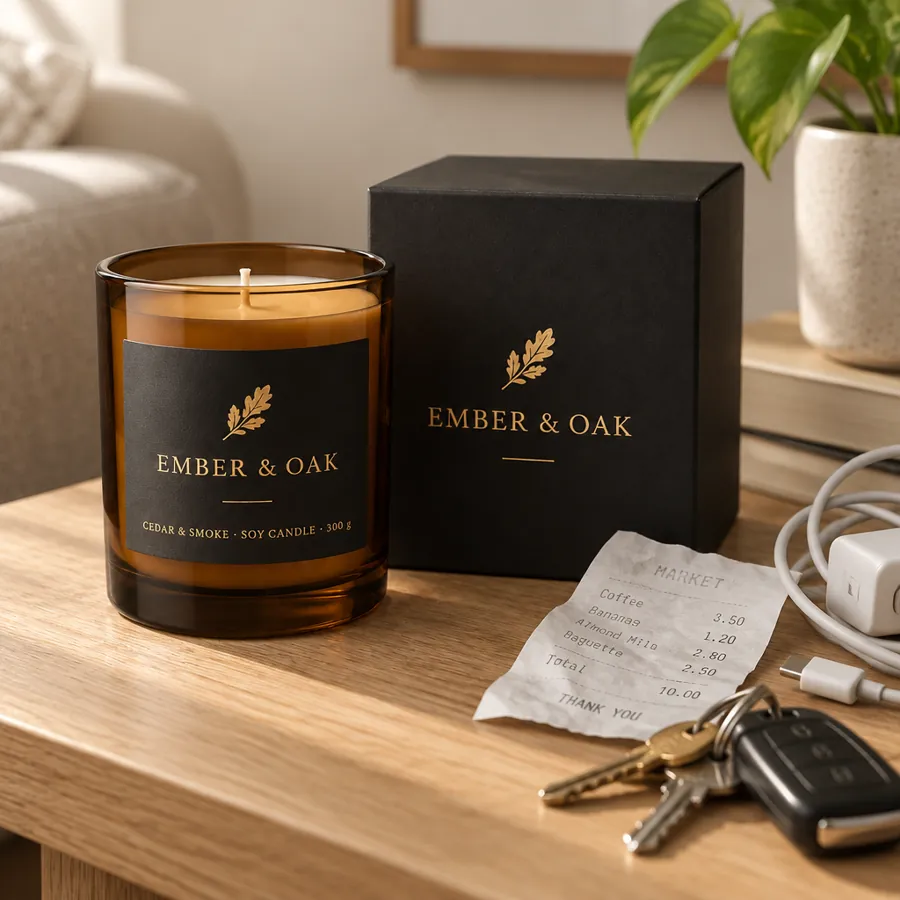
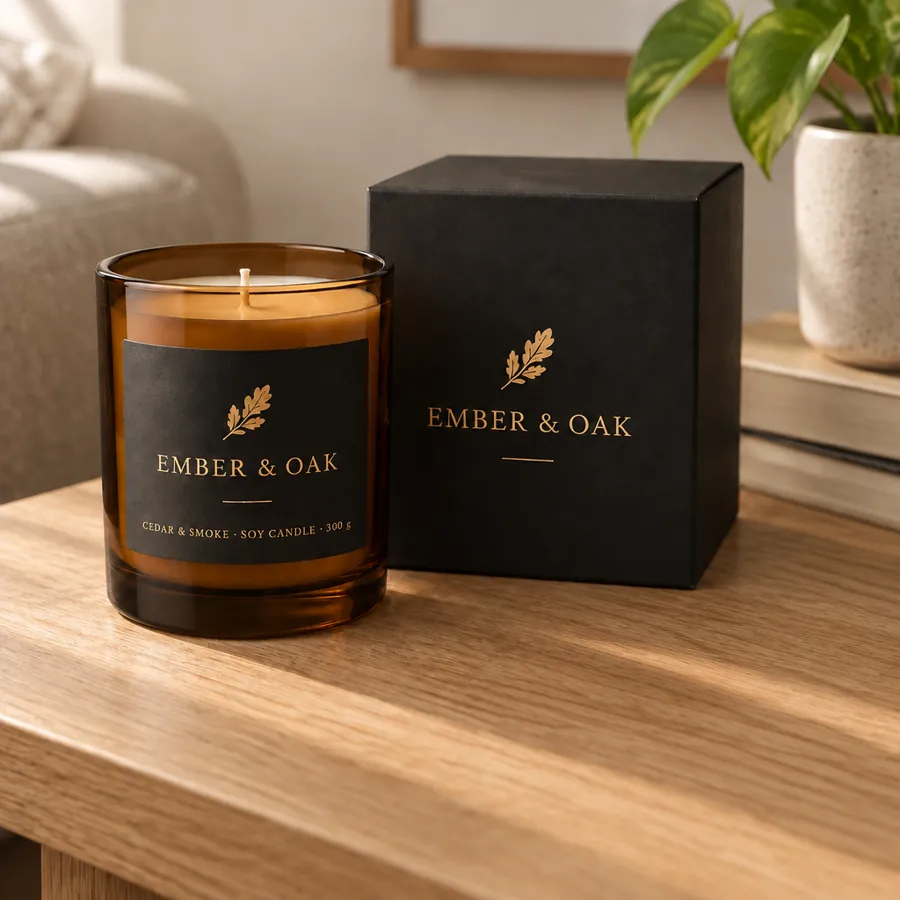
Packshot on pure white with the box, soft shadow
✓ Label as printed · On brand · Studio white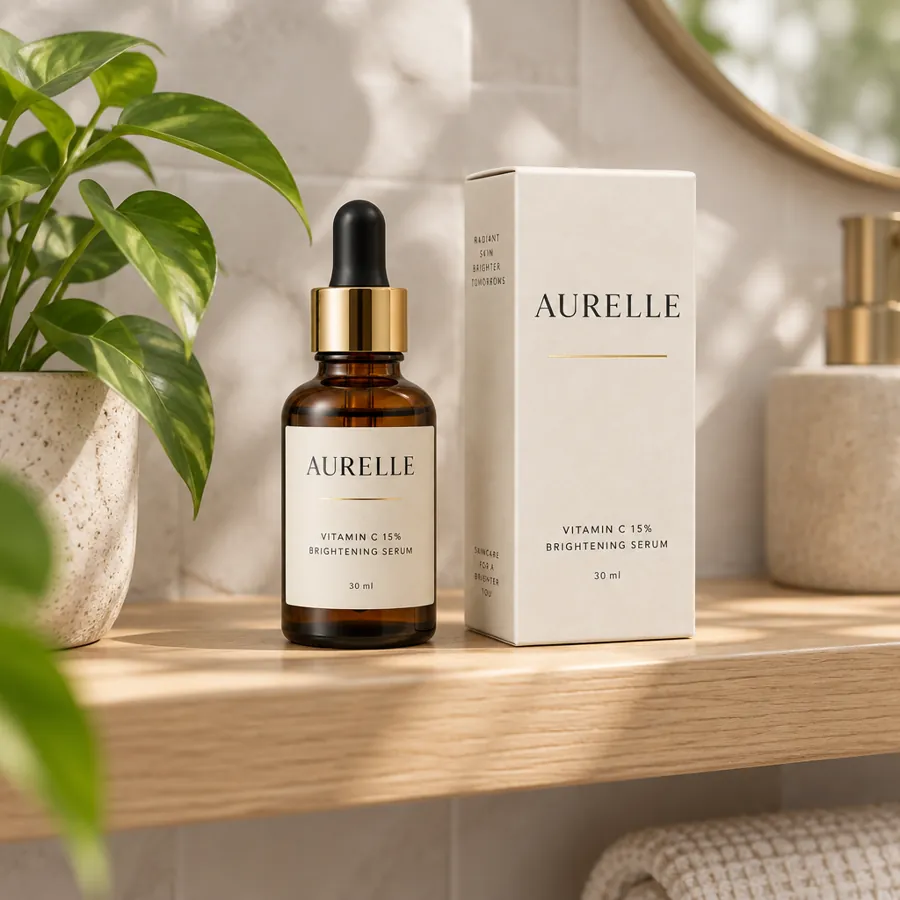
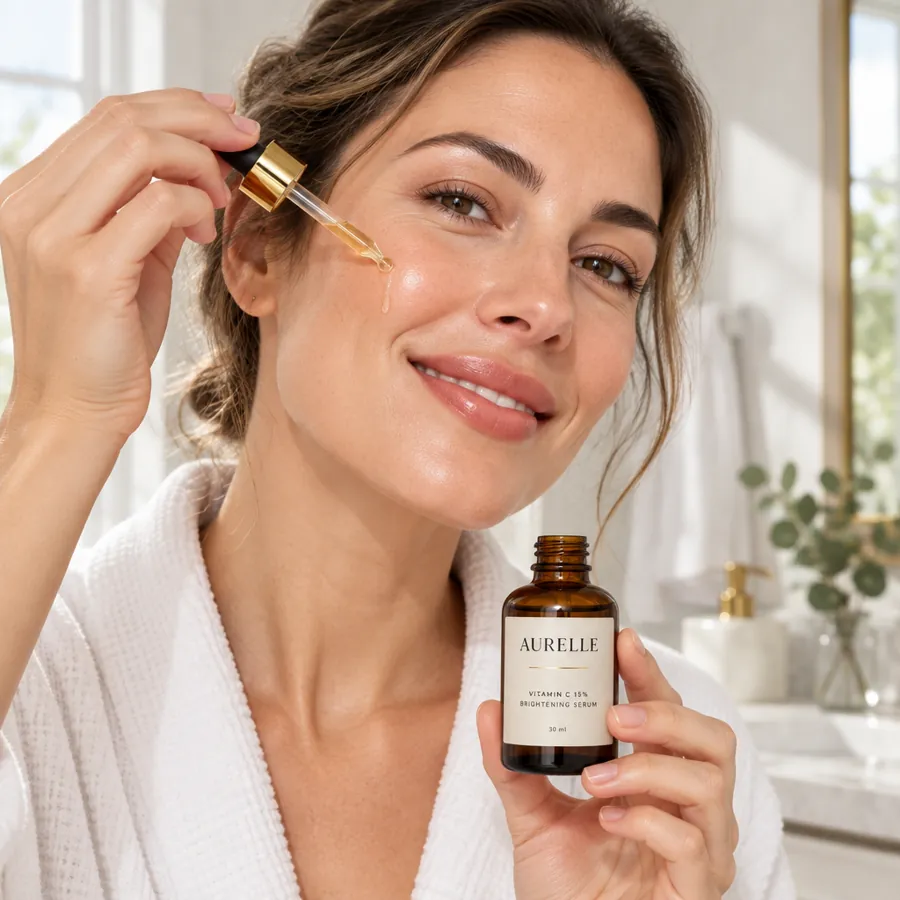
Product photos you can publish without a second guess
Your real product, as printed
Every shot is built from your own product photos. The label, logo, ingredients and claims stay exactly as they appear on the pack.
On brand in every scene
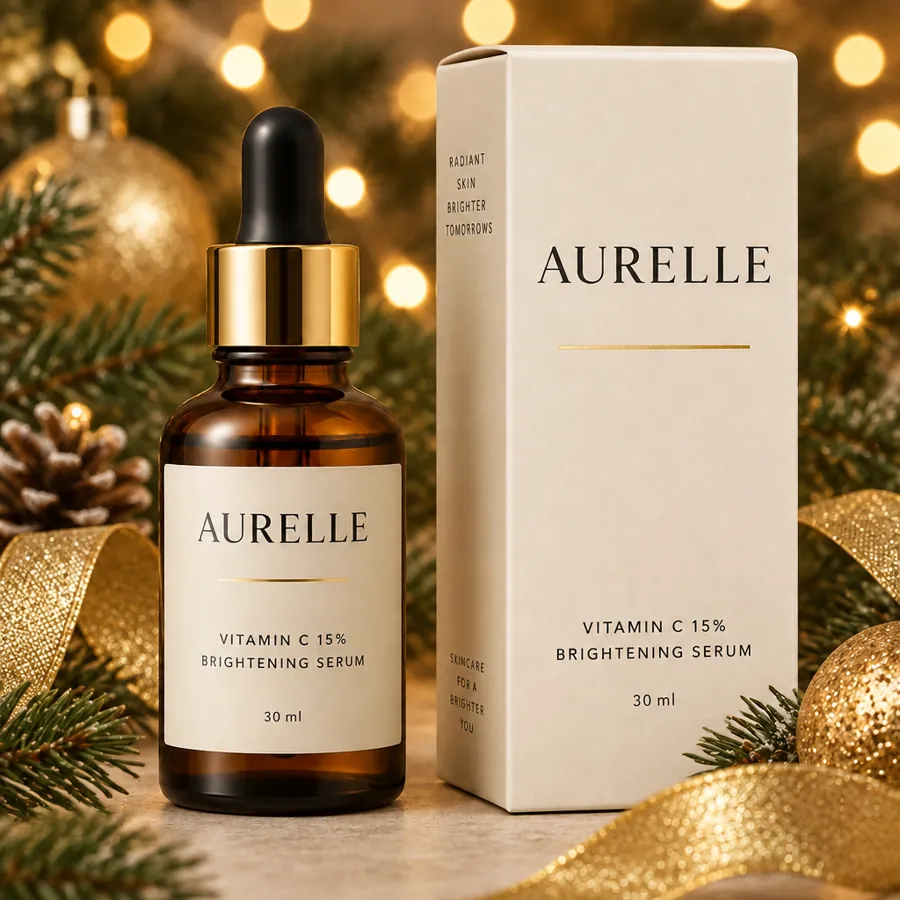
Your brand kit sets the colors, fonts and mood, so a packshot, a lifestyle scene and a holiday ad all look like they came from one shoot.
Compliance check before you publish
The compliance checker reviews each image against your brand, the platform's specs and ad policies, so problems are caught before launch.
Ecommerce photography at the right spec for every channel
S strada · SponsoredShop the drop
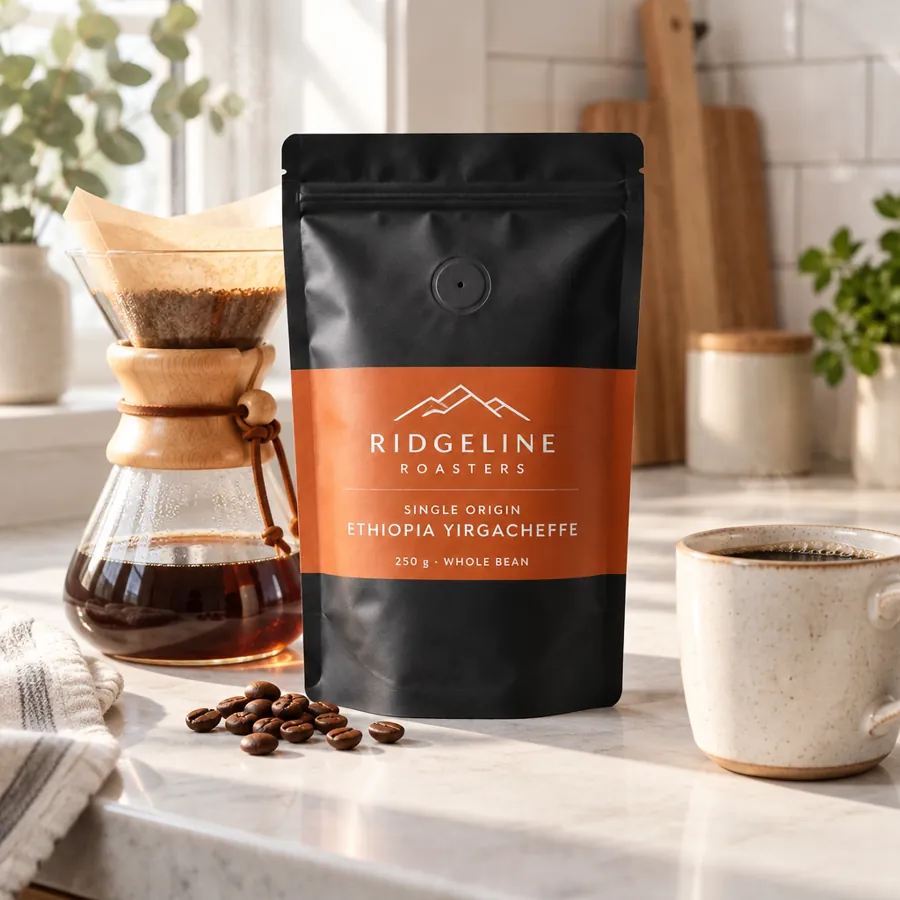
- Rridgelineroasters
ridgelineroasters Sunday pour-over, sorted.
- @vantadetailing
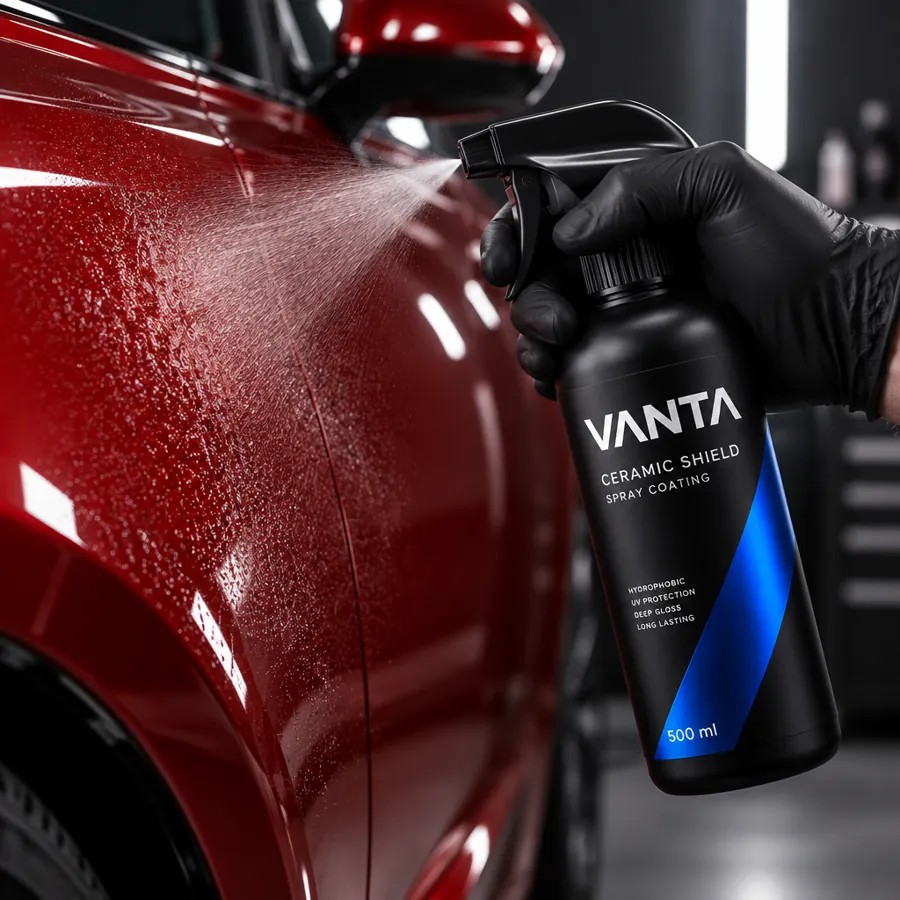
60-second gloss, no buffer needed.
Vanta Ceramic Shield · $34.99
- A 3-step vitamin C morning routineA aurelle.skin
Visit site
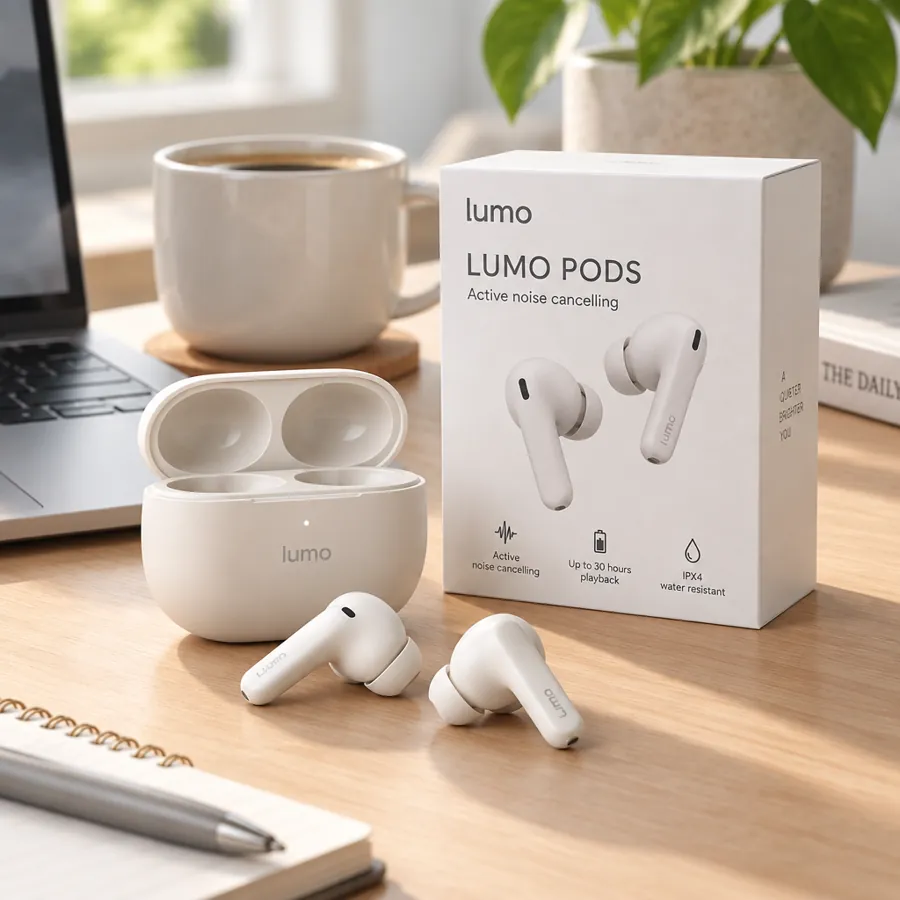
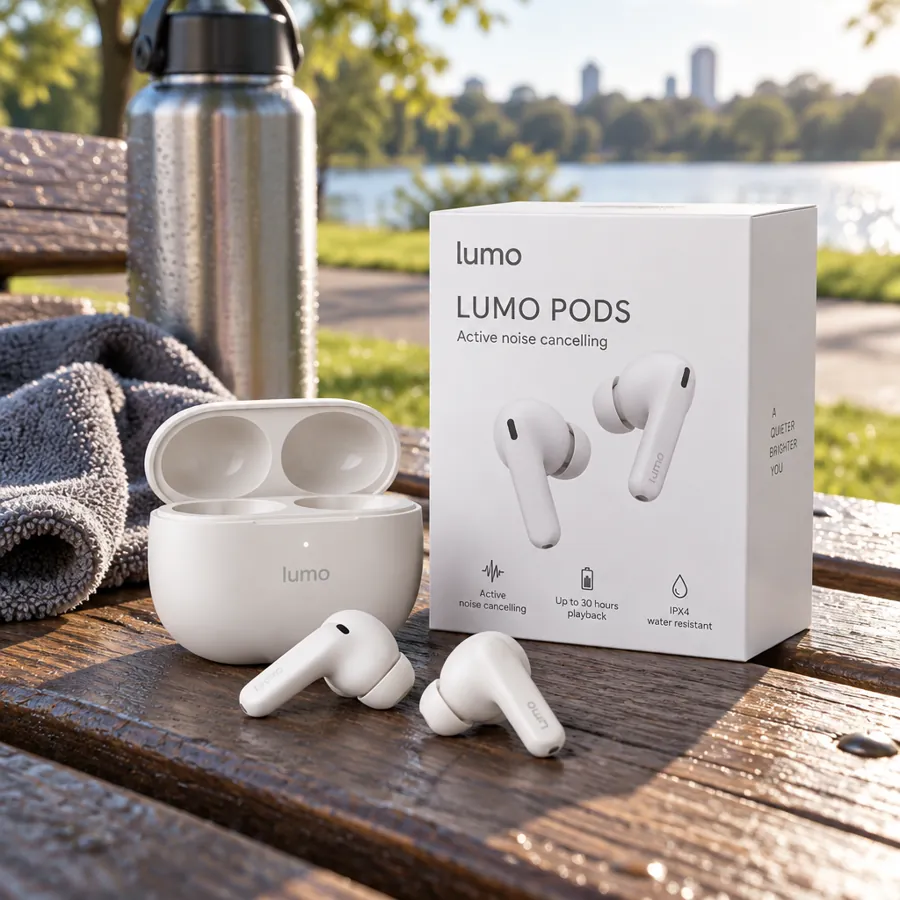
- Audio · EarbudsLumo Pods★★★★★ 4.8$129
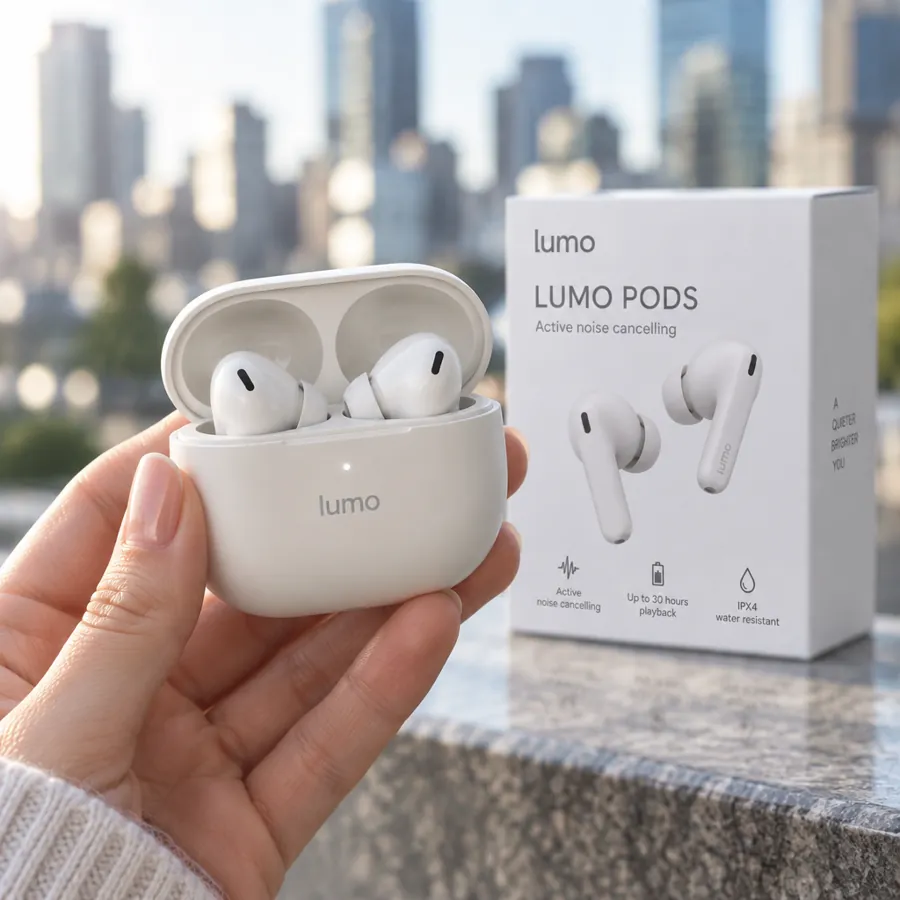
Active noise cancelling, up to 30 hours with the case.
- Vanta Ceramic Shield Spray Coating, 500 ml★★★★★ 4.7$34.99Free delivery tomorrow
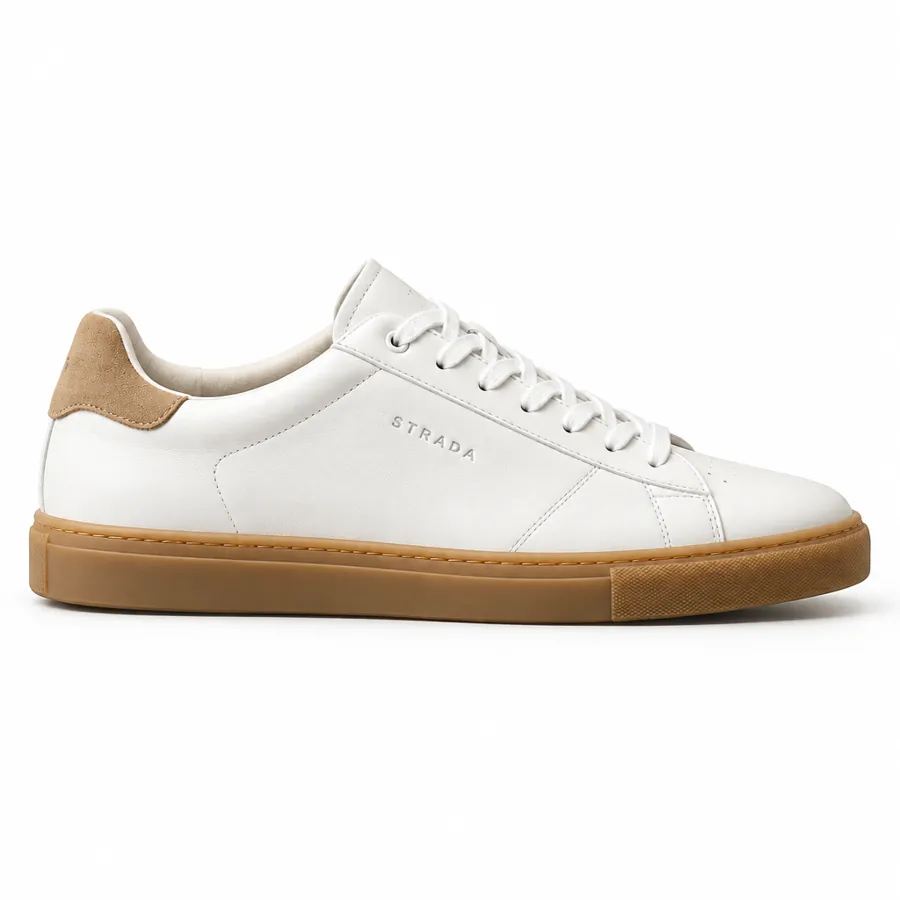
- SponsoredStrada Leather Sneaker, White$148.00strada.com★★★★★ 4.6Free delivery · 30-day returns
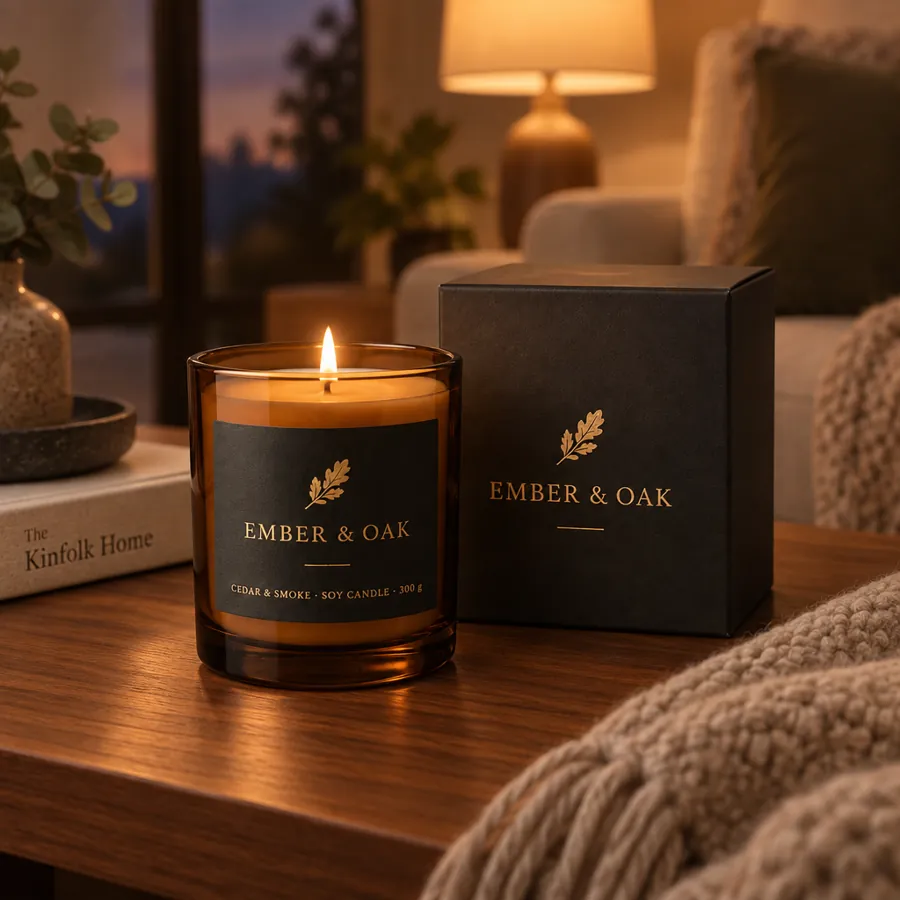
- EEmber & OakSponsored
Slow evenings start here. Hand-poured soy candles, 60-hour burn.
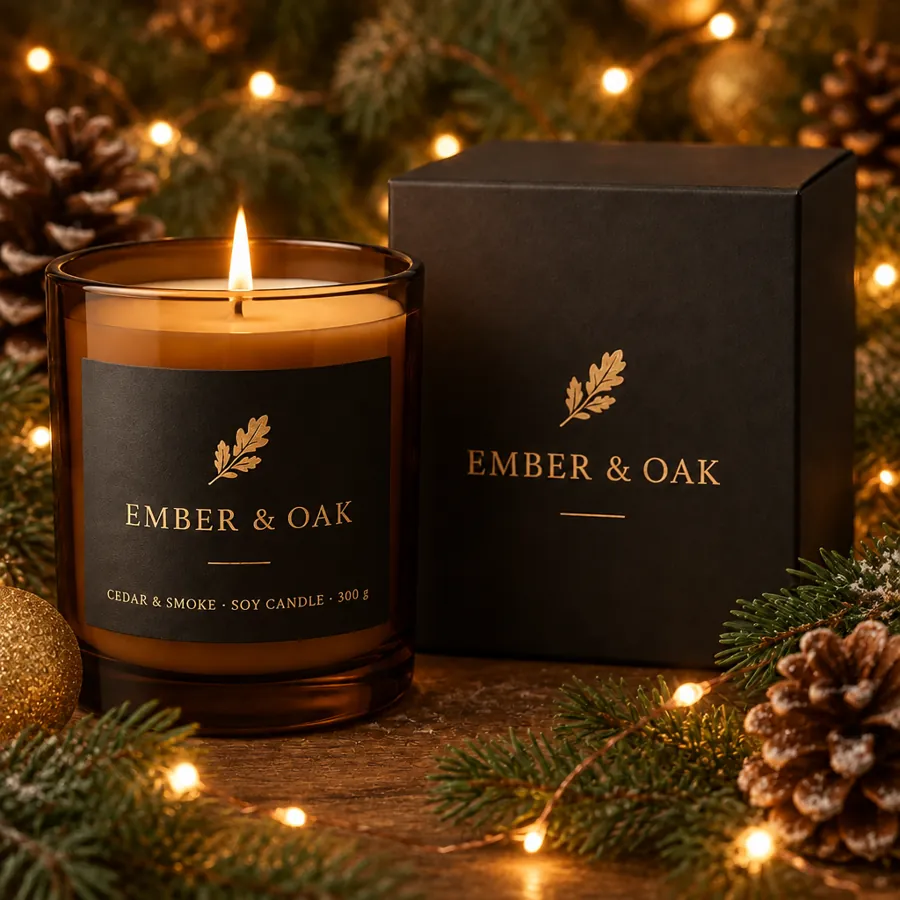
- The cozy season is here
Gift sets from $38, wrapped and shipped by Friday.
- Lumo PodsHear the city, not the noiseAd
Fix what's off-brand. Leave the rest alone.
How to create brand-safe product photos with AI
1. Add your product
Upload one or more photos and tag them as Product references, up to 8 per image. A clear phone photo is enough.
2. Describe the shot
Ask for a packshot, a setting or a person holding it, in plain words. Add a portrait as an Avatar reference to keep one model across the set.
3. Check, fix and export
Run the compliance check, fix any area that's off, then download PNG, JPEG or WebP at the right size for each platform.
Product photo in, finished ad out
Product photo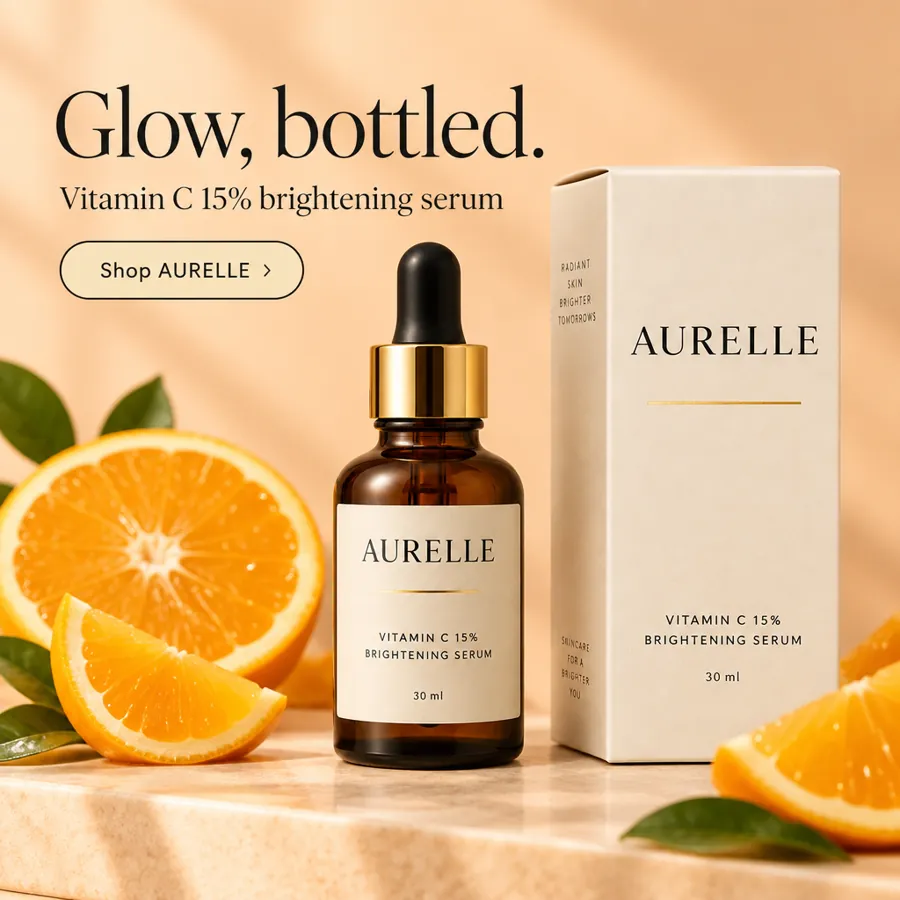 Finished ad, made with the AI ad generator
AI product photography vs a product photoshoot
| Feature | KappaX | Product photoshoot | AI image generators |
|---|---|---|---|
| Label and claims stay as printed | |||
| Uses your brand kit in every shot | |||
| Compliance check before publishing | |||
| Sized for each platform's specs | |||
| New scenes without a reshoot | |||
| Fix one area, keep the rest | |||
| Turn photos into ads in the same tool |
Frequently asked questions
What is brand-safe AI product photography?
It's AI product photography you can publish under your brand without worrying about what it shows. KappaX builds every scene from photos of your real product, keeps the label and claims as printed, applies your brand kit and runs a compliance check before anything goes live.
Will the AI change my label or the claims on my packaging?
No. You add your product photos as references, up to 8 per image, and the image specialist keeps the packaging as it is, including ingredient lists and claims. If anything looks off, select the area and ask for a fix. Nothing outside the selection changes.
How is this different from an AI product image generator?
A general AI product image generator draws a product that looks like yours, so labels, logos and claims often come out wrong. KappaX works from photos of your actual product, applies your brand kit and checks every image before you publish, so the result is ecommerce product photography you can use as is.
What does the compliance check look at?
It reviews each image against your brand kit, the platform's specs and ad policies, such as a white background for marketplace main images or the right size for a Story. You see what needs fixing before you export or publish.
How does it keep photos on brand?
Share your website and the brand researcher builds a brand kit with your logo, colors, fonts and tone. The brand kit then shapes every image you make, so a whole set looks like one shoot.
What photos do I need to start?
A clear photo of the product is enough to start. Several angles and good light give the AI more to work from, especially for packaging with text.
Can I get a white or transparent background?
Yes. Remove the background from any product photo and export it as a transparent PNG, or ask for a plain studio background in the color you need.
Can I use AI product photos for ecommerce and ads?
Yes. Make shots for your online store, marketplace listings, social posts and ads, each at the right size for that platform. When you need a finished ad, the AI ad generator adds the layout and copy on the same canvas.
Is AI product photography cheaper than a product photoshoot?
It removes the per-shoot costs: studio time, props, locations and reshoots for every new campaign. KappaX AI is included in paid plans with a 7-day free trial. See pricing for details.