
The AI Ad Generator That Knows Your Brand
Share your website and describe the ad. KappaX researches your brand, plans the layout, writes the copy and creates the images, then gives you an ad you can edit layer by layer.



What is the KappaX AI Ad Generator?
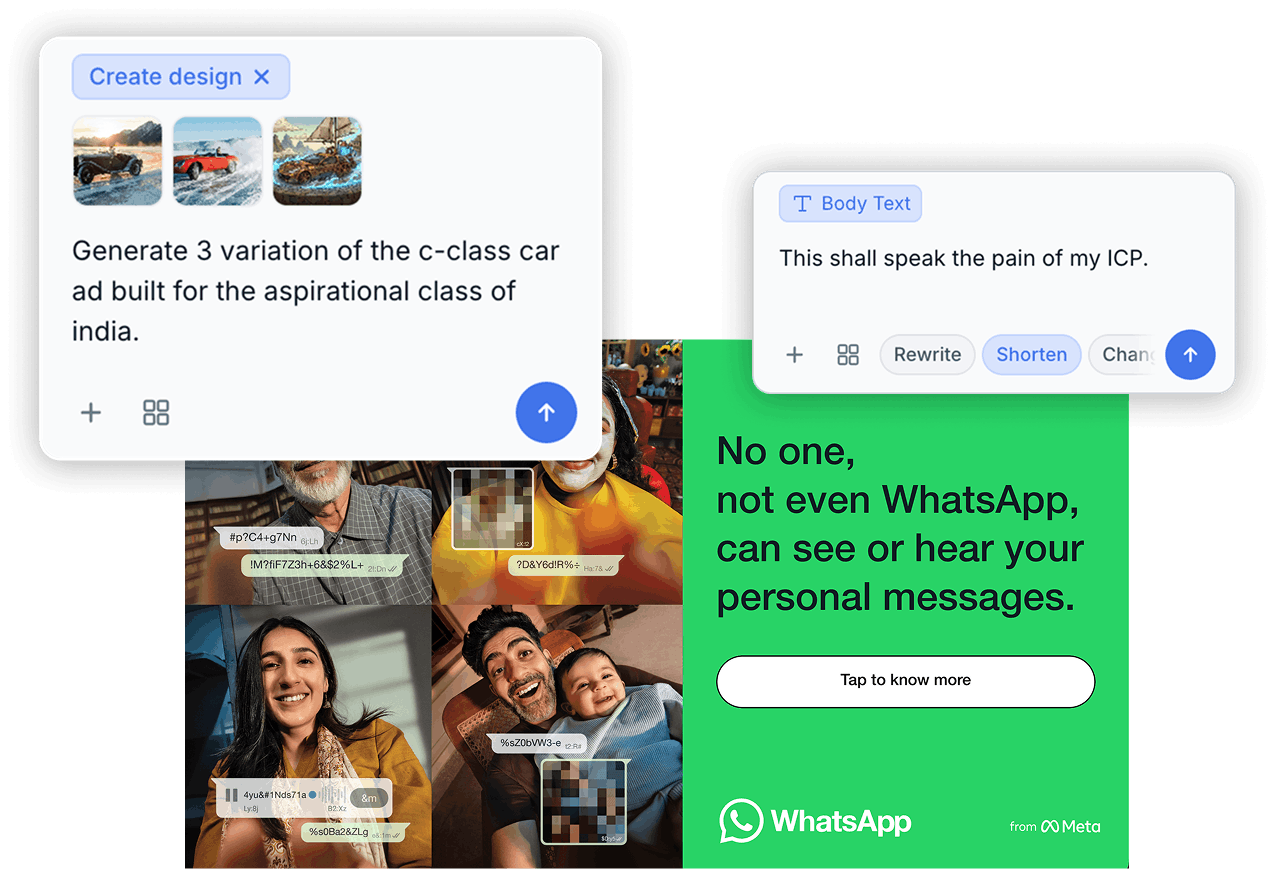
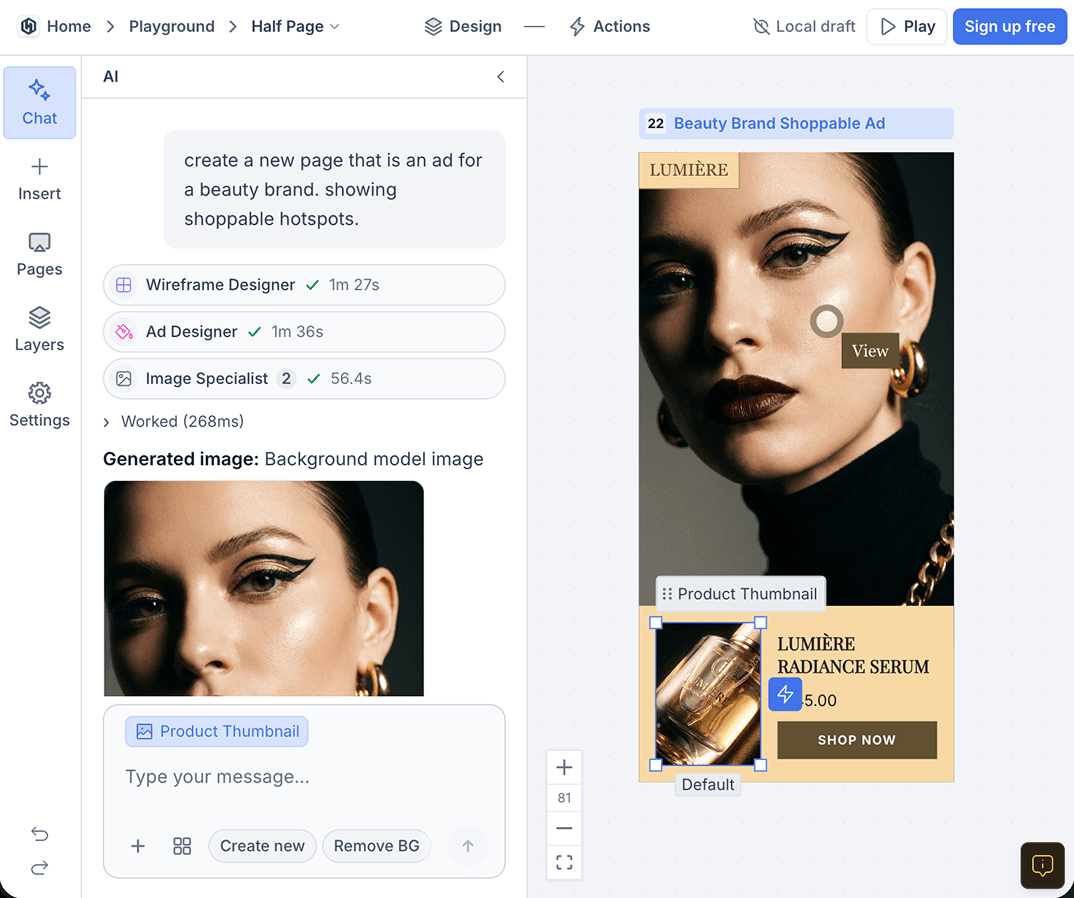
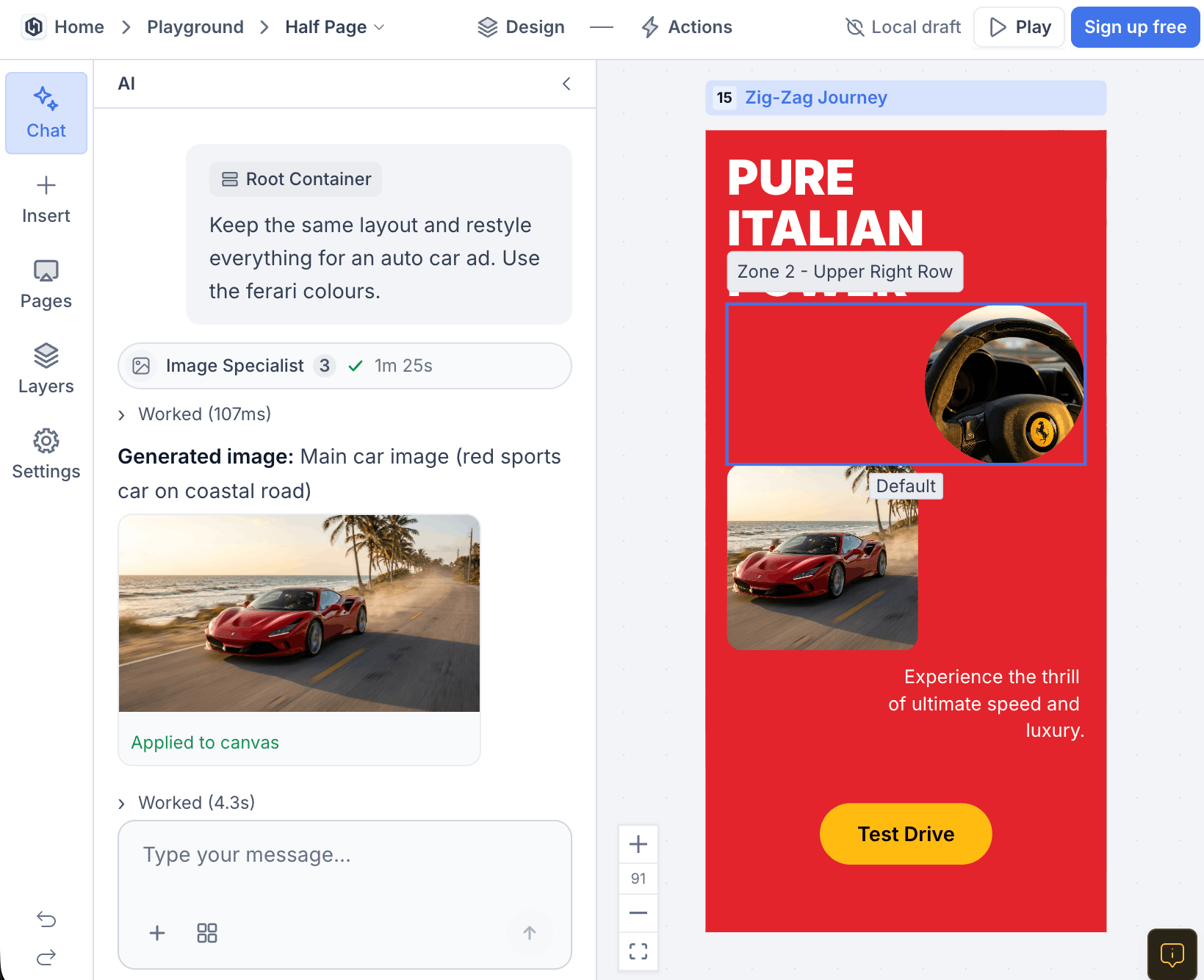
An AI ad maker built around your brand. You brief it in chat, and specialist agents do the work a design team would: a brand researcher builds your brand kit, a wireframe designer plans the layout, a copywriter writes the ad copy and an image specialist creates the visuals from your product photos. The finished ad lands on a canvas where every element stays editable.
Why Use an AI Ad Generator Built for Brands?
Starts From Your Brand
Your logo, colors, fonts and taglines go into a brand kit once and shape every ad after that.
Shows Your Real Product
Product and model references keep packaging, logos and faces consistent from one ad to the next.
Editable, Not Flat
Text stays text and images split into layers, so a small fix never means generating the whole ad again.
More Sizes From One Ad
Layout reflow rearranges a finished ad for a new size instead of cropping it.
You Approve Every Step
Check the wireframe before images are made, then accept, edit or redo any part of the ad.
From Brief to Finished Ad
It Learns Your Brand First
- Saved to your workspace and used in every chat
- Edit the kit by hand whenever your brand changes
- Every ad starts from your brand, not from a generic template
A Wireframe Before Anything Is Generated
- See the layout before spending time on images
- Ask for a different structure in plain words
- The ad designer builds the finished ad on top of it
Ad Copy Written for the Placement
- Ask for a different tone or a shorter version
- Change one line without touching the rest of the ad
- Copy stays editable as text, not baked into the image
Images That Show Your Real Product
- Add up to 8 reference photos, each tagged as Product or Avatar
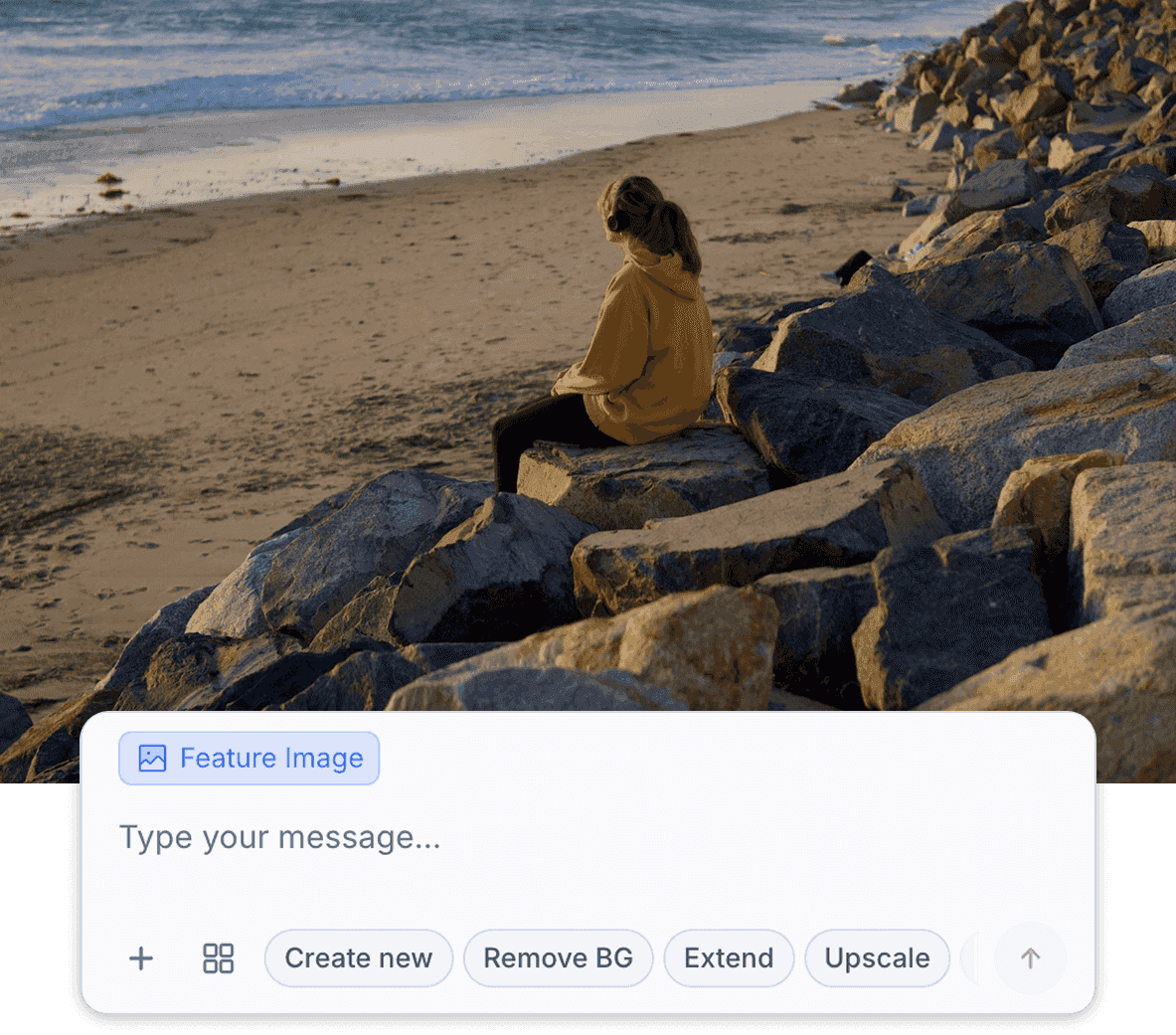
- Remove backgrounds, extend a photo or upscale it
- Select one area of an image and change only that part
One Ad, More Sizes
- Turn a feed ad into a story or a display banner
- Export images as PNG, JPEG or WebP
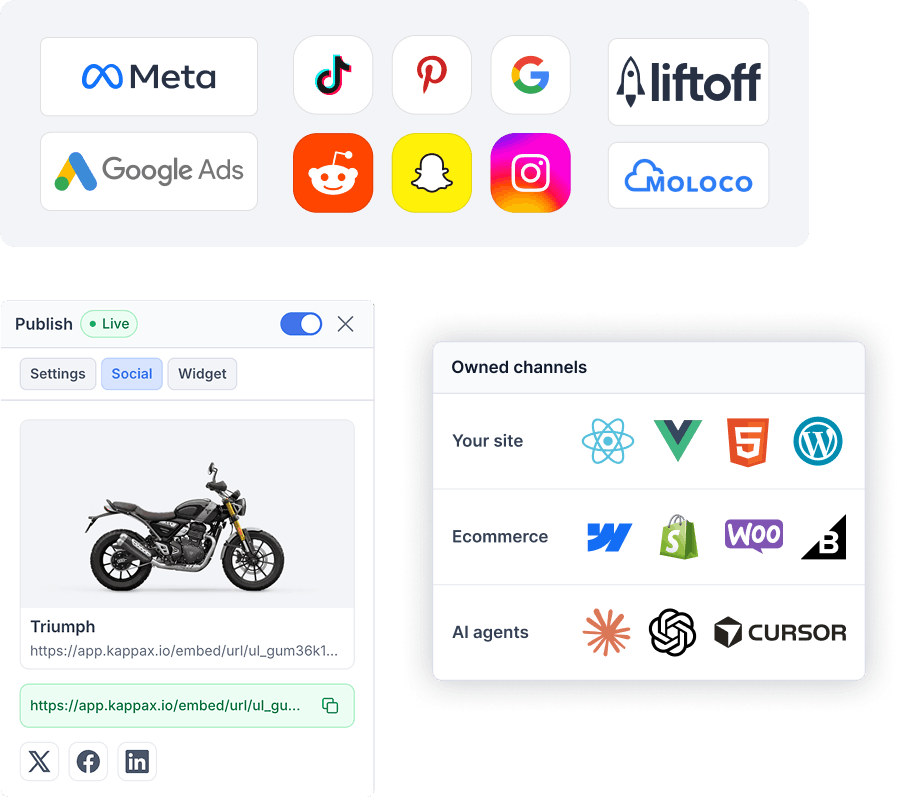
- Publish as HTML5 for Google Ads and Performance Max
KappaX vs Other Ways to Make Ads
How an AI ad generator built on your brand compares with the usual tools.
| Feature | KappaX | Template ad makers | AI image generators |
|---|---|---|---|
| Builds a brand kit from your website | |||
| Plans the layout before generating | |||
| Writes the ad copy | |||
| Works from your product photos | |||
| Every layer stays editable | |||
| Adapts one ad to other sizes | |||
| Exports HTML5 for Google Ads |
Add Your Brand
Share your website and the brand researcher builds your brand kit.
Brief the Ad
Describe the ad, the offer and the placement in chat, and add product photos as references.
Approve and Edit
Check the wireframe, then review the finished ad. Change any layer by hand or by asking.
Resize and Export
Adapt the ad to other sizes, then export images or publish it as HTML5.
Frequently asked questions
What is an AI ad generator?
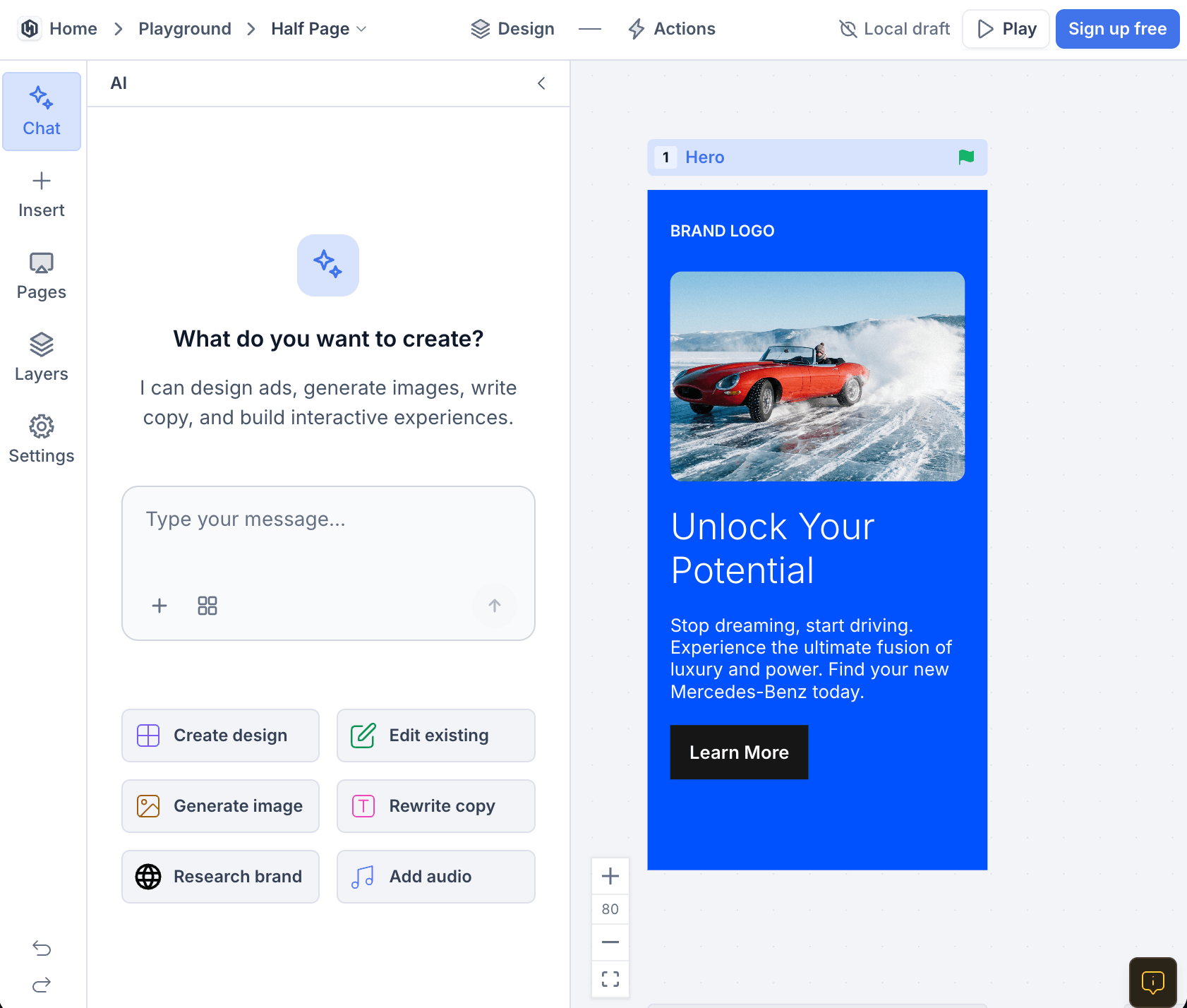
An AI ad generator is a tool that creates ads from a short brief. KappaX goes further than a template ad maker: it researches your brand, plans the layout, writes the ad copy and generates the images, and every part of the ad stays editable.
How do I create an ad with AI?
Share your website so KappaX can build your brand kit, then describe the ad you need in chat. Approve the wireframe, review the finished ad on the canvas, and change anything by hand or by asking. Export it or publish it as HTML5.
Can I use my own product photos?
Yes. Add up to 8 reference photos and tag each one as a Product or an Avatar. The image specialist works from them, so your packaging, logo and models look the same in every ad.
Which ad formats can I make?
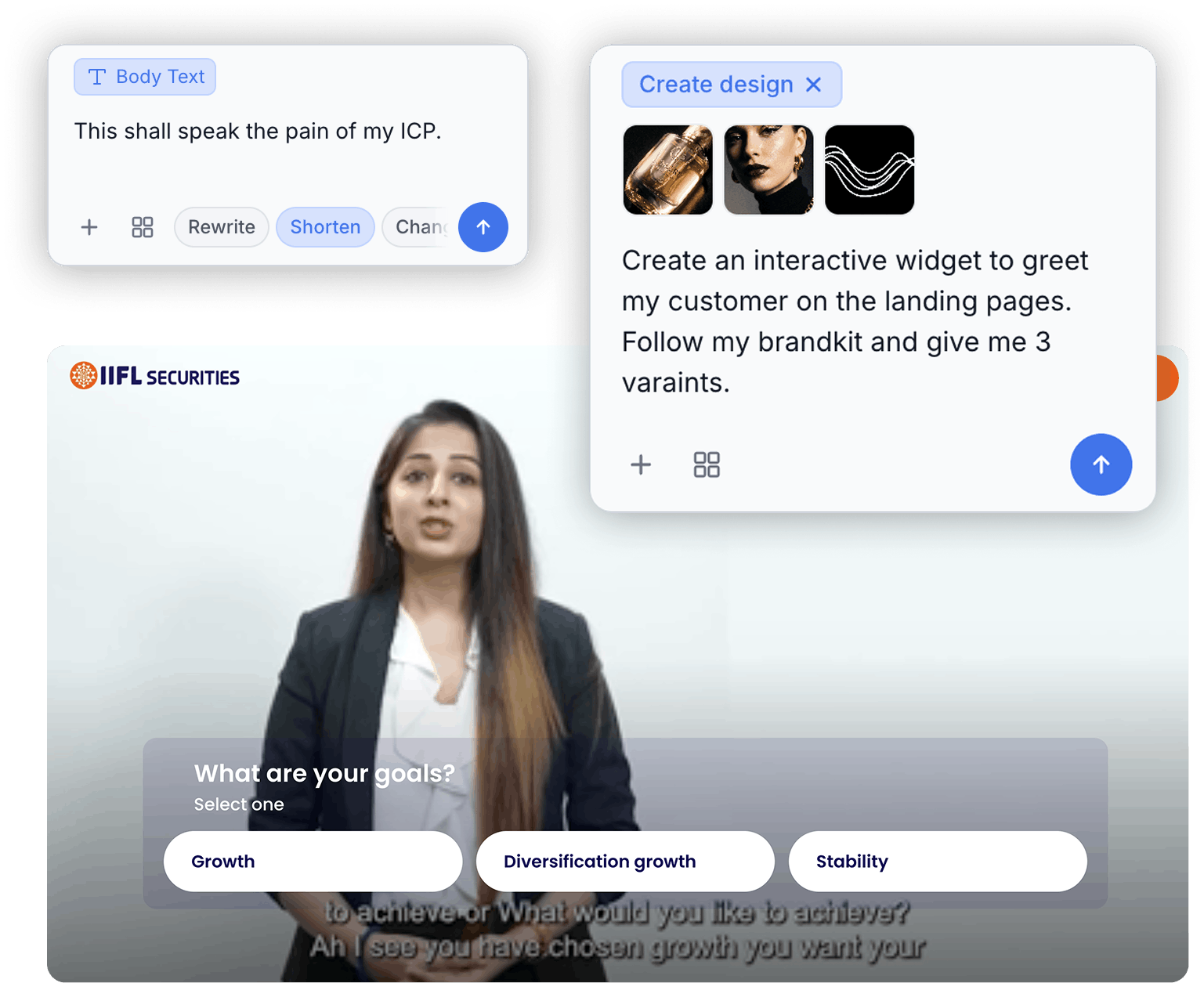
Static image ads for social feeds, stories and display banners. Layout reflow adapts one ad to other sizes. You can also turn an ad into an interactive ad with quizzes, product selectors or clickable video.
Can I edit the ads it generates?
Yes. Text stays editable, and image to layers splits a generated image into separate layers you can move, recolor or replace. You can edit by hand or ask the chat to make the change.
Is there a free AI ad generator plan?
KappaX AI is included in paid plans, and every plan starts with a 7-day free trial, so you can make ads before you pay. See pricing for details.
How is this different from the rest of KappaX AI?
The ad generator is one of the jobs KappaX AI does. The same chat and canvas also handle brand kits, product imagery and audio.

Learn more: best AI advertising tools · AdCreative.ai alternative